








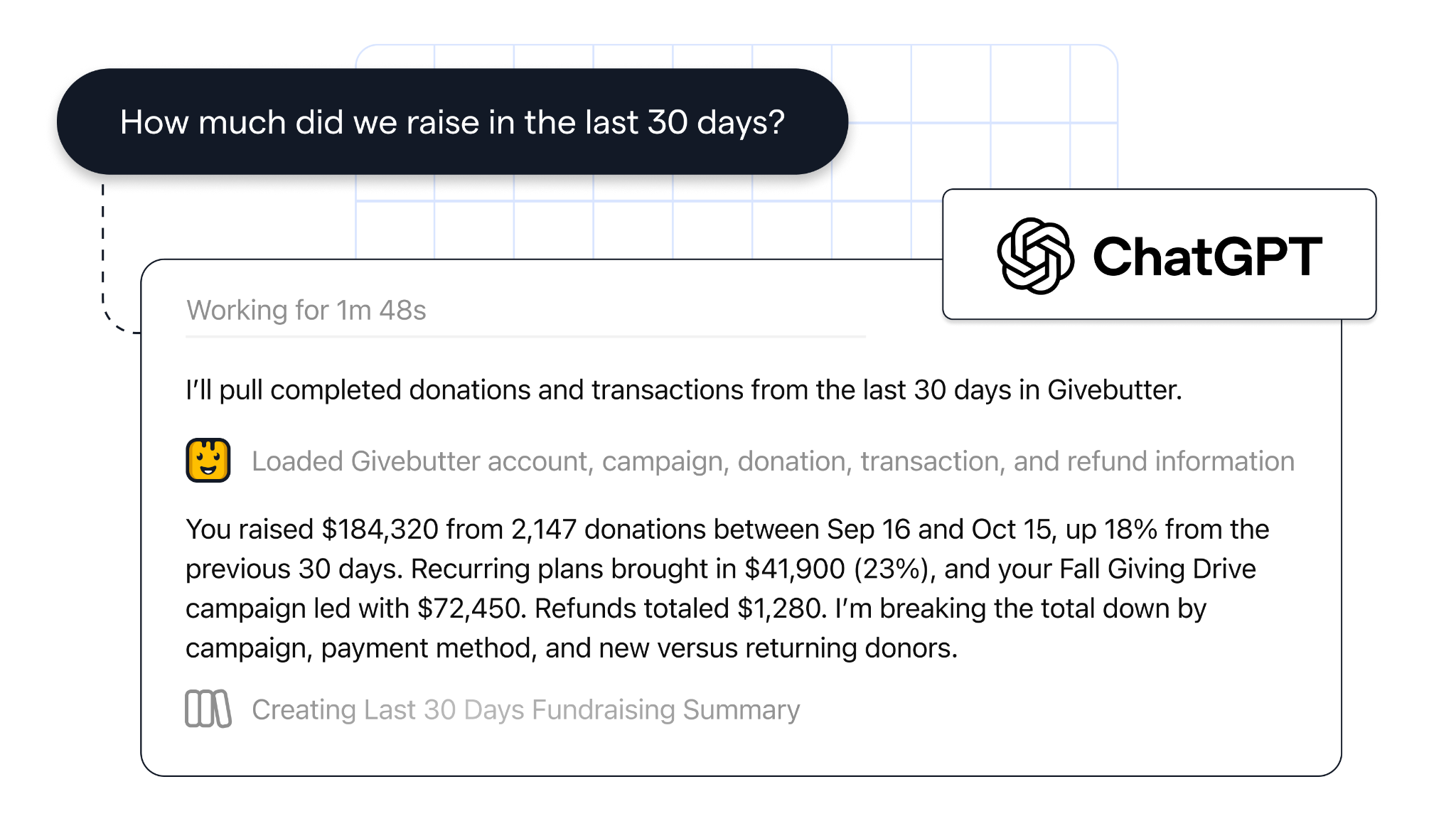
Givebutter’s free Claude connector lets you ask anything about your live fundraising data in plain English—no exports, spreadsheets, or copy-and-paste.

With a little Givebutter Magic, you can equip Claude with the full picture of your fundraising progress and donor activity, so you don’t have to start from scratch for every prompt.
How the Claude integration works
Normally, you’d have to give Claude the background on your nonprofit’s mission and goals, import data, and hope for the best. With Givebutter’s official Claude connector, built on MCP (Model Context Protocol), the two platforms come together to deliver faster, smarter insights that move your work forward.
- Fully informed answers 🌎 Claude’s answers are rooted in your live Givebutter data: contacts, transactions, recurring donations, campaigns, teams, auctions, pledges, and messages.
- Sensitive data protected 👁️ Claude only sees what your Givebutter login can see. Banking information is always off limits, and AI connectors never move money or process payments.
- Safe and secure 🔒 Your Givebutter password and payment details are never shared with Claude. Each individual on your team authorizes their own connection.
- You’re in control 🤖 You can disconnect at any time in Claude. Givebutter admins can manage or disable AI connectors in Settings > AI.
Givebutter’s Claude integration is free and available for every account, with no separate AI fees or credits.
How to connect Claude to Givebutter
The process takes just a few minutes—and zero manual configuration.
1. Sign up for free
Create your free Givebutter account (or log in). Sign up →
2. Find the Givebutter connector
In your Claude account, go to Settings → Connectors, find Givebutter, and select Connect. If you’re on a Claude Team plan without connector permissions, you'll see a Request button that asks your workspace admin to approve it.
3. Sign in & authorize
Sign in to Givebutter, choose an account if you have more than one, and click Authorize Claude.
⭐️ Read the complete step-by-step guide →
See it in action
Turn donor questions into answers with Claude
With Givebutter, your donor management & CRM, campaigns, events, and supporter activity already live in a single platform, so Claude sees all your fundraising activity in one place, without stitching multiple tools together.
Bring your real fundraising data into the conversation with helpful AI prompts, including:
- Year-over-year insights: "Which donors gave more this fiscal year than last?"
- Lapsed donors: “Find donors who gave last year but not this year.”
- Campaign reporting: "Break down donations by campaign for Q1."
- Donor segments: "Find contacts in California who gave more than $500."
Keep in mind that AI answers can be incomplete or wrong, so teams should check important facts before sharing them.
👉 Sign up for your free Givebutter account today and get started in minutes →
FAQs about the Claude integration
Is the Givebutter Claude integration free?
Yes, the integration is free for all Givebutter accounts. Your Claude subscription is separate.
Can Claude change my Givebutter data?
No. Claude only reads data. It can't create, edit, or delete records, and it can’t move funds or process payments.
Does Givebutter use my donor data to train AI?
Givebutter does not use your or your donors' personal data to train large language models. How Claude handles retrieved data depends on your Anthropic plan and privacy settings, so you should review your data controls before connecting a personal account. You can disconnect at any time.


Having Givebutter connected with AI gives us a much better way to stay organized. Instead of digging through spreadsheets and reports, I can get the information I need quickly and turn it into action.






Build with Givebutter's API
Code custom giving experiences, automations, and integrations with our public API.

Take your Claude integration further
Claude’s answers are only as complete as the data behind them. Your donation forms, events, auctions, and donor records all live in Givebutter’s nonprofit CRM, so one connection gives Claude the full picture without exports from several tools.