

.svg)
.svg)
.svg)
.svg)
.svg)
.svg)
.svg)
.svg)
.svg)


.svg)
.svg)
.svg)
.svg)
.svg)
.svg)
.svg)
.svg)

.svg)
.svg)
.svg)

.svg)

.svg)
.svg)
.svg)
.svg)
.svg)


.svg)
.svg)
.svg)
.svg)
.svg)
.svg)
.svg)






.svg)



%20(1).png)

Zelle makes giving feel easy: Many donors already have it, transfers are quick, and the network itself doesn’t charge fees. That can make Zelle for nonprofits seem like a simple solution—especially for occasional gifts from people you know.
The trouble starts when those gifts become a regular part of your fundraising. Zelle doesn’t collect complete donor details, send tax receipts, or save giving history in a CRM. That leaves your team matching deposits to donors and following up by hand.
So, is Zelle the right choice for your nonprofit? We’ll break down where it works, where it falls short, and which free alternatives can help you accept donations while building stronger donor relationships.
Can nonprofits use Zelle?
Yes—an eligible nonprofit can accept Zelle transfers through a business account if its bank or credit union supports Zelle for that account type. Fees, limits, and the information displayed with each transfer vary by financial institution.
Because Zelle doesn’t automatically collect complete donor information, generate gift acknowledgments, or sync with a CRM, your nonprofit will need its own process for recording and following up on every donation.
When Zelle works for nonprofits (& when it doesn’t)
Zelle is best suited to occasional, one-time gifts when you already have the supporter’s contact information and can record the donation manually. It isn’t a replacement for a fundraising platform if you regularly accept donations or want to grow your donor community.
One exception is a new Bank of America pilot. In March 2026, the bank partnered with Zelle to help a select group of nonprofits receive donor-advised fund (DAF) grants faster. For now, this applies only to grants distributed through Bank of America’s Charitable Gift Fund, not to everyday donations sent through Zelle.
How to set up Zelle for nonprofits
If your bank offers Zelle for your nonprofit’s business account, setup is fairly simple. The part that takes more planning is what happens after the money arrives. These four steps will help you get both pieces right:
- Check with your bank 🏦 Confirm that Zelle works with your account, then ask about fees and transfer limits so there are no surprises.
- Connect your nonprofit’s information 📱 Enroll an organizational email address or U.S. mobile number. Some eligible accounts can also create a Zelle tag.
- Take it for a test drive 💸 Ask a team member to send a small payment so you can see what donors experience—and what appears in your bank records.
- Share the right details 📧 Give supporters the exact email address, mobile number, or Zelle tag connected to your nonprofit’s account.
Once a gift arrives, Zelle’s job is done. Yours isn’t: You’ll need to match the transfer to the donor, record the gift in your CRM, and send an acknowledgment. That may be manageable for an occasional donation, but the manual work can add up quickly.
%20(1).png)
Simplify nonprofit payment processing with Givebutter
What nonprofits lose when a donor gives via Zelle
Even when your bank doesn’t charge a Zelle fee, there can still be a hidden cost: the information that helps turn a one-time gift into a lasting relationship. Here are three gaps your team will need to fill by hand.
Donor contact information 📧
Zelle isn’t a donation form, so it doesn’t collect a donor’s email address, phone number, or giving history. The information displayed with each transfer varies by bank and may not be enough to identify or contact the supporter.
In one Reddit discussion, a nonprofit shared that its Zelle gifts arrived with only a name, leaving the team to track down contact information manually. That’s a lot of detective work just to send a thank-you.
The acknowledgment trail 📋
Zelle won’t automatically create or send donor acknowledgments. For a donor to claim a deduction of $250 or more, they need a written acknowledgment from the nonprofit.
Without an email address or donor record attached to the gift, your team may need to identify the donor, find their contact information, and send the acknowledgment manually. And year-end is busy enough already.
Long-term donor relationships 👋
A donation should be the beginning of a relationship, not the end of a transaction. But a Zelle gift doesn’t automatically create a CRM record or give your team an easy way to send thank-yous, impact updates, or recurring-giving invitations.
When those follow-ups fall through the cracks, it’s harder to turn a one-time donor into someone who stays invested in your mission.

At a glance: Zelle vs. nonprofit fundraising alternatives
Pricing and features checked in August 2026 using information from Zelle, Venmo, PayPal Giving Fund, and Givebutter.

The best Zelle alternatives for nonprofits
Zelle works in a pinch for occasional, one-time donations, but it isn’t built to manage nonprofit fundraising. If you’re looking for another option, we’ve broken down three of the best Zelle alternatives.
Givebutter 🧈
With automatic donation receipts and a nonprofit CRM, Givebutter is an all-in-one fundraising platform purpose-built for nonprofits. When optional donor tips are enabled, nonprofits pay $0 in platform and processing fees.
Because Givebutter isn’t limited to a single payment method, supporters can give however they prefer—and your team won’t need to juggle multiple tools or reconcile donations by hand.
.webp)
💸 Pricing: Givebutter’s core features are free to use when optional tips are enabled. If tips are disabled, a flat 3% platform fee and standard processing fees apply.
💛 Best for: Nonprofits that want to accept multiple payment methods and manage donor data in one place
Venmo for nonprofits 📱
Eligible nonprofits can create a Venmo charity profile after confirming their charity status through PayPal. It gives supporters a familiar way to donate, and Venmo automatically sends an official donation receipt.
You can view donation history and donor details, but donor email addresses can only be used for acknowledgments and tax-receipt purposes—not general marketing. You’ll also need to transfer the data into your CRM manually.
.webp)
Givebutter also offers Venmo donations, so you can manage fundraising and donor data in one place.
💸 Pricing: 1.9% + $0.10 per donation
💛 Best for: Nonprofits looking for a simple way to accept occasional Venmo donations
PayPal Giving Fund 💰
Through PayPal Giving Fund, nonprofits can receive grants generated by donations made through PayPal and participating partner platforms. PayPal Giving Fund sends donation receipts, and enrolled nonprofits can view donor information when supporters choose to share it.
However, it doesn’t offer features like recurring donations, customizable fundraising pages, or donor segmentation. Givebutter also supports PayPal donations, so you get a familiar payment option alongside tools for managing your fundraising and donor relationships.
.webp)
💸 Pricing: No PayPal Giving Fund fees; participating partners may charge their own fees
💛 Best for: Nonprofits that want to reach donors through PayPal and its partner platforms
Accept and track every donation with Givebutter
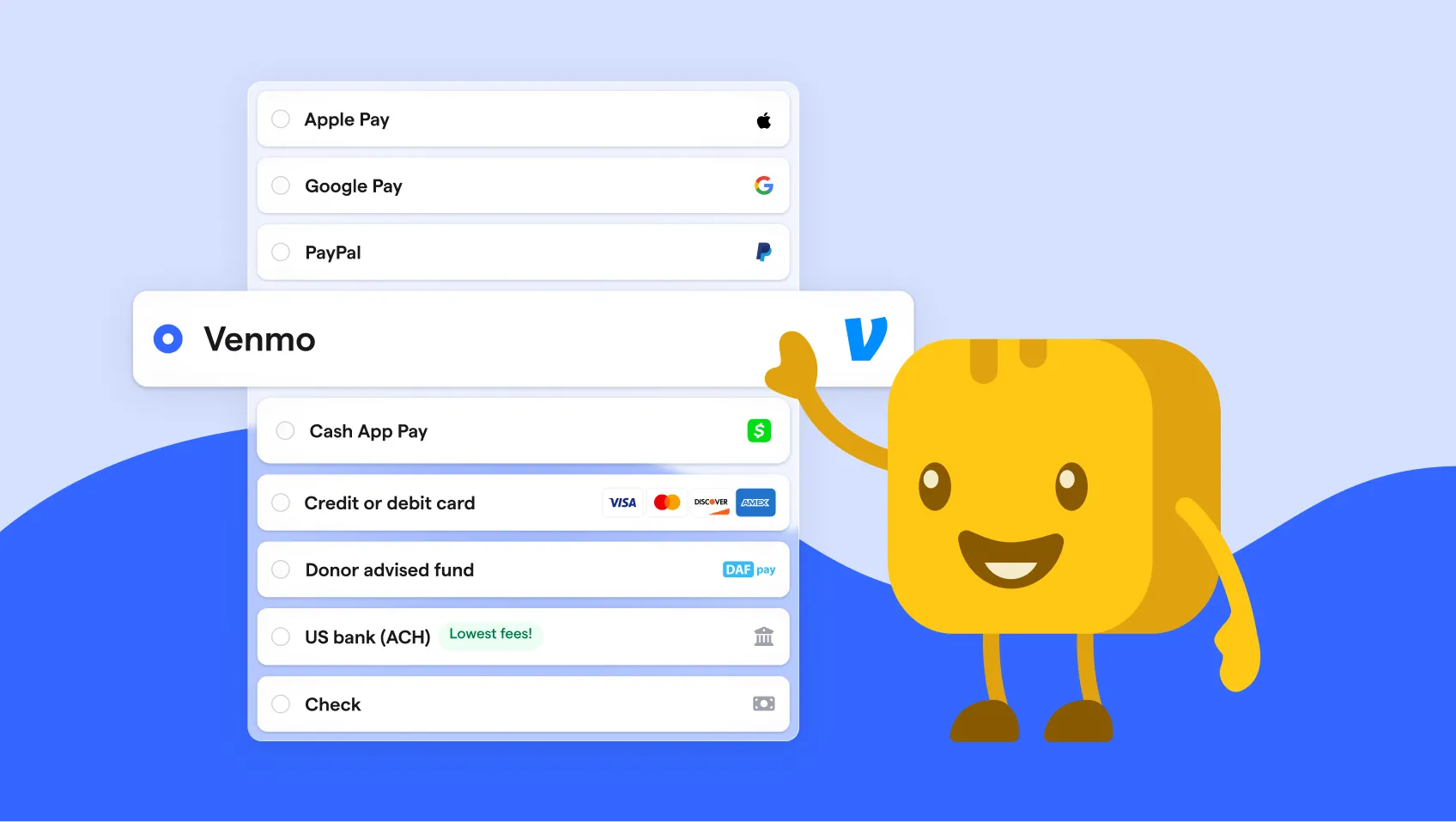
Your supporters don’t all want to give the same way. Givebutter lets them donate by card, PayPal, Venmo, Cash App Pay, ACH, or check—all through one fundraising platform.
No matter how someone gives, their donation, contact information, and giving history stay together in your nonprofit CRM, and Givebutter automatically sends a receipt. Instead of tracking Zelle, Venmo, PayPal, and other payments separately, your team gets one clear view of every donor and donation.
Sign up for Givebutter for free and make giving easier for your supporters—and donation management easier for your team.
FAQs about Zelle for nonprofits
Is Zelle free for nonprofits?
Not always. Your bank or credit union must support Zelle for your nonprofit’s business-account type, and any fees or transfer limits are set by the financial institution. Check with your bank before enrolling.
Can I accept Zelle donations on my website?
Zelle doesn’t offer an embeddable donation button or widget. Instead, you can display the organizational email address, U.S. mobile number, Zelle tag, or QR code connected to your account when those options are available through your financial institution.
With Givebutter, you can add donation forms and buttons directly to your website. Donors can give using cards, Venmo, PayPal, Apple Pay, Google Pay, or ACH.
Can nonprofits legally use Zelle?
Generally, yes. A nonprofit may be able to accept Zelle donations through a business account if its bank or credit union supports Zelle for that account type.
Keep organizational donations separate from personal funds, confirm your bank’s terms, and establish a process for recording each gift and sending any necessary acknowledgments. Consult a qualified tax or legal professional if you have questions specific to your nonprofit.
Share this article







.svg)
.svg)


