.svg)
.svg)
.svg)
.svg)
.svg)
.svg)
.svg)
.svg)
.svg)


.svg)
.svg)
.svg)
.svg)
.svg)
.svg)
.svg)
.svg)

.svg)
.svg)
.svg)

.svg)

.svg)
.svg)
.svg)
.svg)
.svg)


.svg)
.svg)
.svg)
.svg)
.svg)
.svg)
.svg)





Seating chart maker
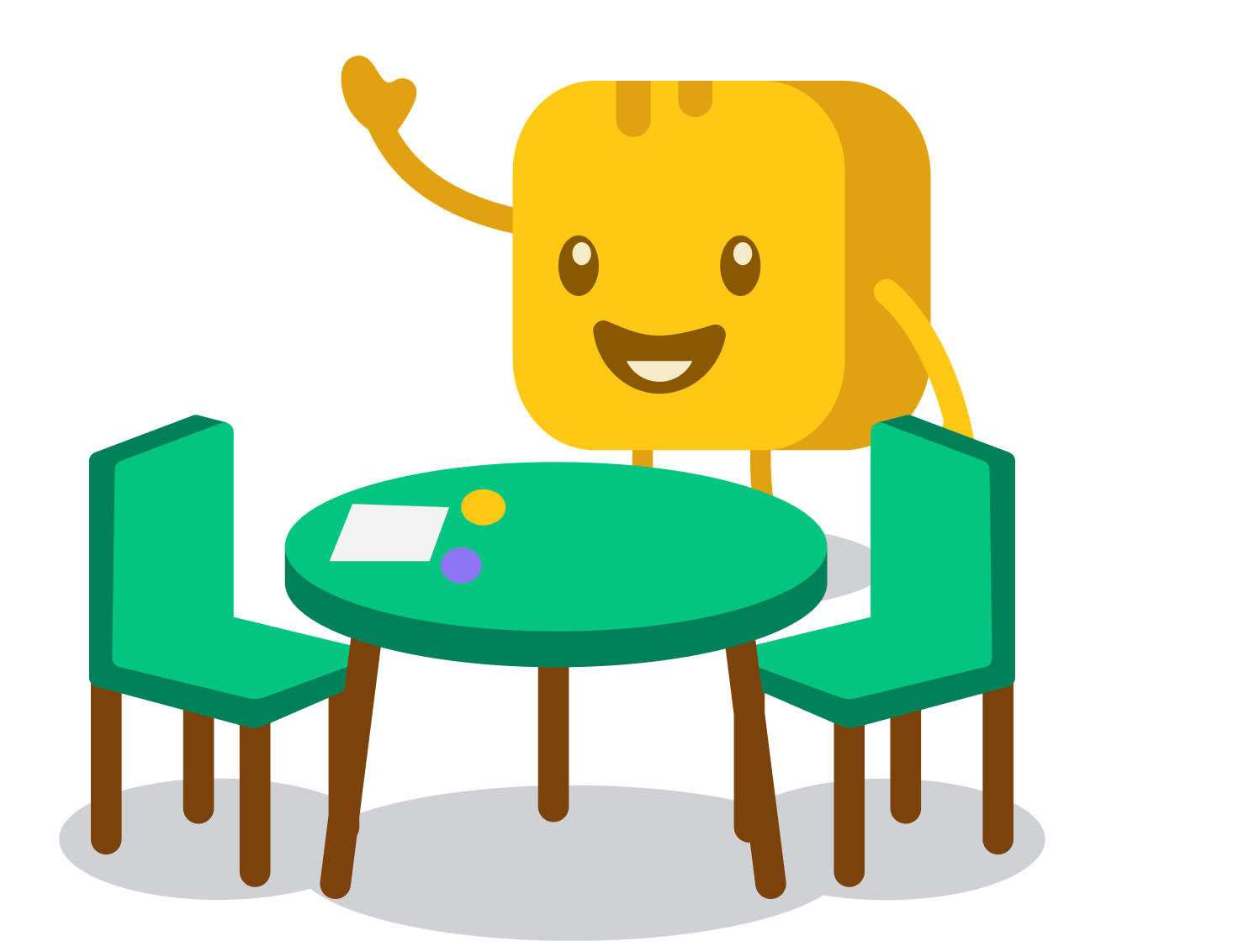
Use our free seating chart maker to assign guests or students to tables in seconds. Add your names, set your table count, and let AI create your seating arrangement instantly. Drag tables to arrange the layout, move guests between seats, and export when you're done.
Generate a seating chart below

AI assigns seats instantly
Paste your names, set your tables, and hit generate. The AI distributes everyone fairly and evenly in seconds. Add requirements like ‘keep Emma and Tom apart’ for smarter seating.

Fully customizable layout
Drag tables to match your actual room. Rename them, change colors, adjust sizes, and move guests between seats with a click. Your seating chart, your way.

Copy & export
Export your finished chart as an image or copy it as a clean text list. Perfect for events, fundraising dinners, and classroom setups.
Related resources
Tool
Split your class or group into random teams instantly →

Guide
Plan a fundraising gala that your supporters will love →
Checklist
Make event planning easier with a free checklist →
FAQs about our seating chart maker
What does your seating chart maker do?

It takes your list of names and assigns everyone to tables automatically. Enter your names, set the number of tables and seats per table, and the AI generates a complete seating arrangement in seconds.
From there, you can drag tables around the canvas, rename them, change colors, and move guests between seats.
How does your seating chart generator work?
Add your names one per line, enter your table count and seats per table, and hit generate. The AI distributes everyone across tables. If you have specific requirements, like keeping certain people apart or grouping a team together, add them in the requirements field, and the AI will take them into account. Once the chart is generated, everything is editable directly on the canvas.
Can I use this as a classroom seating chart generator?
Yes! Teachers use it to arrange students into desk groups, lab pairs, or classroom table clusters. Add your student roster, set how many tables or groups you need, and generate a classroom seating arrangement in seconds.
You can also add requirements based on what you know, like 'keep Emma and Liam apart' or 'put Sarah and James at the same table', and the AI will take them into account.
Can I use this for events and fundraising dinners?
Yes! It works great for galas, fundraising dinners, award nights, conferences, and any event where you need to assign guests to tables. Enter your guest list, set your table configuration, and generate a seating plan in seconds.
Add requirements like 'seat Sarah, James, and Maria at Table 1' and the AI will assign accordingly.
Can I move guests after the chart is generated?
Yes. Click any guest chip to enter swap mode, then click another guest to instantly swap their seats. Or remove a guest from their table to the unassigned panel and reassign them to a different table with a click. You can also drag entire tables around the canvas to match your actual room layout.
Can I customize the tables?
Yes! Tables are fully customizable. Right-click any table (or long-press on mobile) to access customization options. You can rename it, change its color, adjust its size, switch between round and rectangular shapes, and add or remove seats. You can also add new tables, delete existing ones, and add guests directly from the side panel.
Is your seating chart tool free to use?
Yes, completely free. No signup required. It's created by Givebutter, the home for nonprofits hosting galas, fundraising dinners, and every kind of event in between.

.svg)
.svg)