.svg)
.svg)
.svg)
.svg)
.svg)
.svg)
.svg)
.svg)
.svg)


.svg)
.svg)
.svg)
.svg)
.svg)
.svg)
.svg)
.svg)

.svg)
.svg)
.svg)

.svg)

.svg)
.svg)
.svg)
.svg)
.svg)


.svg)
.svg)
.svg)
.svg)
.svg)
.svg)
.svg)





Random group generator
Split any group into random pairs or teams instantly. 🎲
Use our free random group generator to split any list of names into pairs, trios, or groups in seconds. You can even create groups based on each person’s characteristics!
Generate a random group below

Works for any situation
Classrooms, workshops, volunteer events, team building, and networking—if you need to split a group fairly, this tool handles it in seconds.

AI-powered smart pairing
Add requirements and let our AI match people based on your criteria. Pair seniors with juniors, mix departments, or balance skill levels across groups.

Save time
Paste your list and get randomized groups in one click. No spreadsheets, no manual sorting, no second-guessing.
FAQs about our random group generator
What does your random group generator do?

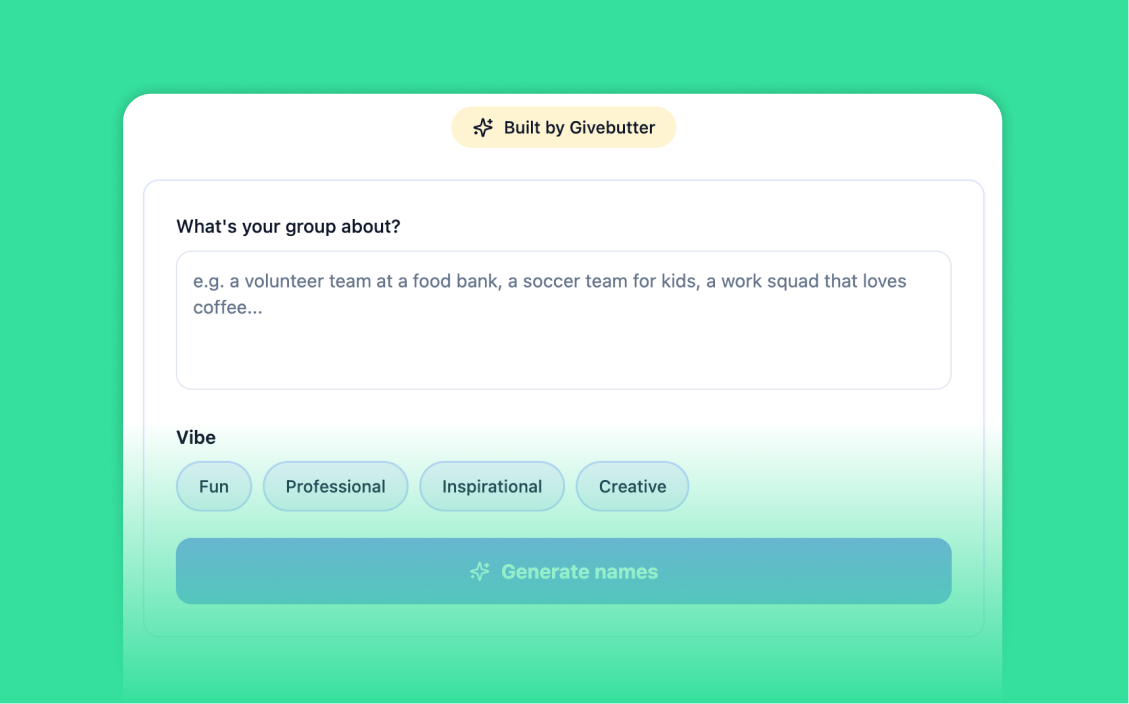
Our random group generator takes any list of names and instantly splits them into evenly sized groups. Paste your list, choose your group size, and hit generate. You can keep it fully random or add requirements to let AI handle smarter pairing, like mixing experience levels or pairing seniors with juniors.
How do I use this random group maker?
Paste your names into the text box, one per line. Choose how many people you want per group, then click generate. Your randomized groups appear instantly. You can copy them all with one click or regenerate for a new shuffle.
Can I use this as a random pair generator?
Yes. Set the group size to 2, and the tool becomes a random pair generator. It works the same way: paste your names, hit generate, and get your pairs instantly. Great for partner activities, buddy systems, and two-person teams.
Can I use this as a classroom group generator?
Absolutely. Teachers use it to split students into reading groups, project teams, discussion pairs, and activity partners. It works for any class size and takes seconds. No login, no setup—just paste and generate.
Can it pair people based on my own custom requirements?
Yes! Add context next to each name in brackets, like Emma (talkative) or James (quiet), then describe how you'd like them to match in the 'requirements' field. The tool uses AI to match people based on your criteria. Great for balancing skill levels across groups.
What happens if I have an odd number of names?
If your list doesn't divide evenly, anyone left is flagged, so you can pair them with another group or assign them a special role. The rest of your groups are formed normally.
Can I use this as a partner randomizer for events or workshops?
Yes. Whether you are running a workshop, networking event, volunteer orientation, or team-building session, this partner randomizer makes it easy to assign participants fairly and quickly. Paste your attendee list, set your group size, and share the results in seconds.
Is this pairing generator free to use?
Yes, completely free. No account required and no limits on how many times you generate. It's brought to you by Givebutter, the most-loved all-in-one fundraising platform for nonprofits, schools, and changemakers.

.svg)
.svg)