

.svg)
.svg)
.svg)
.svg)
.svg)
.svg)
.svg)
.svg)
.svg)


.svg)
.svg)
.svg)
.svg)
.svg)
.svg)
.svg)
.svg)

.svg)
.svg)
.svg)

.svg)

.svg)
.svg)
.svg)
.svg)
.svg)


.svg)
.svg)
.svg)
.svg)
.svg)
.svg)
.svg)







Nonprofit reporting software
See what’s happening across your fundraising, understand what it means, and know where to focus next with ready-made reports built for nonprofits.
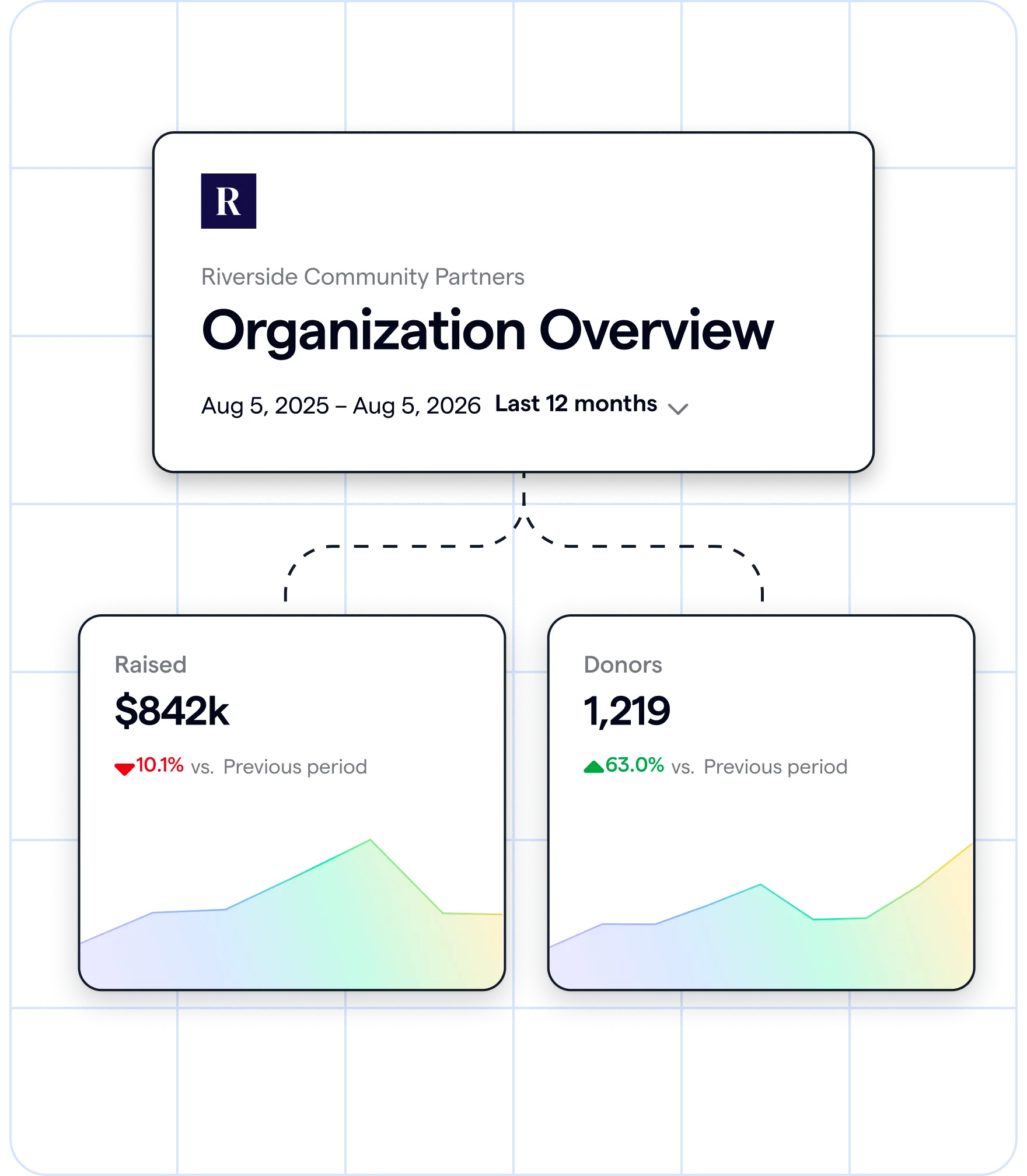
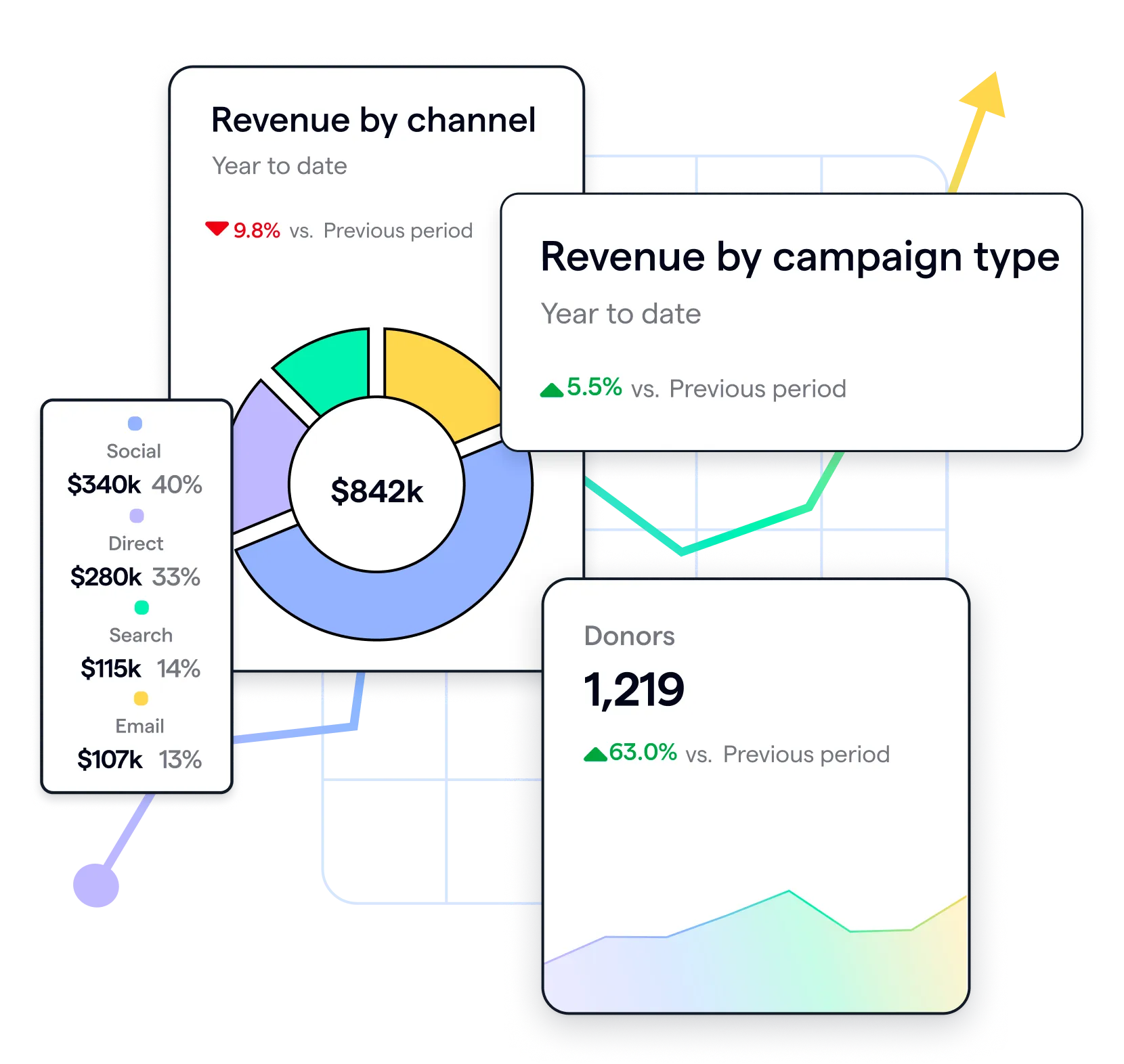
Start with the report, not a blank page
See revenue, donor trends, campaign performance, and engagement in ready-made reports that help you quickly understand what’s happening and what deserves your attention.
Build reports around your questions (coming soon!)
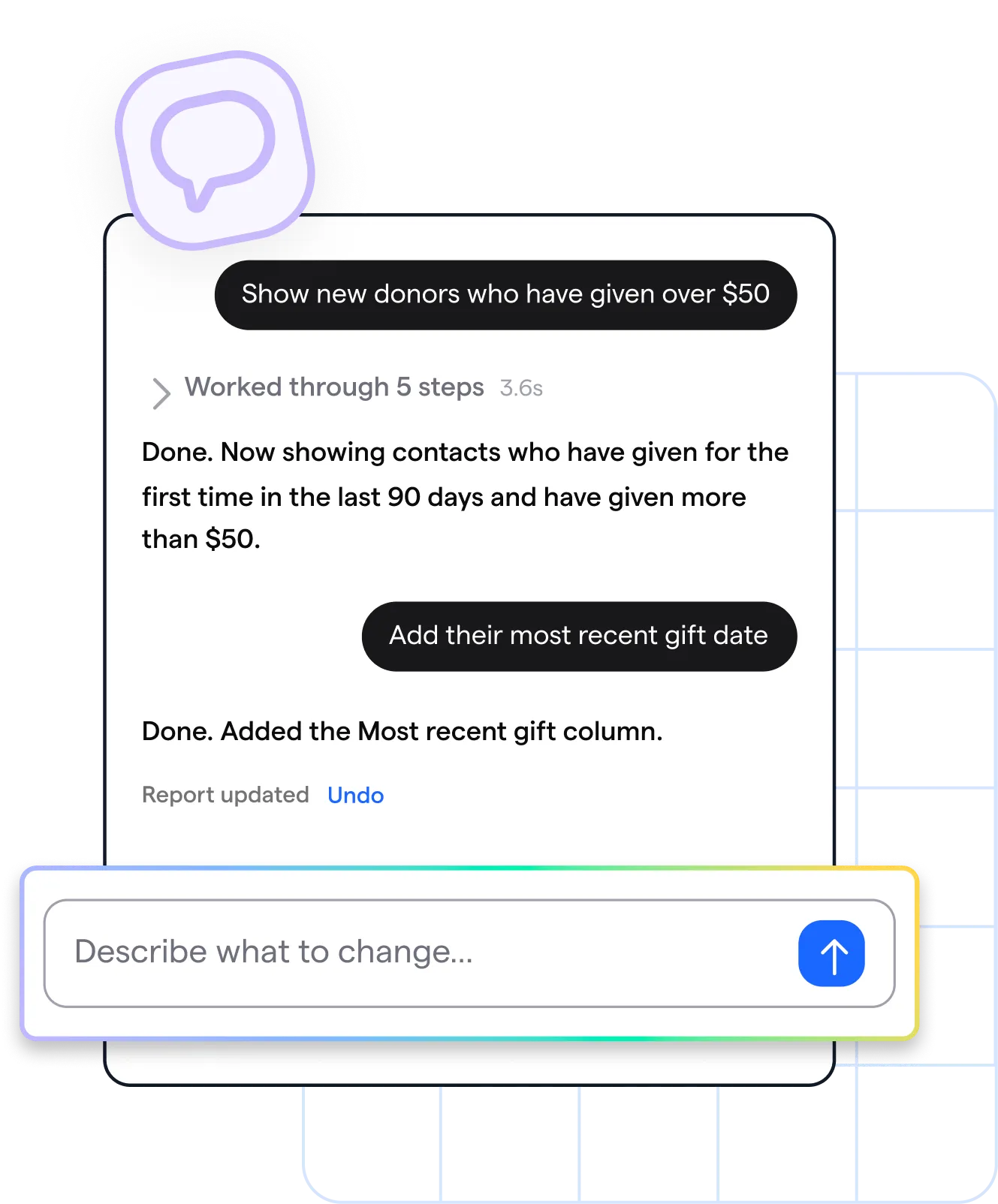
Ask a question in plain language to create a custom report, then refine the data and details to get exactly what your team needs.
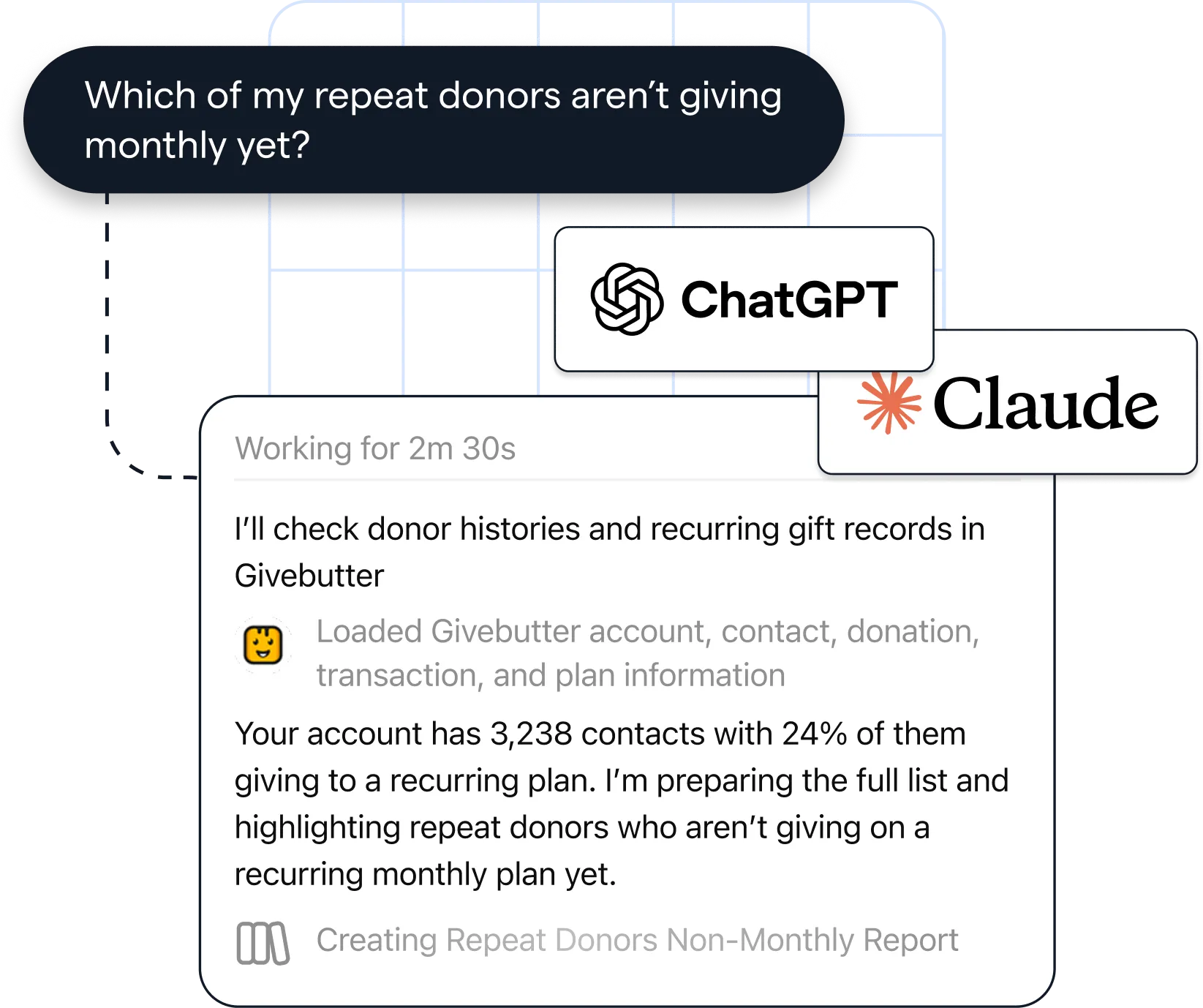
Find your next fundraising move
Use AI connectors to securely connect your Givebutter data to Claude or ChatGPT, then build new plans, workflows, and ideas grounded in your organization’s real fundraising activity.
More benefits of Givebutter's nonprofit reporting tools

Start reporting without the prep work
Your reports pull from the donations, campaigns, donor records, and communications already in Givebutter, so your data stays connected and up to date automatically.

Spot what deserves attention
See changes in revenue, donor activity, campaign performance, and engagement at a glance, so you can quickly find what’s worth a closer look.

Let the numbers explain themselves
Clear visuals and comparisons make complex fundraising data easier to understand, so everyone on your team can make sense of the results.
%20(1).png)
Did you know?

[Givebutter] helps to keep track of donations effortlessly. I like how easy it is to see the separation of gross and net donations, which is great for sending thank you notes and tax reporting.


Sign up
Givebutter reports are available with Givebutter Plus, which you can try free for 30 days—no credit card required. Start your free 30-day trial →
.svg)
Import your data (if needed)
If your fundraising data already lives in Givebutter, you’re ready to go. If not, simply import your donor and campaign data first so your reports reflect the full picture.
.svg)
Explore your reports
Open a ready-made report, choose your date range, and start exploring what’s happening across your fundraising.
Explore the full spread of Givebutter Plus features for a better way to work

Workflows
Automate repetitive tasks with pre-built and custom workflows.
.png)
Task management
Manage all your tasks in one place, link associated data, and automate reminders.
.png)
Fundraising blocks
Bring emails to life with goal bars, auction items, peer-to-peer leaderboards, and more.
.png)
Texting
Send personalized outbound text messages with graphics and video capabilities.

Video messages
Record, send, and track personal videos right from donor contact profiles.
.png)
Discounted direct mail
Launch direct mail campaigns at a reduced rate—straight from your dashboard.
.png)
Reporting
Find insights faster with ready-made reports, clear visuals, and easy sharing.
.png)
QuickBooks Online integration
Automatically sync donations, ticket sales, and recurring gifts to QuickBooks.
.png)
Data hygiene
Verify addresses, catch errors, and keep your donor data clean and accurate.

Phone support
Get priority phone support from our team 7 days a week, from 8 AM–1 AM ET.
.svg)
Skip the spreadsheets, simplify your reporting
.png)
.png)
More resources for smarter reporting


.jpg)
Frequently asked questions
What can I see in Givebutter reports?

Start with ready-made reports covering revenue, donor trends, campaign performance, and engagement. Choose a date range to see how your fundraising is changing and where your team may want to focus next.
Do I need to export my data to build a report?
No. Givebutter reports use the fundraising and donor data already in your account, so you can explore results without rebuilding them in a spreadsheet.
What if some of my fundraising data isn’t in Givebutter yet?
You can import donor and campaign data into Givebutter before exploring your reports. That helps your reports reflect more of your organization’s fundraising history.
Can I compare fundraising performance over time?
Yes. Choose a date range to see how your results are changing. Ready-made reports make it easier to spot trends without rebuilding the same comparisons in a spreadsheet.
Can I create a custom report by asking a question?
Plain-language custom reports in Givebutter are coming soon. For now, you can explore ready-made reports or use AI connectors to ask Claude or ChatGPT questions about your Givebutter data and plan your next steps.

.svg)
.svg)


