

.svg)
.svg)
.svg)
.svg)
.svg)
.svg)
.svg)
.svg)
.svg)


.svg)
.svg)
.svg)
.svg)
.svg)
.svg)
.svg)
.svg)

.svg)
.svg)
.svg)

.svg)

.svg)
.svg)
.svg)
.svg)
.svg)


.svg)
.svg)
.svg)
.svg)
.svg)
.svg)
.svg)





.svg)



%20(1).png)

Your executive director just handed you the next gala, and you need to sell event tickets online, fast. You know the basics: create a page, set ticket prices, and share the link. But the setup you inherited has Eventbrite handling tickets, another platform collecting donations, and a separate CRM storing donor records. Before a single guest checks in, you’re already juggling three systems.
That familiar setup can cost more, too. Eventbrite charges 3.7% + $1.79 per paid ticket, plus a 2.9% payment processing fee per order. It can also leave your team piecing together attendee data, donations, and event revenue afterward.
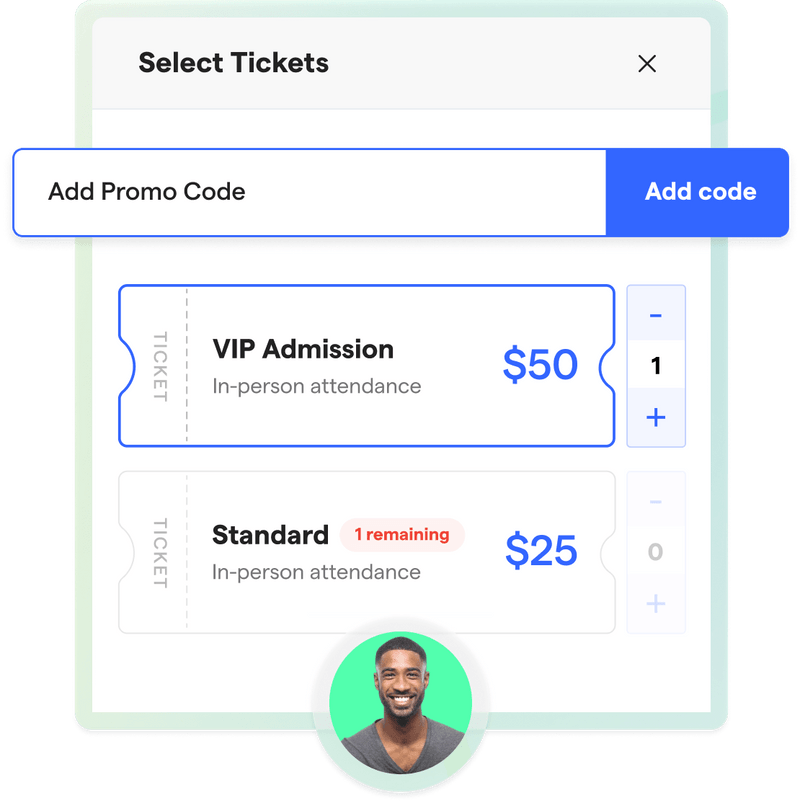
With Givebutter, guests can purchase tickets and make an additional donation in one checkout, while their information flows directly into your CRM. We’ll show you how to set everything up, promote your event, manage check-in, and keep attendees connected long after the final guest heads home.
Key takeaways
- Choose a platform built for nonprofits 🧈 Compare fees and prioritize a platform that keeps ticket sales, donations, and supporter data connected.
- Create flexible tickets & an on-brand page 🎫 Offer early-bird, VIP, group, or multi-day tickets and build an event page that reflects your organization.
- Combine ticket sales & donations 💰 Let guests purchase tickets and make an additional donation in one checkout while automatically adding their information to your CRM.
- Promote tickets wherever supporters are 📣 Share your event through email, text, social media, and QR codes, or embed ticket sales directly on your website.
- Simplify event day & follow-up 👋 Check in guests, sell tickets at the door, review your results, and reconnect with attendees after the event.
How to sell event tickets online: 7 steps for nonprofits
From choosing a platform to following up with attendees, these seven steps will help you sell tickets online and keep every part of your event organized.
Step 1: Choose a ticketing platform built for nonprofits 🎟️
The right platform should support your entire event, not just process ticket sales. Before committing to a tool, look for:
- Ticket sales & donations 💸 Give guests the option to purchase tickets and make an additional donation in the same checkout.
- Connected supporter data 📋 Make sure ticket buyers and transaction details flow directly into your CRM without manual imports.
- Flexible ticketing 🏷️ Look for customizable ticket types, quantities, bundles, promo codes, and attendee fields.
- Transparent costs 🤝 Understand which platform and processing fees apply and whether your organization or ticket buyers will pay them.
- Event-day tools 📱 Consider how you’ll check in guests, sell tickets at the door, and track attendance.
A general ticketing platform may cover the basics, but a platform built for nonprofit fundraising can help you turn event attendees into long-term supporters.

Step 2: Create your ticket types & pricing 🏷️
Choose ticket types that fit your event format and give supporters meaningful options. Depending on your event, you might offer:
- General admission
- Early-bird pricing
- VIP experiences
- Tables or group packages
- Single-day or multi-day passes
- Sponsorship packages
- Optional meals or event add-ons
Set a quantity for each ticket type to stay within your event capacity. Showing how many tickets remain can also encourage supporters to purchase before a popular option sells out.
To calculate your minimum average ticket price, use this formula:
(Net fundraising goal + estimated event costs) ÷ expected tickets sold = minimum average ticket price
For example, a nonprofit with a $10K net fundraising goal, $5K in event expenses, and 250 expected ticket sales would need to charge an average of $60 per ticket:
($10K + $5K) ÷ 250 = $60
Verified nonprofits should also enter each ticket’s fair market value so receipts can show any potentially tax-deductible amount.
.webp)
🎬 See it in action: NaNoCon 2027 lets guests choose how much of the weekend they want to attend, with early-bird options ranging from $37 to $190. By selling dinner experiences separately, the organization gives guests more flexibility while creating additional revenue opportunities.
Sell tickets & collect donations in one place
Step 3: Build your event page 🖥️
Your event page should give guests everything they need to understand the event and purchase tickets confidently. Include:
- Event date, time, and location
- A clear description of the event and its purpose
- Ticket types, prices, and inclusions
- Schedule or agenda
- Parking, accessibility, or virtual attendance details
- Sponsor recognition
- A contact for questions
Use your logo, brand colors, header image, and photos from past events to make the page feel unmistakably yours. You can also add a fundraising goal bar so supporters can see how ticket sales and donations are moving you toward your goal.
.webp)
🎬 See it in action: The AFA Golf Classic 2025 brought its schedule, sponsorship packages, auction, sponsor recognition, and fundraising progress together on one page. Detailed sponsorship descriptions clearly explained what each level included, helping the event raise $363K+, or 103% of its goal.
Step 4: Configure your checkout & donation options 💛
Make the checkout process as simple as possible. After selecting tickets, Givebutter guests can make an additional donation without opening a separate form or completing another transaction.
Add ticket-specific custom fields to collect information you’ll need before the event, such as:
- Dietary restrictions
- T-shirt sizes
- Accessibility requests
- Table or seating preferences
- Waiver agreements
Supporters can complete their purchase using their preferred payment method, including credit or debit cards, Apple Pay, Google Pay, Venmo, and PayPal.
Because ticketing and donations live together, each buyer’s contact and transaction information is automatically organized in your nonprofit CRM. That means fewer exports for your team and a more complete record of each supporter’s involvement.

Step 5: Promote your event 📣
Once your page is ready, make it easy for supporters to find and purchase tickets. Share your event link through:
- Email announcements and reminders
- Text messages
- Social media posts
- Printed flyers and QR codes
- Partner and sponsor communications
You can also embed a “Buy tickets” widget on your nonprofit’s website so supporters can complete their purchase without leaving the page.
Start promoting as soon as your event details and ticket options are confirmed. Follow your initial announcement with regular reminders, behind-the-scenes updates, speaker or performer announcements, and a final push as ticket sales close. Shortly before the event, send ticket holders essential details such as arrival time, parking instructions, and what to bring.
Step 6: Prepare for event day 📱
Before guests arrive, test your check-in process, payment devices, Wi-Fi connection, and any QR codes your team will use.
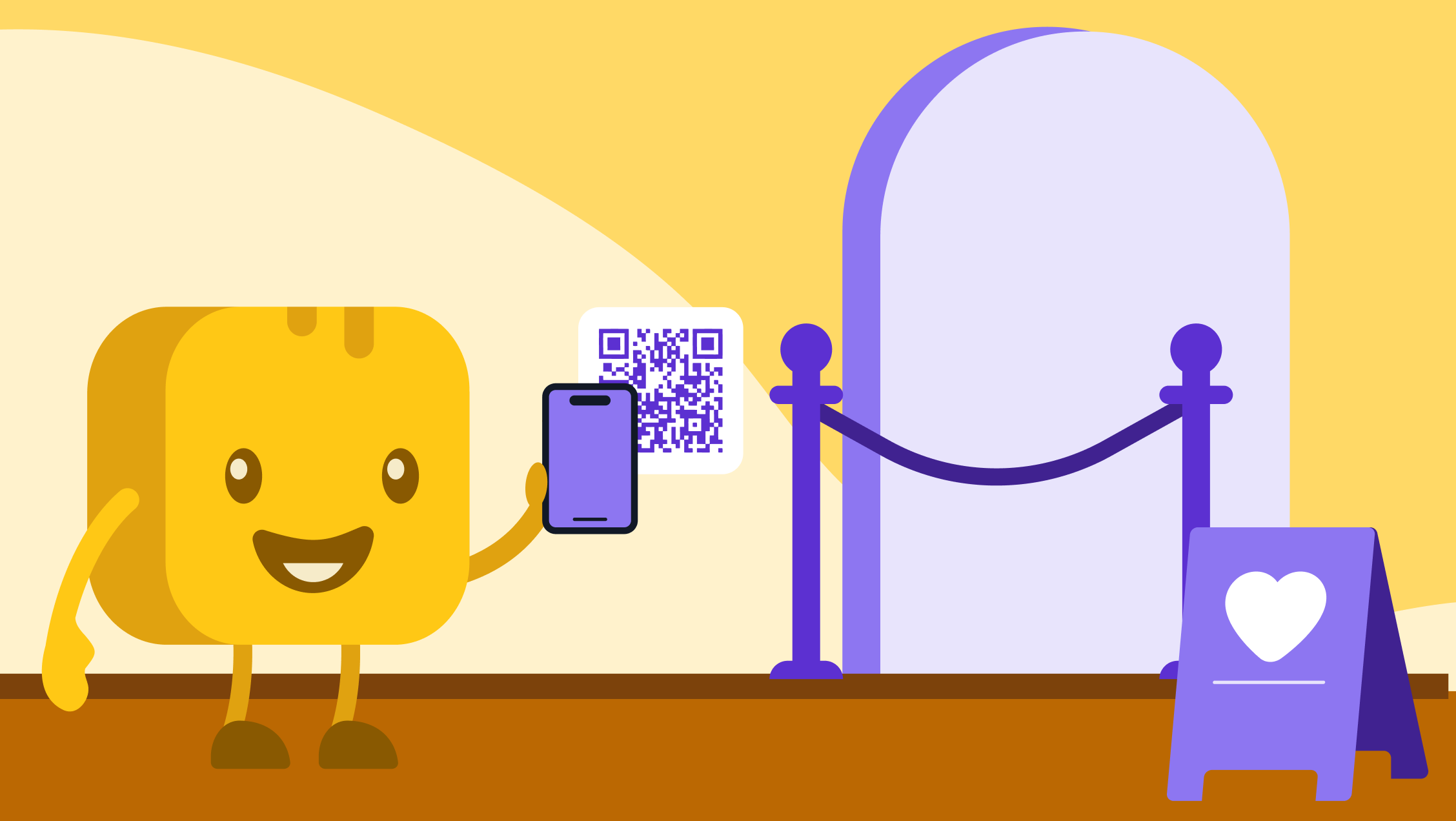
With the Givebutter mobile app, your team can scan ticket QR codes, look up guests manually, and mark attendees as checked in. You can also sell tickets at the door and accept contactless payments using Tap to Pay.
💡 Pro tip: Give staff members and volunteers Mobile Access so they can handle check-in and ticket sales without receiving full administrative access. Have multiple devices ready during busy arrival periods and establish a backup process in case a guest can’t access their ticket.
Step 7: Follow up & review your results 📊
In a Givebutter survey of 102 nonprofit professionals, 90% said they always calculate net revenue after a fundraising event.
Review your ticket and donation revenue alongside your event expenses to determine how much the event actually raised. Look at which ticket types sold, how many guests attended, how much attendees donated beyond their ticket purchases, and where you could improve next time.
Then, create an attendee donor segment and follow up while the event is still fresh. Thank guests for attending, share the event's impact, and offer a relevant next step, such as volunteering, attending another event, or joining your recurring giving program.
The goal isn’t simply to close out your event. It’s to continue the relationships that began there, so attendees stay connected to your cause.
Sell tickets & build lasting supporter relationships with Givebutter
Your event should do more than fill seats. With the right platform, every ticket purchase can be the beginning of a stronger supporter relationship. Guests can give beyond the cost of admission, while your team keeps their contact information, giving history, and event activity connected.
With Givebutter, you can manage ticketing, donations, check-in, donor data, and follow-up all in one place. Whether you’re hosting a gala, community fundraiser, auction, raffle, or paddle raise, our event management tools help you create a memorable experience without adding more disconnected tools.
Sign up for your free Givebutter account and start selling event tickets online.
FAQs about selling event tickets online
What is the best free platform to sell event tickets online?
For nonprofits, Givebutter is a strong free option for creating an event page and managing ticket sales, donations, attendee information, and check-in in one place.
When comparing free options, look beyond the monthly price. Review transaction fees, ticket limits, payment methods, donor-data tools, and event-day features before choosing.
Do I need a website to sell event tickets?
No. Givebutter gives you a customizable event page with a unique URL that you can share through email, text, social media, printed materials, or a QR code.
If you already have a nonprofit website, you can also embed a “Buy tickets” widget so guests can complete their purchase without leaving your site.
Can I collect donations & sell tickets at the same time?
Yes. With Givebutter, supporters can purchase tickets and make an additional donation during the same checkout. Their contact and transaction information is automatically organized in your CRM, making it easier to understand their involvement and continue the relationship after your event.
Share this article






.svg)
.svg)


