









While every other part of your nonprofit’s fundraising event should be memorable, your check-in process should run so smoothly that guests barely notice it. Their arrival is often their first impression of your event and work, and your organization deserves to make a great one.
Taking steps to prevent long lines, missing name tags, and a complicated ticketing process will help guests feel welcome from the start.
These 10 practical event check-in tips will help you create a fast, friendly arrival experience.
Key takeaways
- Share pre-event information 📧 Send key information ahead of time, like parking details, table names, and auction registration links.
- Use multiple lines 🧑🤝🧑 Split lines into express (pre-purchased tickets), VIP and sponsors, and a dedicated help desk for walk-ups and door sales.
- Train your volunteers 🧑🏫 Host a training for volunteers to show them how to check in guests, sell tickets, and accept donations.
- Sell tickets at the door 🎫 Accept multiple payment methods for walk-up purchases.
- Use your data after the event 🤓 Use your check-in data to follow up with additional opportunities for guests to get involved.
- Make check-in seamless with the right tools 🧈 Easily check in guests using the Givebutter app, and get your event, donor, and fundraising data all in one place.
1. Send pre-event information 📧
Tackle as many aspects of registration as you can before your fundraising event. Send auction registration links or open early bidding. Ask table sponsors to submit their guests’ names to the donor portal. Share directions, parking information, and other arrival details.
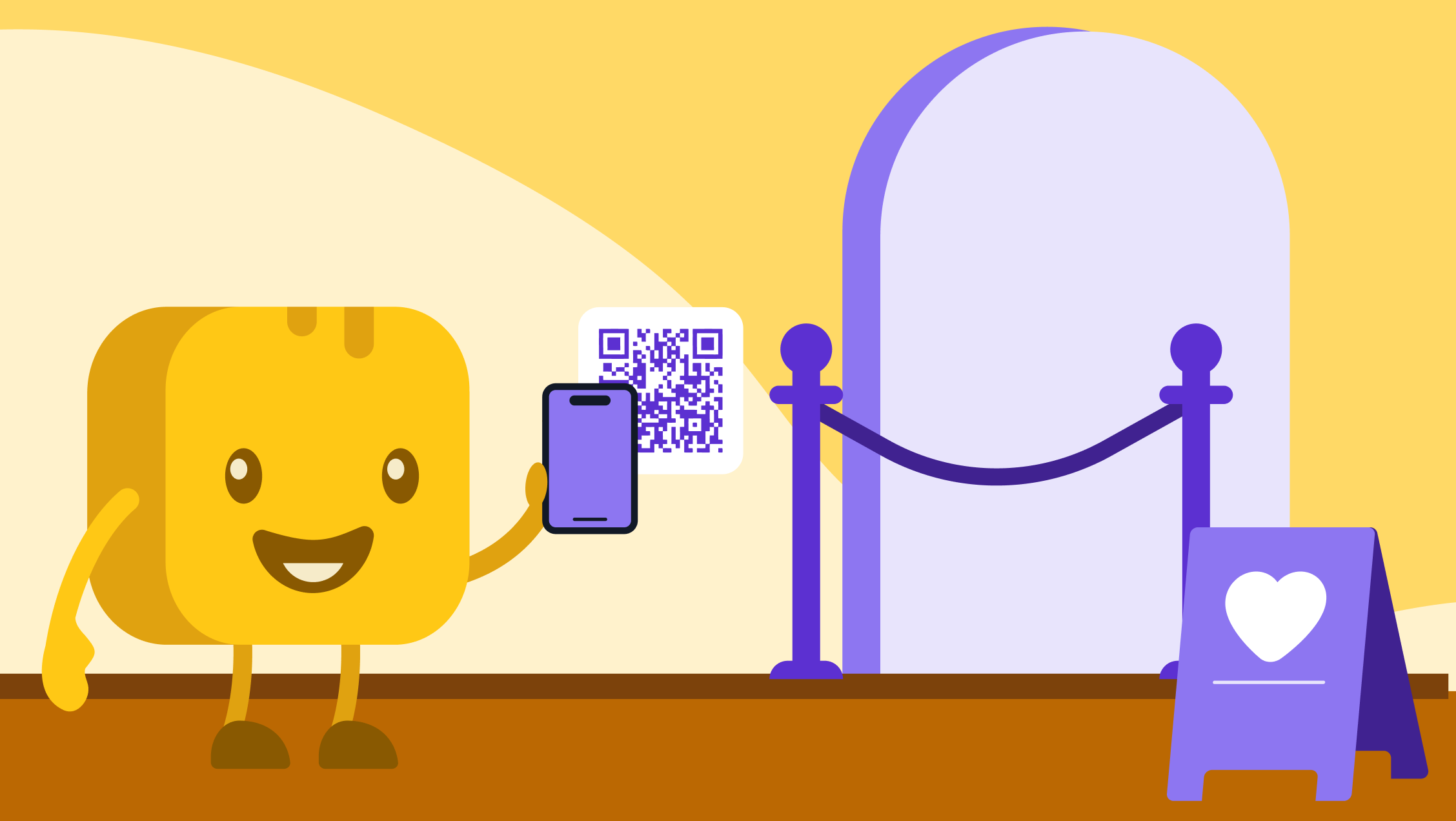
With Givebutter, event tickets arrive as a PDF with a QR code and ticket number, and guests can save them directly to their phone’s wallet.
💡 Pro tip: Let ticket holders know they can access the Givebutter donor portal to update their meal preferences or reassign tickets.

2. Train your volunteers 🙌
Give volunteers the training they need to be the helpful, friendly face of your event. Appoint one or two experienced volunteers as point people who can ensure the process runs smoothly and answer questions. Assign others as greeters, ticket scanners, and help desk support.
“Train all your volunteers at once,”
recommends Fundraising Expert Samantha Swaim. “This way, everyone knows what to do, and you don’t have to worry about training volunteers 20 different times.” She suggests gathering all volunteers a few hours before the event to save time and keep responsibilities clear.
3. Test your check-in tech & internet connection 📶
If your check-in process uses QR code scanning, a credit card reader, or other online tools, test your venue’s Wi-Fi in advance. If the connection is unreliable, bring a hotspot or another backup connection.
💡 Pro tip: Give volunteers access to your check-in app so they can scan tickets, look up guests, and sell tickets at the door on their own devices.
4. Create a backup plan 📋
Sometimes technical difficulties occur beyond your control, so have a backup plan. Prepare a list of all attendees (with multiple copies!) so you can manually check in guests if necessary.
💡 Pro tip: With Givebutter, you can look up guests by name, email, or ticket number in the app or dashboard, even if guests can’t find their tickets.
5. Map out your check-in flow 🗺️
Put yourself in your guests’ shoes and imagine each step of the check-in process. Map out a clear path from the check-in line to the coatroom. Draw on your own experiences attending fundraising events and consider small tweaks to improve flow.
For example, if you’re handing out swag bags, place your swag table after coat check-in so your guests aren’t weighed down with bags while removing their coats. If you know guests will be waiting outside, provide a covered area to protect them from sun or rain.
6. Set up multiple check-in lines 🚦
Reduce wait times by splitting your attendee check-in area into multiple lines based on category:
Samantha Swaim offers a helpful equation:
“Use one registration station per 75 guests, and make sure every check-in kiosk is equipped to help every attendee. Set up a separate help station with a designated person to help with any issues that come up. That way, you don’t have to worry about holding up the line to get answers to your questions or troubleshoot problems.”
💡 Pro tip: If you’re hosting a large event, break ticket lines into alphabetical order by last name.
7. Make day-of ticket sales painless 🎟️
Set up your team to sell tickets at the door and collect additional donations. Send day-of ticket buyers to your help desk to keep your check-in line moving efficiently.
In the Givebutter app, volunteers can sell tickets via Tap to Pay, cash, or check, so walk-up guests can join your event in minutes.
8. Hand out bidder numbers & table assignments 🏷️
If your event includes a paddle raise or a sit-down dinner, hand out the materials they’ll need, such as paddles, bidder numbers, or seating charts, during check-in to reduce friction later.
If you’re using name tags, arrange them alphabetically at each check-in kiosk. Volunteers can also look up guests’ seat numbers in the Givebutter app to direct them to their seats.
9. Engage guests while they wait 💬
If short lines form, use the wait time to your advantage: greet guests, help them locate their tickets, and explain how they can stay involved.
Highlight your fundraising progress, supporter names, and scan-to-donate options on a live display to build excitement. Share announcements about upcoming activities, including when the event begins and how to use the Givebutter app to place bids during your fundraising auction.
10. Use check-in data after the event 📊
When done right, event check-in can go beyond selling tickets and welcoming guests. With Givebutter, you can track attendance, donations, and auction participation to build into your donor stewardship strategy.
Send thank-yous immediately after the event, then follow up two weeks later to let attendees know how much you raised and what the funds will make possible.
💡 Pro tip: With Givebutter Plus, you can use workflows to automate your post-event appreciation and follow-up so you have one less thing to think about.
Make the first 5 minutes count
Check-in is the first impression guests get of your event and your mission. When you send details ahead of time, split your lines, and train volunteers before doors open, guests barely notice check-in because everything just works. And the data you collect at the door gives you a head start on follow-up after the event.
Start with the tip that fixes your biggest bottleneck. If lines backed up last time, add an express line for pre-purchased tickets. If volunteers felt unsure, schedule a quick walkthrough the week before your event.
The free Givebutter mobile app, available for iOS and Android, makes every step easier. Guests arrive with mobile wallet passes and a ticket QR code, and you can scan tickets, sell at the door, look up guests manually, and track donations, all from your phone.

Check in event attendees right from your mobile device
Sign up for your free Givebutter account today and transform your events from start to finish.
FAQs about event check-in
Why do you need an event check-in app?
An event check-in app helps you welcome guests smoothly and keep a record of who attended, making it easier to follow up and build lasting donor relationships.
With Givebutter, you can also sell tickets and accept donations as guests arrive, so you can raise more while keeping the process moving.
What is event check-in software?
Event check-in software allows attendees to purchase tickets and check in, so your organization can keep a record of who attended. Platforms like Givebutter combine check-in features with fundraising, marketing, and CRM tools, so you can manage events, donations, marketing, and donor stewardship all in one place.
What is the best event check-in app?
The best event check-in apps are free or low-cost, let you check in guests via QR code scanning and manual lookup, offer on-site ticket sales, and support multiple payment methods.
Givebutter combines nonprofit fundraising and event tools, helping organizations connect event activity with donor information.
How do I create a QR code for event check-in?
First, choose an event ticketing platform that generates QR codes for attendees. Many platforms have this capability built in. Some also let you customize the look of your QR code to match your branding. Next, you’ll need to enter event details like the name, location, and description. Once generated, share the QR code with attendees in their ticket confirmation or event materials.
With Givebutter, every guest who buys a ticket automatically receives an event check-in QR code.
Share this article