










A sponsor just asked your nonprofit for an invoice, but your team doesn't have a template ready to send. So you scramble to build one in Word, and the sponsor mails a check weeks later. Then someone on staff matches everything up by hand, which takes hours.
If this kind of headache sounds familiar, you’re not alone.
Below, you’ll learn what a nonprofit invoice is and when to send an invoice vs. a receipt, plus you’ll get a free nonprofit invoice template you can send today.
⚖️ Disclaimer: This is general information, not financial or legal advice. Consult a qualified nonprofit accountant for guidance specific to your organization.
Key takeaways
- Understand invoices vs. receipts 🤔 Invoices request payment for goods, services, or sponsorship benefits, while receipts acknowledge gifts.
- Include the must-have fields on your invoices ✅ Every invoice should include an EIN, invoice number, and due date.
- Add a quid pro quo disclosure when needed 🎁 Per the IRS, a disclosure is required when a payment exceeds $75 and is partly in exchange for goods or services.
- Make invoices easy to pay and record 💸 Send a PDF and a direct online payment link, offer ACH as a lower-fee option, and list a mailing address for checks.
- Use a template 📃 Use a template that auto-calculates line totals, subtotal, discount, total, and balance due, plus an invoice log that tracks payment status across every invoice.
Invoice vs. donation receipt: When to send each
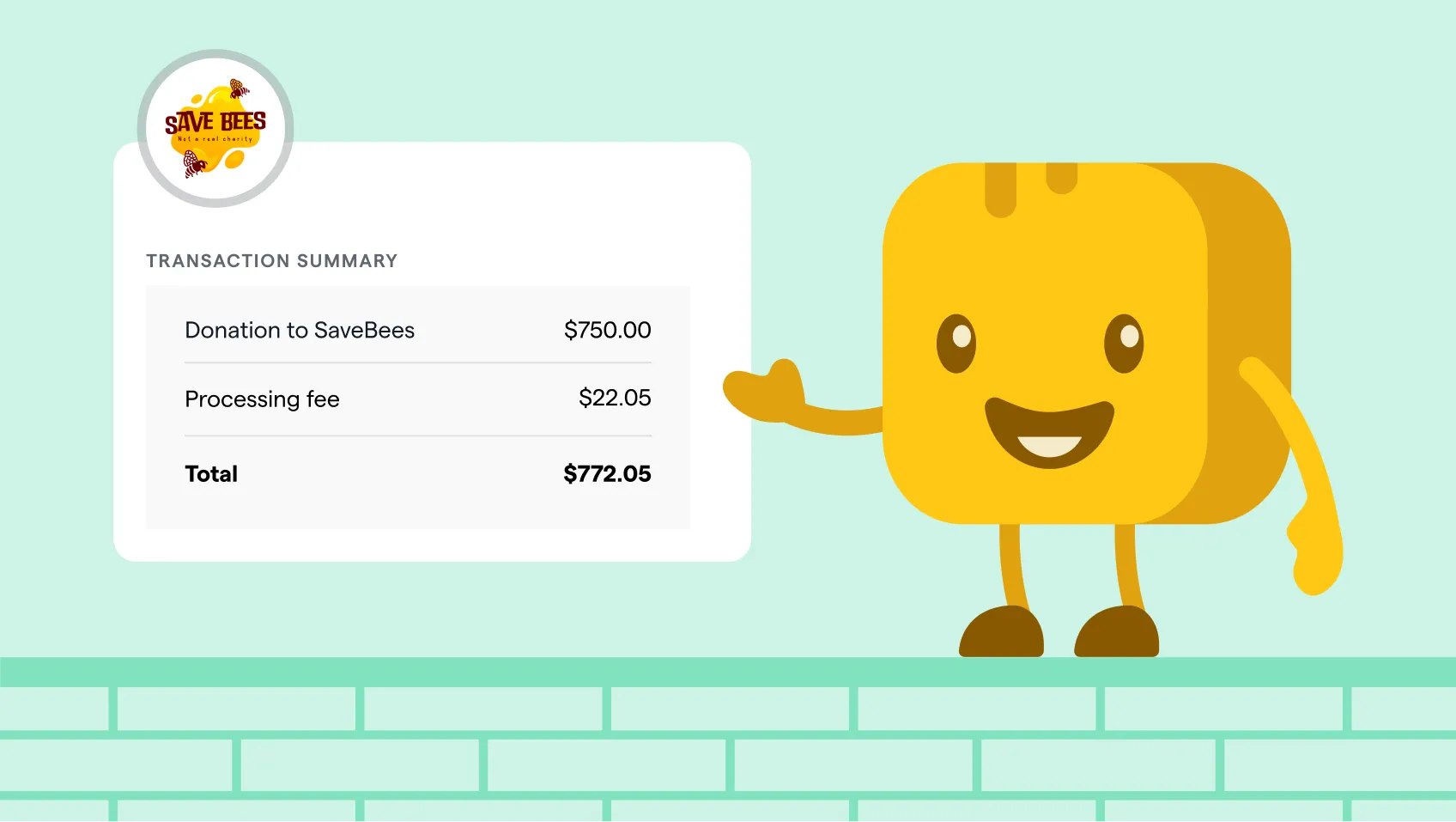
You can't invoice for a donation when no goods or services are provided in return. A gift is acknowledged with a donation receipt after it's made. Invoices are for payments in which the payer receives something in return, such as sponsorship benefits or services. For a gift that's promised but not yet paid, send a pledge payment request instead.
However, there is a bit of a gray zone that can confuse nonprofits: sponsorships. Sponsorships are often part payment, part gift. That means nonprofits need to send both an invoice to cover the transaction and a written acknowledgment for the gift portion.
💡 Pro tip: Per the IRS, a disclosure is required when a payment is more than $75 and partly in exchange for goods or services, including a good-faith estimate of fair market value.

What to include on a nonprofit invoice
The fields below, from invoice number to payment options, can help your sponsor’s accounts payable team process payment efficiently, without a follow-up email.
💡 Pro tip: Add a category to each line item (such as sponsorship, dues, event fees, or services) so you can code each payment to the right account later.
How to send a nonprofit invoice in 3 steps
Sending the invoice is only half the job. Preparing the invoice correctly, getting paid, and closing the loop are equally important. Read on to learn how to complete these steps and make the entire invoicing process as smooth as butter.
Step 1: Set up the invoice & confirm the details 📝
Before sending any invoice, ensure it includes all necessary details. You’ll also want to confirm the sponsorship level and agreed-upon fee internally, assign a unique invoice number, set clear payment terms (for example, net 30), and note any benefits provided.
Step 2: Send it & make it easy to pay 📬
When an invoice offers only one way to pay, payments tend to trickle in as mailed checks and payment app transfers, and someone on staff ends up matching each one by hand.
To avoid that, send PDFs with a direct online payment link, offer ACH as a lower-fee option, and list a mailing address for corporate sponsors who route invoices through an accounts payable team.
Step 3: Record the payment & close the loop ✅
Once an invoice is paid, the work doesn’t end. To ensure everything is organized and audit-friendly, mark the invoice as paid in the template's invoice log (free download below), record the payment against the correct contact and campaign, and send a donation receipt for any gift portion.
With Givebutter mobile check acceptance, an admin or finance user can photograph a sponsor's check in the Givebutter mobile app, link it to the donor and campaign, and send the funds to Givebutter Wallet, while keeping the check image alongside the transaction.
Download your free nonprofit invoice template
Now that we’ve covered all the necessary steps, it’s time to put them into action.
With this Google Sheets template, you can auto-calculate line totals, subtotal, discount, total, and balance due, plus track everything in an invoice log that notes payment status across every invoice.
From invoice sent to payment recorded
A sponsor asking for an invoice shouldn’t send your team scrambling. Keep a template ready, give sponsors an easy way to pay, and record each payment as soon as it arrives.
Before your next sponsor asks, fill in your EIN, logo, and payment link on the free template so it’s ready to send in minutes.
With Givebutter, you can record offline payments like sponsor checks against the right contact and campaign, then send check funds to Givebutter Wallet with mobile check acceptance, so every payment lives in one place.

Collect & record every payment on Givebutter
Sign up for Givebutter today and start collecting, recording, and reconciling payments in one place.
FAQs about the nonprofit invoice template
Can you invoice for a donation?
No. You can't invoice for a donation when no goods or services are provided in return. Acknowledge the gift with a donation receipt instead. Invoices are for payments where the payer receives something in return, such as sponsorship benefits or services. For a gift that's promised but not yet paid, send a pledge payment request.
Should a nonprofit invoice include its EIN?
Yes. Many corporate AP teams and sponsors need your EIN to set you up as a payee, and it signals legitimacy. The free template above has a dedicated EIN field exactly for that.
Share this article