

.svg)
.svg)
.svg)
.svg)
.svg)
.svg)
.svg)
.svg)
.svg)


.svg)
.svg)
.svg)
.svg)
.svg)
.svg)
.svg)
.svg)

.svg)
.svg)
.svg)

.svg)

.svg)
.svg)
.svg)
.svg)
.svg)


.svg)
.svg)
.svg)
.svg)
.svg)
.svg)
.svg)





.svg)


%20(1).png)

You’re ready to bring your mission online and start raising funds. Then you search for a nonprofit website builder—and suddenly, you’re sorting through countless platforms that weren’t designed with nonprofits in mind.
We narrowed the field to five popular options: WordPress, Wix, Squarespace, GoDaddy, and Weebly. Keep reading for a clear comparison of pricing, key features, and who each platform is best for—plus how to make your website donation-ready with Givebutter.
5 nonprofit website builders at a glance
Prices reflect annual billing and may vary by location or change over time. WordPress.org software is free, but hosting, domain registration, and optional tools cost extra.
1. WordPress: Best for large nonprofits with developer support
First things first—WordPress.com and WordPress.org are separate platforms. WordPress.com includes hosting and website-building tools, while WordPress.org is free software that requires separate hosting and a domain.
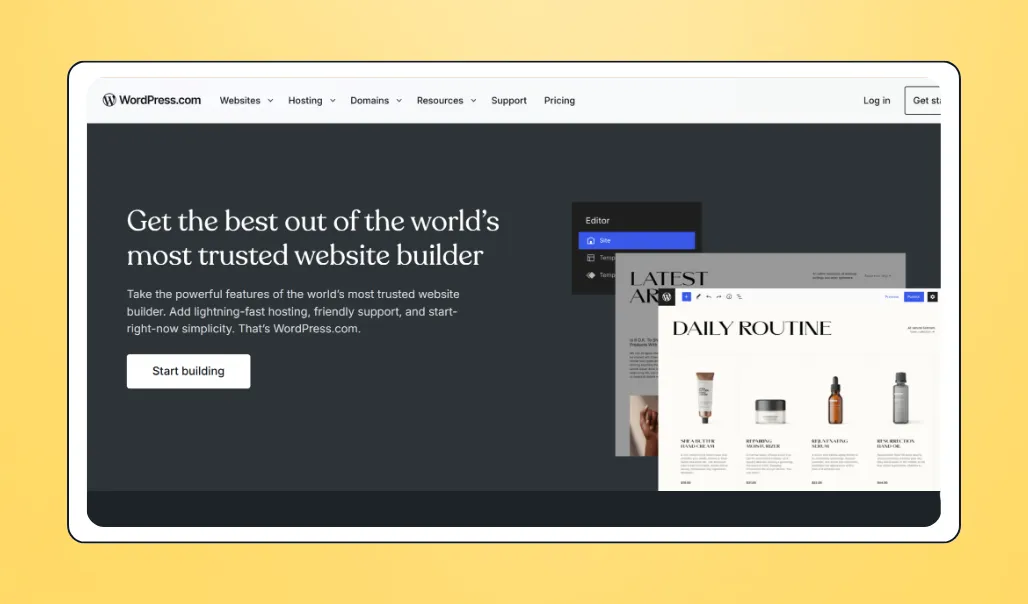
💰 Price: WordPress.com offers a free plan, with paid plans starting at $4 per month when billed annually. WordPress.org software is free, but hosting, domain registration, and premium tools cost extra.
📣 Standout features:
- Preset themes
- Greater data control with WordPress.org
- Drag-and-drop block editor
- SEO tools
- 50K+ plugins
✅ Best for: Mid-to-large nonprofits with website-building experience and a tech-savvy team member
🔥 Our take: WordPress.org offers extensive power and flexibility, but you’ll need to manage hosting, your domain, and website maintenance. WordPress.com is easier to use but offers less flexibility. You can integrate Givebutter Widgets with both WordPress platforms.

2. Wix: Best for nonprofits that want drag-and-drop ease
Wix is a flexible DIY website builder with an intuitive drag-and-drop editor, making it easy to customize your site without coding.
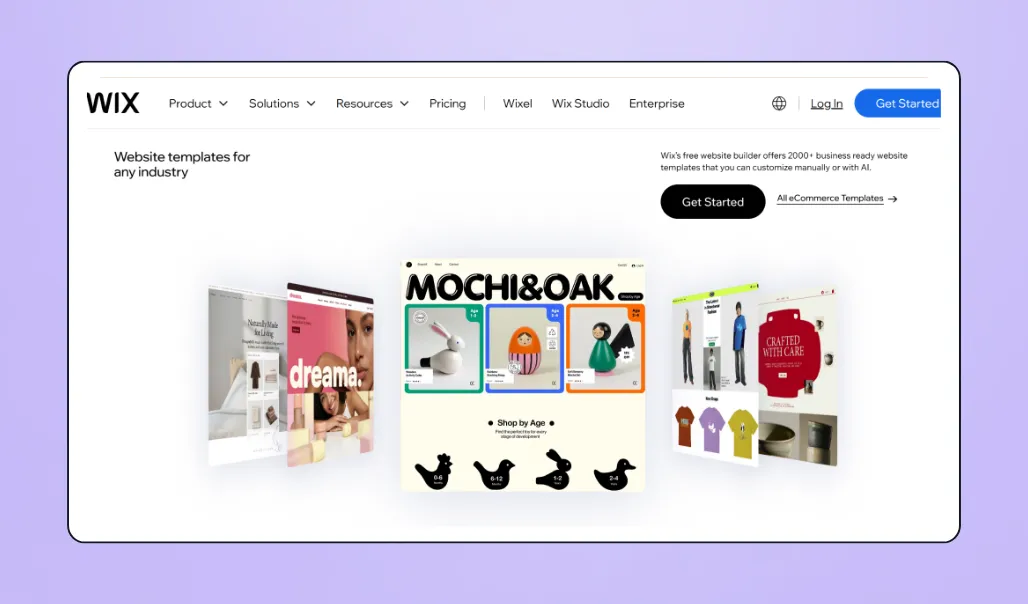
💰 Price: Wix offers a free plan with hosting and a Wix-branded URL. Paid plans with custom domains start at around $17 per month, with prices varying by features, billing term, and location. Eligible nonprofits can get 70% off a two-year Premium plan through TechSoup.
📣 Standout features:
- 2,000+ templates
- AI website builder
- Drag-and-drop editor
- Multilingual website support
- Integrated site analytics
- Free domain for one year with paid plans
- Givebutter fundraising integrations with paid plans
✅ Best for: Nonprofits that want design flexibility without coding and are ready to upgrade to a paid plan
🔥 Our take: Wix balances creative flexibility with ease of use. Its built-in donation tools are limited, but connecting Givebutter lets you accept donations and manage donor, campaign, and event activity in one place.
💡 Pro tip: Free Wix accounts don’t support custom code snippets. Choose a paid plan if you want to add donation forms or other Givebutter fundraising widgets.
3. Squarespace: Best for nonprofits that prioritize design
Squarespace is a DIY website builder known for polished templates, flexible layouts, and built-in hosting. To embed Givebutter fundraising tools, you’ll need the Core plan or higher.
.webp)
💰 Price: Squarespace doesn’t offer a free plan, but every website starts with a 14-day free trial. Paid plans start at $19 per month when billed annually or $25 with month-to-month billing. Annual plans also include a free custom domain for one year.
📣 Standout features:
- Professionally designed templates
- AI website builder
- Pre-built site layouts
- Advanced design tools
- Built-in content management
- Analytics overview
- Givebutter fundraising integrations with the Core plan or higher
✅ Best for: Nonprofits that want a polished DIY website and can budget for a paid plan
🔥 Our take: Squarespace is one of the strongest options for nonprofits that want a professional-looking website without starting from scratch. The tradeoff is that its Basic plan doesn’t support code injection, so you’ll need the Core plan or higher to embed Givebutter fundraising tools.
4. GoDaddy: Best for a quick, budget-friendly setup
GoDaddy offers a streamlined, beginner-friendly website builder that helps nonprofits establish a professional online presence quickly.
.webp)
💰 Price: GoDaddy Website Builder is free to try, with paid plans starting at $9.99 per month with an annual term. Managed WordPress hosting starts at $6.99 per month with an annual term. Promotional and renewal prices may vary.
📣 Standout features:
- AI-powered website builder
- Customizable, mobile-friendly designs
- Built-in website analytics and SEO tools
- Online store and payment capabilities
- Free stock images and branding tools
- Embedded Givebutter donation forms, buttons, and fundraising thermometers
- 24/7 customer support
✅ Best for: Nonprofits that prioritize a fast launch, straightforward editing, and an affordable starting price
🔥 Our take: GoDaddy prioritizes speed and simplicity over intricate design customization. Its AI-assisted builder, low starting price, and support for embedded Givebutter fundraising tools make it a practical option for small nonprofits that need a functional website without a lengthy setup process.

5. Weebly: Best for a simple setup
Weebly—now part of Square—is a straightforward website builder with an intuitive drag-and-drop editor. Its affordable plans and built-in e-commerce tools make it a practical choice for small nonprofits that need a basic website without extensive design work. You can also embed Givebutter donation forms, buttons, and fundraising widgets on every plan.
.webp)
💰 Price: A free plan is available. Paid plans range from $13–$32 per month when billed annually. Weebly does not currently offer a nonprofit discount. See Weebly’s current pricing and plan features.
📣 Standout features:
- Simple drag-and-drop website builder
- Customizable, mobile-responsive themes
- Custom HTML and third-party embed code
- Free SSL security
- Built-in SEO and lead-capture tools
- Integrated website analytics on higher-tier plans
- All-in-one hosting and domain management
- Built-in e-commerce and Square payment tools
- Givebutter fundraising embeds on every plan
✅ Best for: Small nonprofits that want a low-cost, easy-to-manage website with basic design and fundraising features
🔥 Our take: Weebly is an affordable, no-frills website builder that works well for organizations prioritizing simplicity. Its editor and templates offer less design flexibility than many newer website builders, so it may feel limiting as your organization grows. The Personal plan lets you connect a custom domain, but you’ll need the Professional plan or higher to remove Square ads and access advanced site statistics.
Power any nonprofit website with Givebutter—for free
Whether you prioritize beautiful design, all-in-one hosting and domain management, or a flexible drag-and-drop editor, Givebutter makes it easy to add powerful fundraising tools to your nonprofit website. It works with every website builder on this list—and virtually any other platform that supports custom HTML embeds.
In just a few minutes, you can add a donate button, donation form, fundraising thermometer, or event widget to your site. Supporters can give using credit or debit cards, ACH, Venmo, PayPal, Cash App, Apple Pay, Google Pay, and more. Every gift flows into Givebutter’s nonprofit CRM, where you can track donor activity, send automatic receipts, and access marketing and engagement tools.
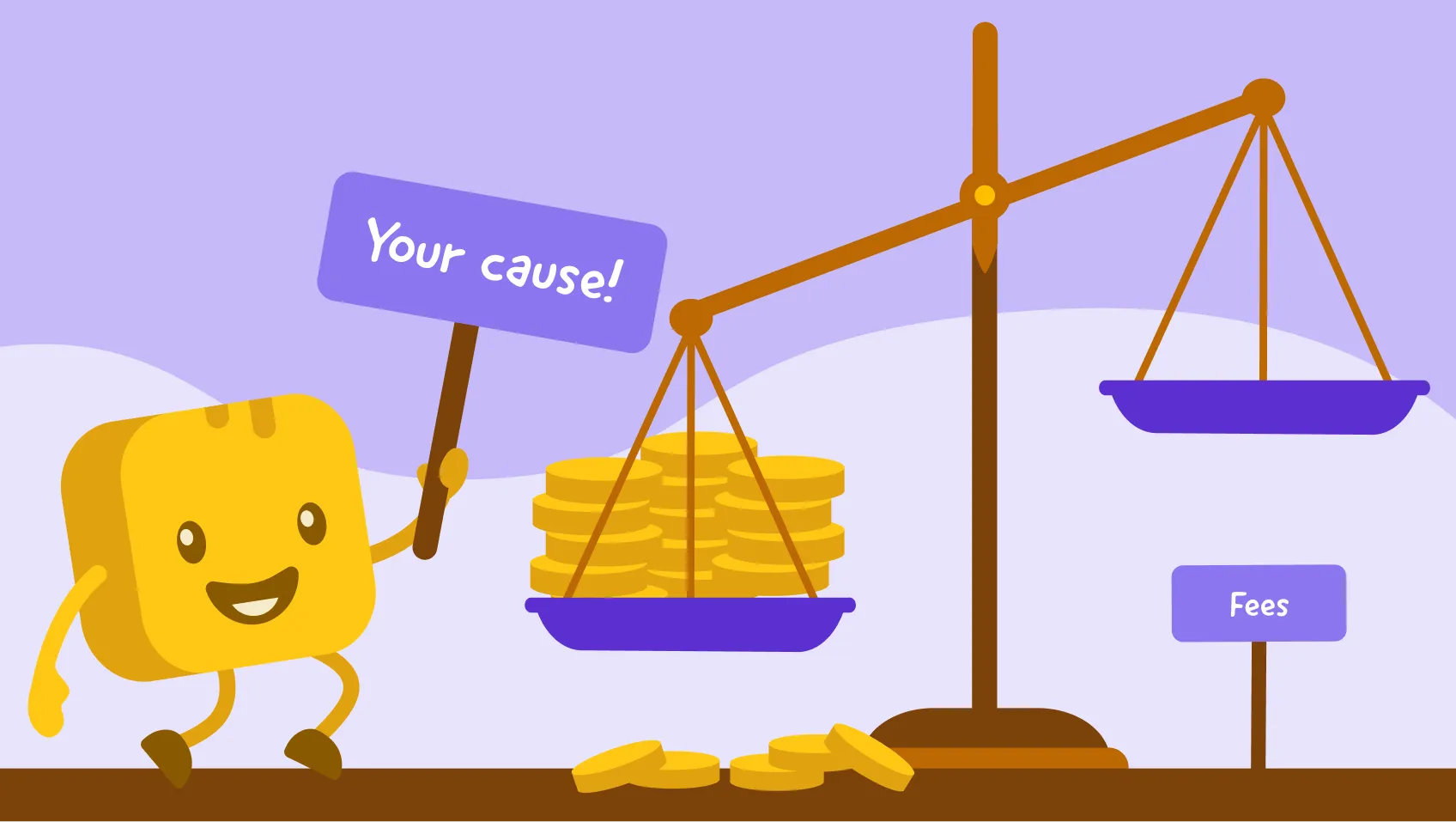
When optional donor tips are enabled, organizations pay $0 in platform and processing fees—so every dollar raised through your website can go directly toward your mission.
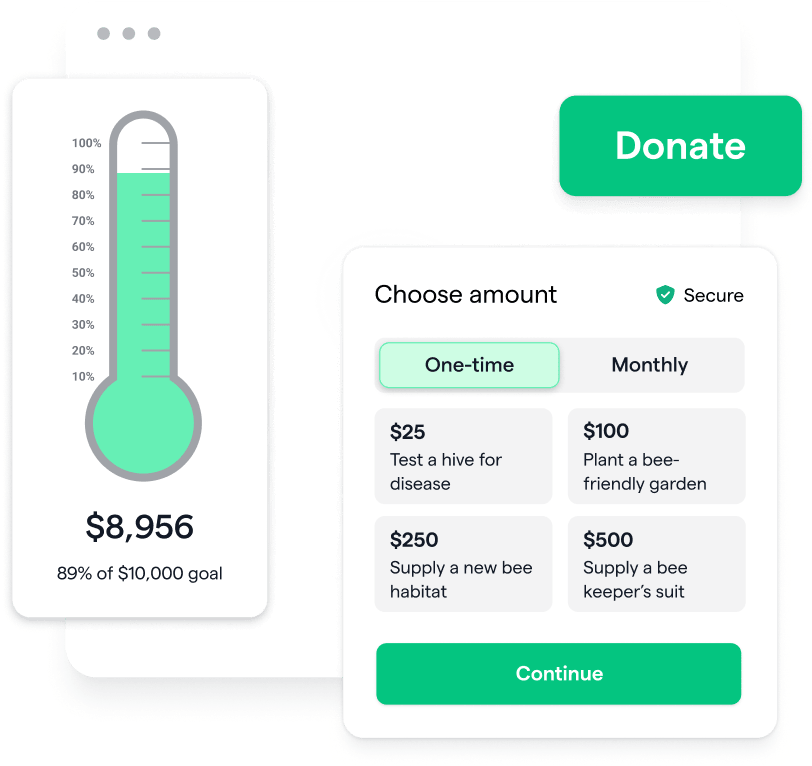
Streamline online fundraising with Givebutter widgets
Sign up for your free Givebutter account and build a website that helps you raise more.
Share this article



.webp)



.svg)
.svg)


