.svg)
.svg)
.svg)
.svg)
.svg)
.svg)
.svg)
.svg)
.svg)


.svg)
.svg)
.svg)
.svg)
.svg)
.svg)
.svg)
.svg)

.svg)
.svg)
.svg)

.svg)

.svg)
.svg)
.svg)
.svg)
.svg)


.svg)
.svg)
.svg)
.svg)
.svg)
.svg)
.svg)




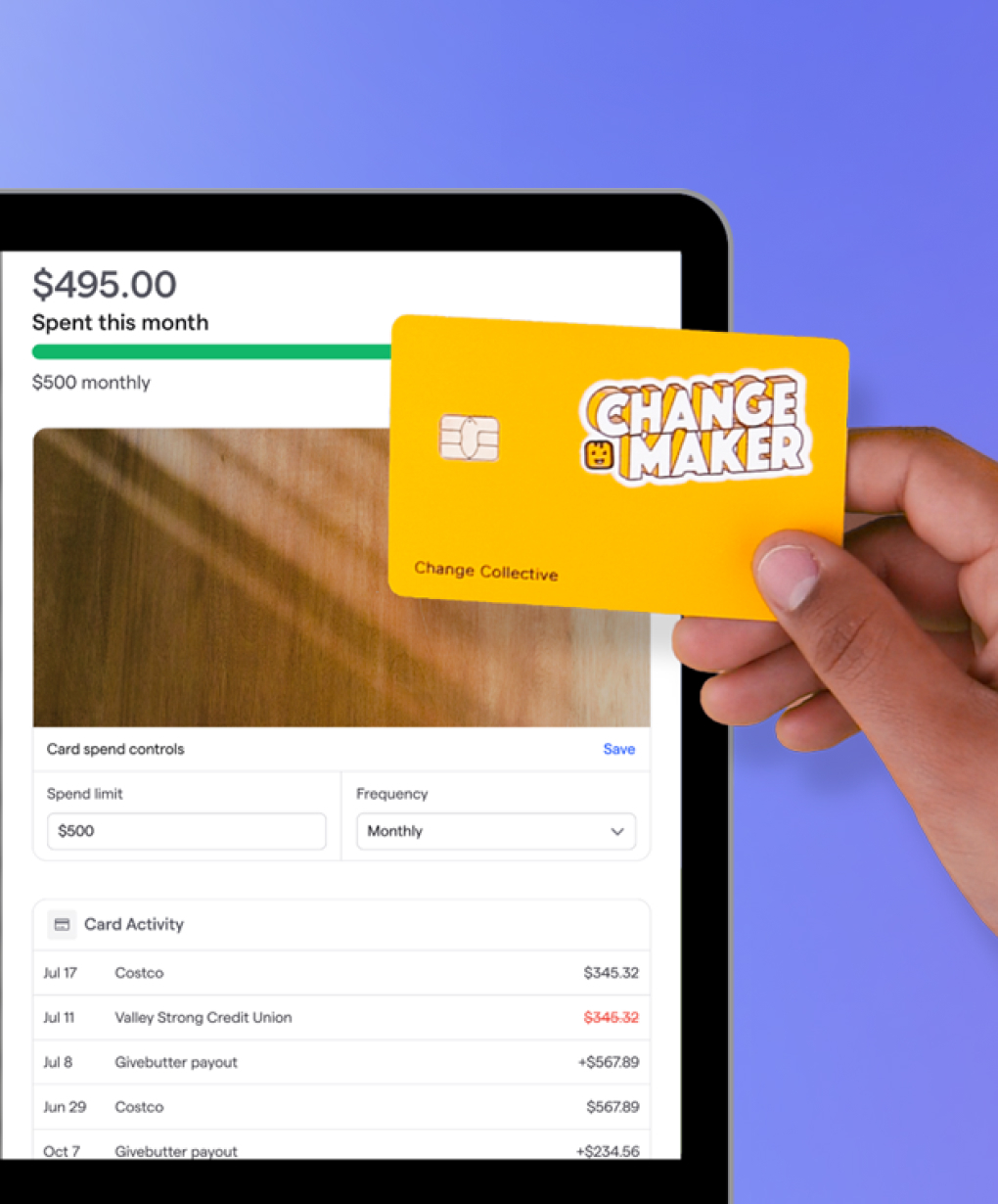

.svg)



%20(1).png)

Picture this: You’ve just wrapped up Sunday service, and you’ve met your donation target. The problem? Half your donations are in cash, some are checks, and the rest are spread across multiple volunteer PayPal and Venmo accounts. If this sounds familiar, it might be time to find an online giving platform for your church.
Finding the right platform can be challenging, especially if you have a small team or a tight budget. To simplify your search, we’ve created a guide that compares the four major church giving platforms to help you choose the best fit, plus 6 steps to get started with online giving.
The 4 best online giving platforms for churches at a glance
1. Givebutter: Best free all-in-one solution for modern church giving
Givebutter is an all-in-one fundraising platform and CRM used by thousands of churches. It makes giving easy with online and in-app payment processing, customizable donation forms, text-to-give, and CRM tools.
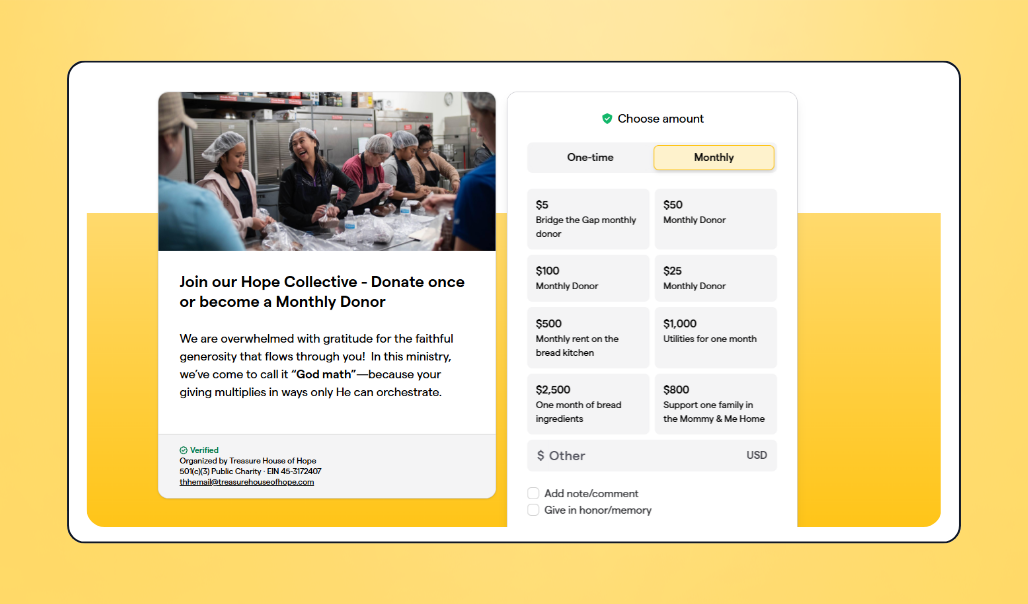
💰 Price: Givebutter’s core fundraising tools are free to use with optional donor tips enabled. With tips turned off, a flat 3% platform fee applies, along with a standard 2.9% + $0.30 processing fee.
📣 Standout features:
- Multiple ways to give, including cards, ACH, digital wallets, & checks
- QR code giving
- Customizable donation forms
- Embedded donation forms
- Event ticketing
- Fundraising auctions & paddle raise
- Donor CRM with profiles, giving history & segments
✅ Best for: Churches looking for a centralized giving hub with fundraising, events, and donor management tools
🔥 Our take: While most church giving tools stop at the donation, Givebutter keeps everything in one place: tithing, events, auctions, donor records, and communications. That means no rebuilding from scratch when a new treasurer comes on, and no adding another platform when you want to run a capital campaign or end-of-year gala.
What users like about Givebutter
“I love that Givebutter allows us to fundraise and bring in funds for our nonprofit ministry. It’s a huge feature we love because it tracks everything. I really like that it has many features, such as multiple campaigns, tickets, workflows, emails, saving contacts, and even allowing donations by mail. The initial setup was very easy, which is a big plus.” — Stephen D., Givebutter user
What users dislike about Givebutter
“The only struggle we have had since switching to Givebutter was that we did not set it up initially for automatic transfer to our bank and were unaware that we had donations coming in that hadn’t been transferred yet. But it was a pleasant surprise to see we had a pot of money sitting there by the time we realized that error on our part.” — Lisa V., Co-founder & Givebutter user
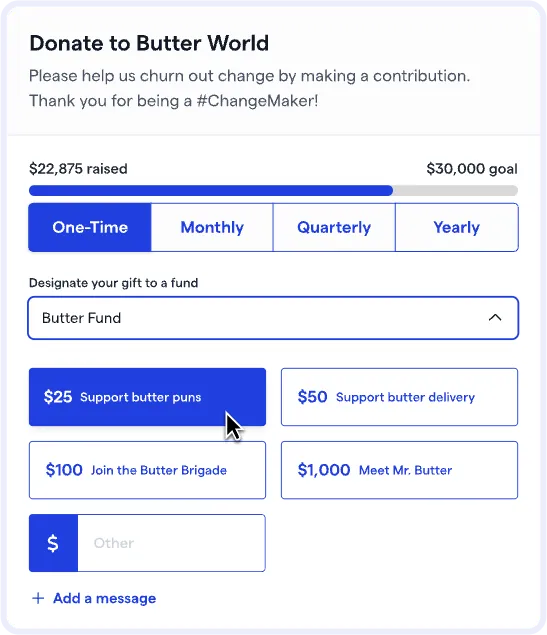
Power church giving with free, customizable donation forms
2. Tithe.ly: Best church-only giving platform with optional ChMS bundle
Tithe.ly is one of the most widely recognized giving platforms built just for churches. It offers key free giving tools, including mobile-optimized giving and recurring giving. Users can also upgrade their plan to access Tithe.ly’s ChMS features, such as volunteer management and church calendar service planning.
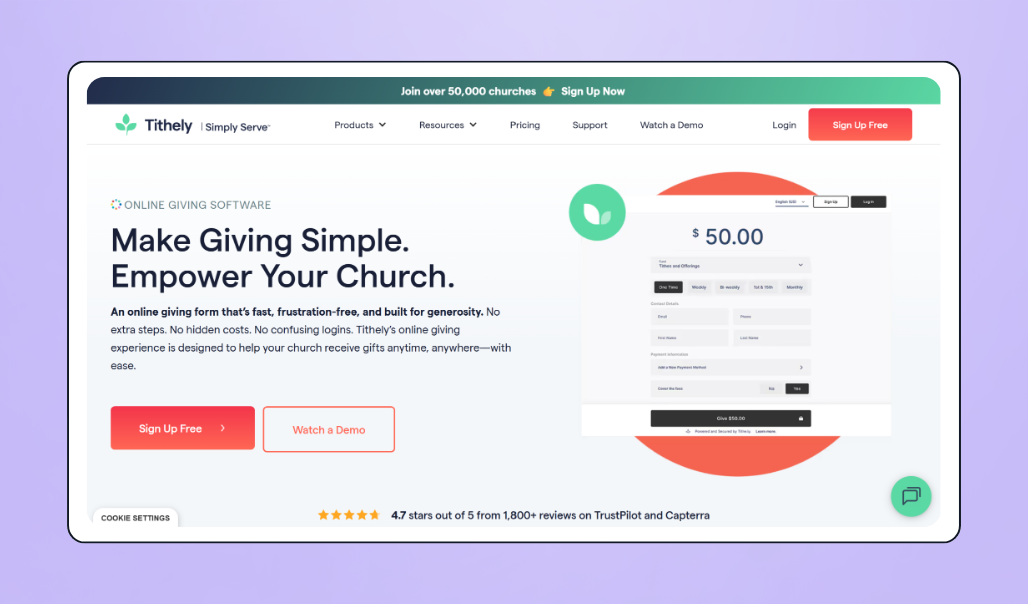
💰 Price: Free giving platform with a standard 2.9% + $0.30 processing fee. ChMS add-on plans, which include features such as text-to-give, service planning, and an admin mobile app, range from $72 to $228 per month.
📣 Standout features:
- Free core giving product with no monthly platform fee
- Mobile-optimized giving experience
- QR codes
- Text-to-give
- ACH giving
- Option to integrate with ChMS
- Church-branded mobile giving app
✅ Best for: Small to mid-size churches looking for an affordable giving solution that integrates with their ChMS
🔥 Our take: Tithe.ly has earned its reputation as one of the best free core giving tools for churches. Users love its low rates and customer service, though some reviewers note that its more advanced ChMS tools come with a learning curve.
What users like about Tithe.ly
“Overall, this is a great product with great options. And I really appreciate how some products are either free or very affordable, especially for what you get from them.” — Evan O., Lead Pastor & Tithe.ly user
What users dislike about Tithe.ly
“While I love that everything is here in one application, the navigation can be tough to understand and train people who are not actively using the software on a daily basis.” — Gabriel F., Media Admin & Tithe.ly user
3. Pushpay: Best for large, multi-campus churches with enterprise budgets
Pushpay brings church giving, engagement, and management together into a single, streamlined solution. Users can opt for its ChurchStaq platform, which includes ChMS tools, or Pushpay Giving, which is geared towards accepting church donations.
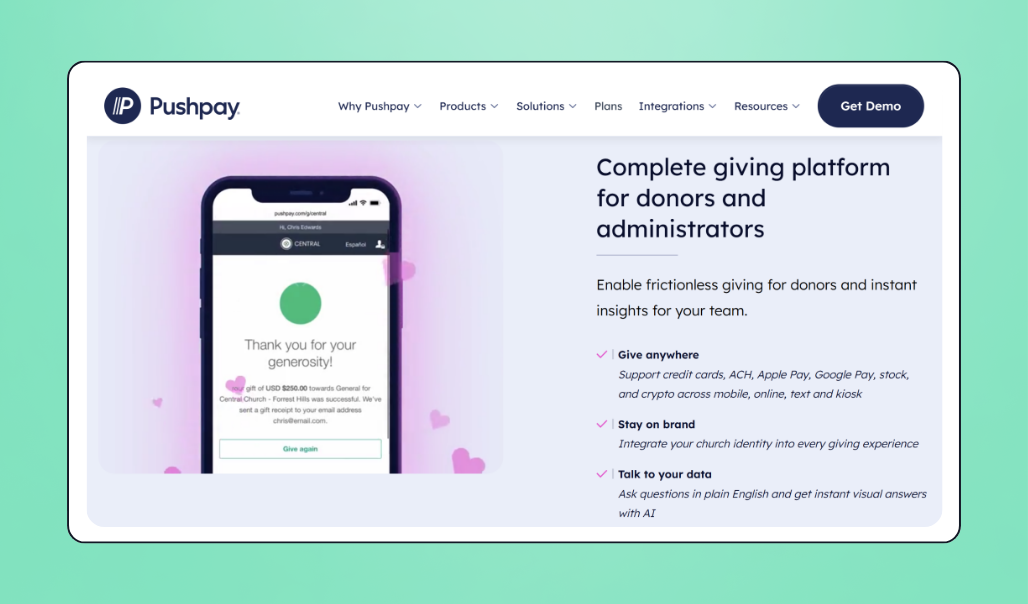
💰 Price: Pushpay operates on a subscription model and requires a custom quote for every plan option.
📣 Standout features
- Customizable giving pages
- Failed payment recovery
- Multiple payment methods
- Text-to-give
- Multi-site management
✅ Best for: Large, enterprise churches with multiple sites looking for an all-in-one giving and ChMS solution
🔥 Our take: Pushpay is a true all-in-one solution, offering advanced giving and ChMS features. Its in-depth features make it a strong option for large, multi-site churches looking for enterprise tools with a budget to match. Churches share that while Pushpay offers robust tools, its high processing and payment fees can be a drawback, and those looking for online giving for a small church may find it to be a feature overload.
What users like about Pushpay
“Pushpay makes offering/tracking/reviewing finances incredibly easy from the admin side to the app side. We used to have separate services for text-to-give, online giving, etc. Now, we’ve centralized everything with Pushpay and can’t imagine doing it any other way. Customer service is great as well!” — Aaron J., Digital Projects Manager & Pushpay user
What users dislike about Pushpay
“The software itself was fine, but we moved away from it because of its high processing fees and the fact that there was a renewal/subscription cost.” — Crystal K., Finance Manager & Pushpay user
4. Givelify: Best mobile-first giving experience
Givelify is a mobile-first online giving app for churches. Once a church has set up its account and congregation members have downloaded the app, they can give in just a few taps.
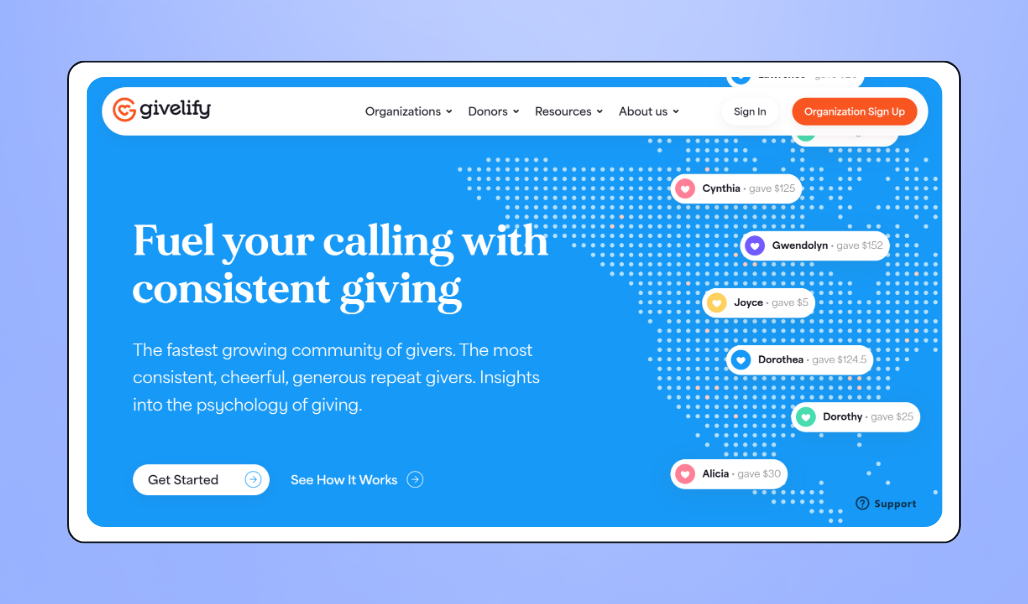
💰 Price: Givelify is free to use. It comes with a standard 2.9% + $0.30 processing fee per transaction.
📣 Standout features:
- Simple in-app giving experience
- No monthly platform fee
- Thank-you notes to givers
- Financial reporting
- Donation tracking and analytics
- Customizable for specific causes and projects
✅ Best for: Churches looking for a simple giving solution that doesn’t require a full CRM, recurring giving program, or website integration
🔥 Our take: Givelify’s differentiator is its simplicity, which can be especially beneficial for older or less tech-savvy supporters. Built specifically for donations, it offers a streamlined giving experience. However, churches looking for website giving, fundraising events, donor management, or more robust engagement tools may find it limiting.
What users like about Givelify
“The software and website are both easy to use and very well done. It’s simple and straightforward, and it doesn’t cost anything other than processing costs, which is very reasonable. The app is also easy to use and is user-friendly.” — Dan F., Trustee & Givelify user
What users dislike about Givelify
“Givelify does not integrate with many church management systems (i.e., BreezeCHMS, Planning Center), which means you need to manually enter/import giving into those systems.” — Josette H., Church Administrator & Givelify user

How to set up online giving at your church in 6 steps
Once you’ve weighed the best online giving options for your church, follow these six steps to launch online giving and set your church up for long-term success.
1. Pick the platform that fits your church ⛪
Not every platform is right for every church. The best fit depends on your church’s overall needs, goals, and budget.
Once you’ve reviewed the platform comparison above, ask yourself these questions:
- How much does it cost?💰 Make sure the platform balances affordability with the features your church needs.
- Is it easy to use? ☺️ Enterprise platforms often require a more involved setup, while giving-focused platforms can be much faster to launch. Look for ease of use backed by a strong customer service team to make setup easier.
- Does it come with the features you need? 📋 Make sure the platform’s features align with your church’s needs, whether that’s a streamlined giving experience or a more in-depth fundraising and CRM solution.
- Can you use it alongside your ChMS? ⛪ Some giving platforms may integrate with your ChMS. Other ChMS platforms have built-in giving tools.
- Can it scale? 🌱 Look for a platform with features that will grow with your church, like fundraising events, detailed donor profiles, and engagement tools.
2. Sign up & verify your church as a nonprofit 📋
Many church giving platforms require you to verify your 501(c)(3) status when you sign up, so make sure you have your EIN or IRS determination letter on hand.
Once your account has been approved, you’ll need to connect your bank information to start accepting donations.
3. Build your giving form & turn on recurring giving 🛠️
Now’s the time to tailor your giving page to fit your church’s needs. With Givebutter, you can customize your donation form with your logo, brand colors, and photographs.
Multiply your impact by setting up your page for recurring giving so that supporters can give monthly, quarterly, or annually with just a few clicks.

4. Share your giving link & QR code everywhere 📱
Generate a QR code for your giving page to post on your church bulletin board, church hall, or anywhere else your community gathers.
Share your giving link on your social media pages, set up your text-to-donate link, and add a donation button or integrate your donation form into your church website. The goal is to make giving easy and accessible, while connecting everything back to your central giving hub.
5. Train your team & launch your platform 🚀
Before launching, run a test to make sure staff and volunteers are comfortable using the platform.
For the first few weeks, keep your QR code readily available, and set aside a place to collect checks and cash if you’re using a platform that accepts in-person donations.
6. Monitor & expand your strategy 🙌
Once you’ve collected enough data, use your CRM tools to review your giving strategy and performance. Track KPIs such as average gift size, number of donors, and giving frequency, and use marketing tools to deepen connections with your giving base.
Reduce administrative work with automated workflows. Consider launching an auction or an end-of-year gala to boost donations further.
🎬 See in action: A church uses Givebutter to collect donations during its Sunday service. They identify that a large percentage of donors are families. They use Givebutter’s event ticketing and tools to run a family-friendly fundraiser and to start an email reengagement campaign targeted at those who haven’t given in the past 3 months.
Simplify church giving with Givebutter
If you’re ready to grow your church giving program beyond a patchwork of checks and Venmo transfers, it’s time for an online giving platform. Start by evaluating what you’re looking for, whether that’s an enterprise-level, multi-site platform or an all-in-one giving hub that helps you manage fundraising events and campaigns alongside Sunday contributions.
Givebutter makes church giving smooth as butter, with easy online donations, text-to-give, donation receipts, and customizable giving forms that integrate directly into your church website. And when you’re ready to expand your church fundraising to include events or auctions, you won’t need to add another platform to your tech stack.
Sign up for Givebutter today and simplify church giving, fundraising, and donor management in one place.
FAQs about online giving for churches
How do I donate to a church online?
Look for a give link or donate button on the church’s website or social media. From here, choose your giving amount and frequency (one-time or recurring), then select your payment method.
Donation platforms like Givebutter offer multiple payment methods, including credit cards, debit cards, ACH, Apple Pay, Google Pay, and Venmo.
Is there a free online giving platform for churches?
Yes. Givebutter is an all-in-one, free fundraising platform that allows churches to collect donations online. When optional donor tips are enabled, Givebutter’s core fundraising features are completely free to use.
Whether you’re evaluating online giving for Catholic churches or other congregations, compare platform fees, recurring giving options, and church management integrations before choosing a provider.
Can churches use Venmo for giving?
Yes. Churches can create a Venmo Charity profile through PayPal. Platforms like Givebutter also allow churches to accept Venmo donations through a centralized giving dashboard without creating a separate Venmo account.
How much does online giving cost a church?
The standard processing rate for accepting donations online is 2.9% + $0.30 per transaction. ACH transfers have lower rates. Some giving platforms also add a monthly or percentage-based platform fee.
Givebutter doesn’t charge a platform or processing fee when optional donor tips are enabled, so its core giving tools are 100% free.
Share this article









.svg)
.svg)