.svg)
.svg)
.svg)
.svg)
.svg)
.svg)
.svg)
.svg)
.svg)


.svg)
.svg)
.svg)
.svg)
.svg)
.svg)
.svg)
.svg)

.svg)
.svg)
.svg)

.svg)

.svg)
.svg)
.svg)
.svg)
.svg)


.svg)
.svg)
.svg)
.svg)
.svg)
.svg)
.svg)




.svg)


%20(1).png)

Teachers who incorporate technology into their daily workflow can save hours every week. The challenge isn't a shortage of options. If anything, there are too many. The best classroom apps are the ones that actually get used: intuitive enough to set up quickly, free or affordable enough to justify, and useful enough to stick around past the first week of school.
This guide cuts through the noise with a curated list of the best apps for teachers, organized by category, so you can find exactly what you need. Every pick includes real user reviews, honest pricing, and a clear "best for" so you can choose with confidence. And because many teachers still pay for essential supplies out of pocket, there's a dedicated fundraising section featuring the best tools to raise money for your classroom and school community.
The best apps for teachers at a glance
Classroom apps for teachers
Classroom apps gained popularity during the shift to online learning, and they’re here to stay. These tools allow educators to create lessons, track assignments, communicate with students and families, and keep everything centralized, making learning efficient and consistent for both teachers and students.
1. Google Classroom: For schools already using Google Workspace
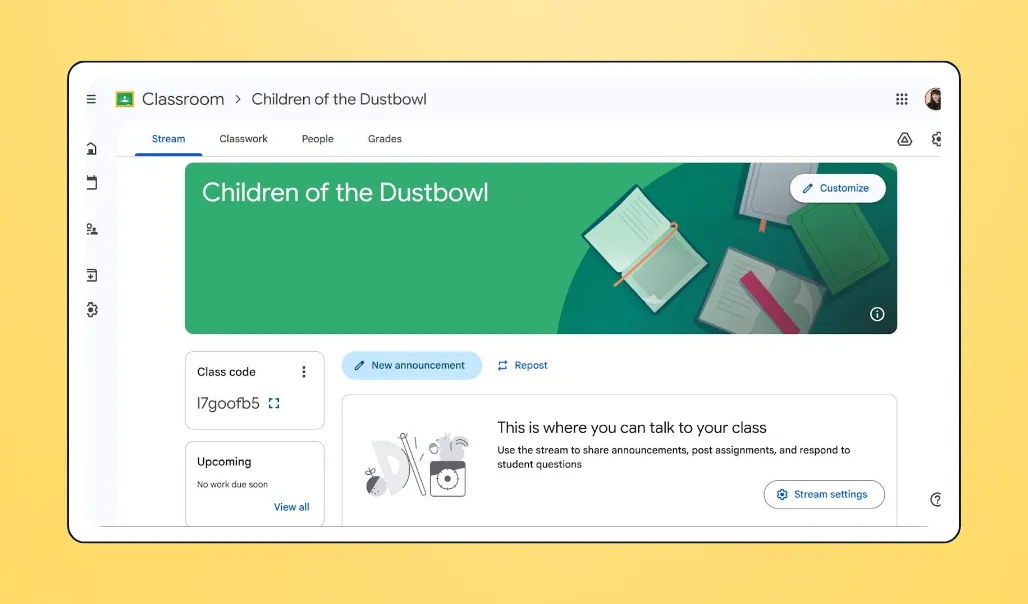
With Google Classroom, teachers can assign work, give feedback, and teach classes in one streamlined platform. Getting started takes just a few clicks.
💰 Price: Free plan available; Education Plus starts at $6 per user per year
🎓 Grade levels: K–12
📣 Standout features:
- Assignment distribution and grading
- Real-time collaboration
- Built-in feedback and comments
- Integrates with Kahoot!, Quizlet, Canva, and more
✅ Best for: Classrooms already using Google Suite for planning and instruction
🔥 Our take: Google Classroom boosts efficiency if you’re already working within the Google ecosystem, as the suite of tools integrates seamlessly. It’s lighter on advanced LMS features than Canvas or Schoology, but it’s ideal for teachers who want a clean, low-friction system without district-level complexity.
What users like about Google Classroom
“I love how easy it is to create assignments and attach various documents and links to the assignments. Also, being able to schedule assignments and announcements in different classes at the same time is awesome.” — Tiffany H., Classroom Teacher & Google Classroom user
2. Canvas LMS: For scalable, district-wide LMS
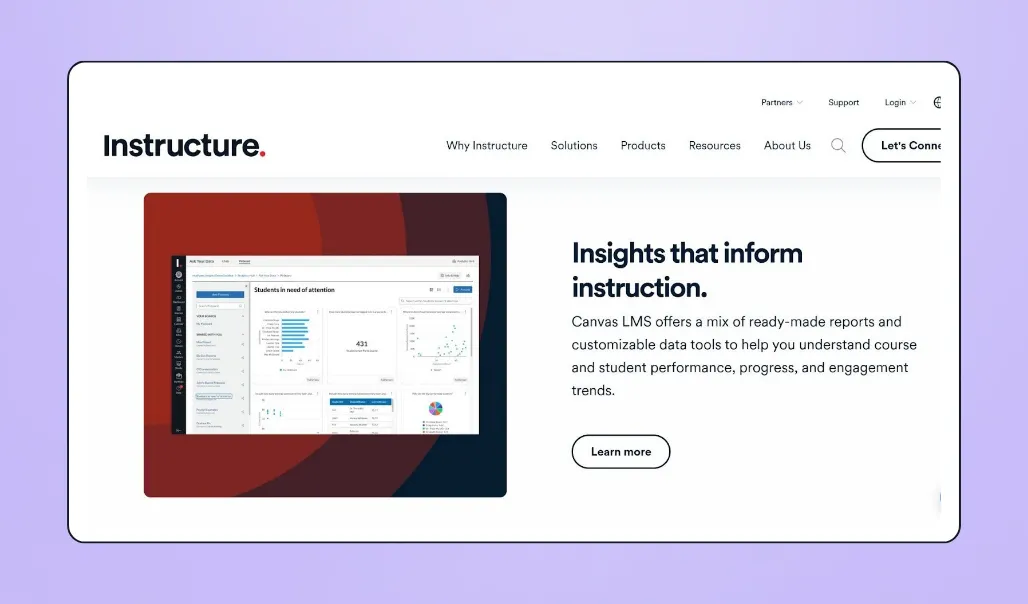
Canvas LMS is a scalable tool offering robust course management features. It supports all age groups and integrates easily with a wide range of classroom and administrative tools.
💰 Price: Custom pricing (school or district contracts)
🎓 Grade levels: K–12
📣 Standout features:
- Streamlined grading and feedback
- Video content creation
- Student growth tracking
- Integrates with Quizlet, Trello, and more
✅ Best for: A comprehensive learning management system, instruction, and grading
🔥 Our take: Canvas stands out for its scalability and advanced customization options. It’s built for districts and institutions that need detailed reporting, strong integrations, and centralized oversight. However, the trade-offs include setup time and navigation complexity, making it better suited for schools with IT support than for teachers looking for a lightweight solution.
What users like about Canvas LMS
“What I like the most about using Canvas is the ability to run my class from start to finish within the system. This includes the ease with which I can incorporate outside tools into the Canvas ecosystem, either through integrations or through student work submissions. I use this regularly in my teaching, both as the textbook and workbook for my students' learning.” — Jeffery C., Canvas LMS user
3. PowerSchool Schoology Learning: For schools already using the PowerSchool system
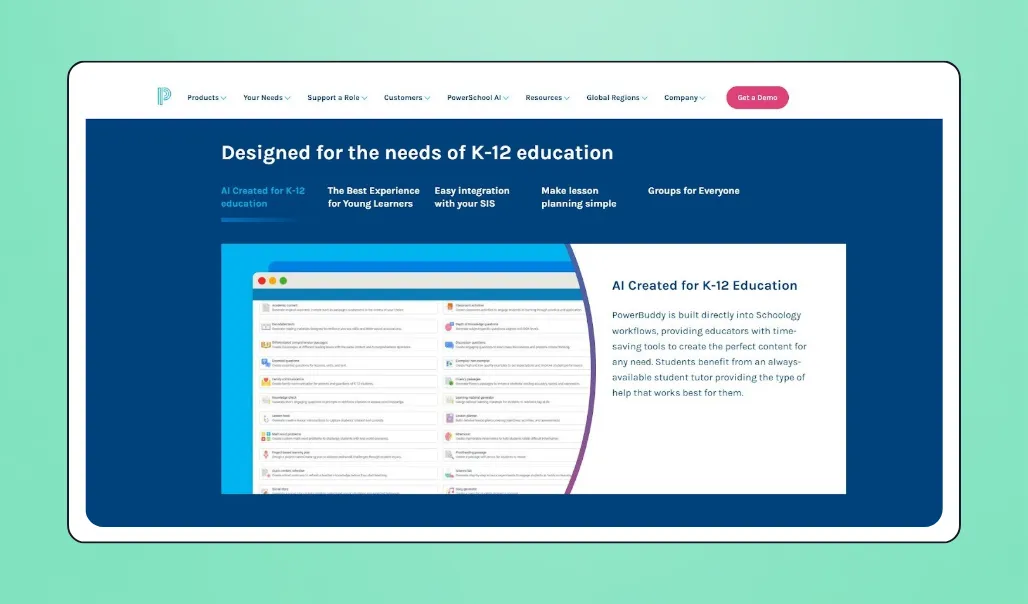
PowerSchool Schoology Learning is an all-in-one classroom management system suitable for learners of all ages. It combines learning management, grading, and instructional tools within the broader PowerSchool ecosystem.
💰 Price: Contact PowerSchool for custom quote
🎓 Grade levels: K–12
📣 Standout features:
- Integrates with other PowerSchool programs and third-party tools like Google Classroom
- AI-powered assistance
- Centralized lesson planning
✅ Best for: An all-in-one solution for classroom management, instruction, grading, and planning
🔥 Our take: Schoology works best when integrated within the PowerSchool ecosystem. While it can streamline instruction and planning, its overall success depends on district-wide adoption, making it less ideal for teachers seeking a standalone efficiency tool.
What users like about PowerSchool Schoology Learning
“Effective all-in-one solution for teachers to assign and manage classroom content; there are other services that cover some use cases more effectively, but you can't beat Schoology for its hassle-free, all-in-one solution.” — Verified User in Primary/Secondary Education, PowerSchool Schoology Learning user
4. Canva Education: For creating classroom visuals and materials quickly
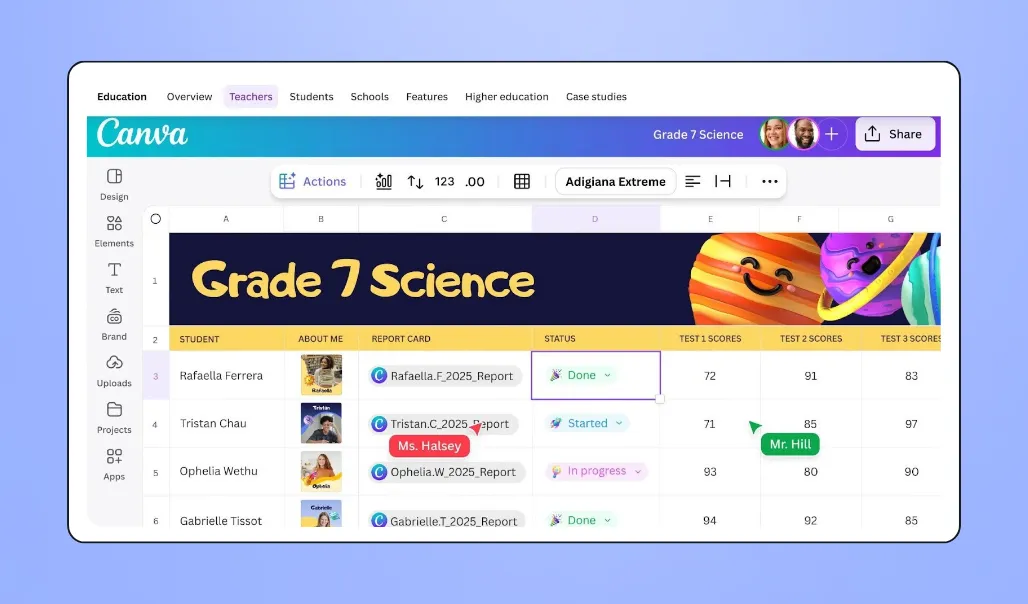
Canva Education is a visual design and communication platform for teachers and students. Educators can create engaging classroom materials in minutes, and students can access thousands of templates to enhance individual and group learning.
💰 Price: Free for verified teachers
📣 Standout features:
- Integrates with Schoology, Google Classroom, Canvas, and more
- Thousands of templates and graphics for presentations, displays, and lesson plans
- Interactive designs to engage learners
✅ Best for: Teachers who want to easily incorporate professional-looking designs into their lesson planning
🔥 Our take: Canva’s simple drag-and-drop interface and ready-made templates simplify lesson creation, worksheets, slideshows, and displays. Plus, it offers real-time collaboration for student group projects.
What users like about Canva Education
“I love Canva's vast library of customizable templates… I also enjoy the free Education plan, which unlocks premium assets for students, making high-quality designs possible without extra costs. Having cloud access and real-time collaboration features available for group projects from any device is a great advantage.” — Aaryn B., Canva user
Grading apps for teachers
Grading platforms help teachers assess student work quickly and accurately. Many grading apps include built-in features to track progress and review learning, providing deeper insights and freeing up time for what matters most: teaching.
5. Gradescope: For fast grading & assessment analytics
Teachers can create assignments directly through Gradescope or upload handwritten work for automatic grading. The app provides detailed class analytics to track progress and identify areas where students may need additional support.
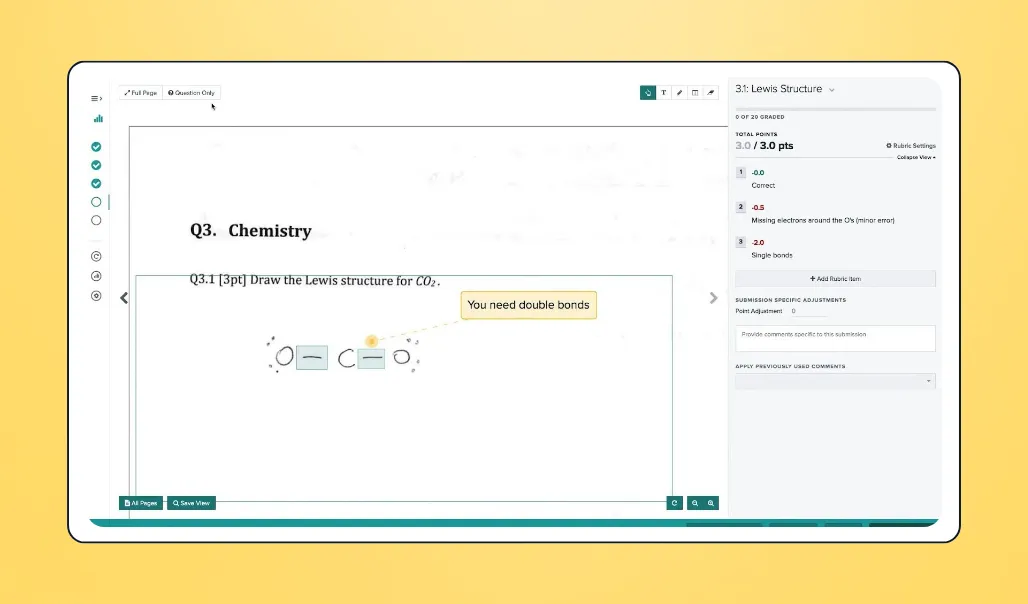
💰 Price: Free basic plan; institutional pricing not publicly available
🎓 Grade levels: K–12
📣 Standout features:
- AI-assisted grading
- Assignment statistics for entire classes
- Regrade requests
- Integrates with Canvas and most major LMS
✅ Best for: Teachers looking for an all-in-one grading solution and automated data insights
🔥 Our take: GradeScope works well for educators managing a high volume of assessments. Its analytics and automation tools are powerful, though the interface can feel less intuitive to navigate. It’s especially useful for teachers who want to streamline their grading workflow.
What users like about Gradescope
“Excellent experience when you administer MCG exams. It’s a major time saver and the results of grading are so accurate.” — Wassm I., Associate Professor & Gradescope user
6. Formative: For creating assignments & real-time insights
Formative uses AI tools to make lesson creation, grading, and real-time collaboration with other staff more efficient. Teachers can create lessons, provide students with self-paced learning tools, and monitor student understanding in real time.
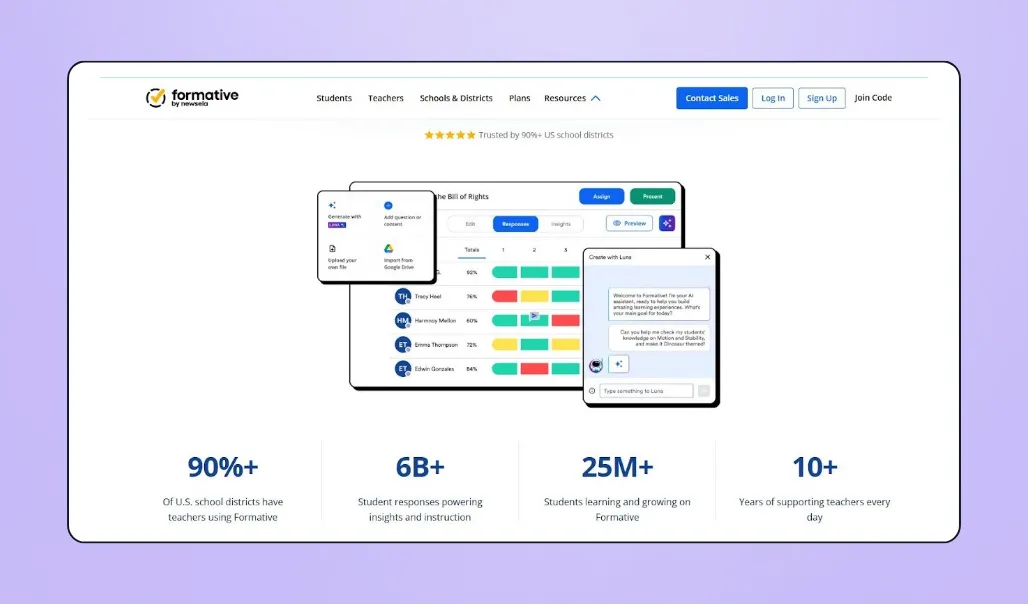
💰 Price: Free plan; paid teacher plan starts at $13 per month; custom pricing for school and district plans
📣 Standout features:
- AI-powered assistant for creating lessons
- Unlimited assessments
- Options for audio, visual, and written feedback
✅ Best for: Collaboration with schools in other districts, data-driven classroom, learning insights, grading, and instruction
🔥 Our take: While you’ll need its School and District plan to unlock advanced collaboration tools, there’s still plenty you can achieve with Formative’s free plan, including unlimited activity creation, auto-grading, and live feedback. Its wide range of question types makes it more versatile than Kahoot, but it also requires a more in-depth setup.
7. Quick Key: For mobile scan-based multiple choice grading
Quick Key by Validating Learning is a simple mobile app that allows teachers to grade quizzes and collect assessment data using their Apple or Android phone or tablet.
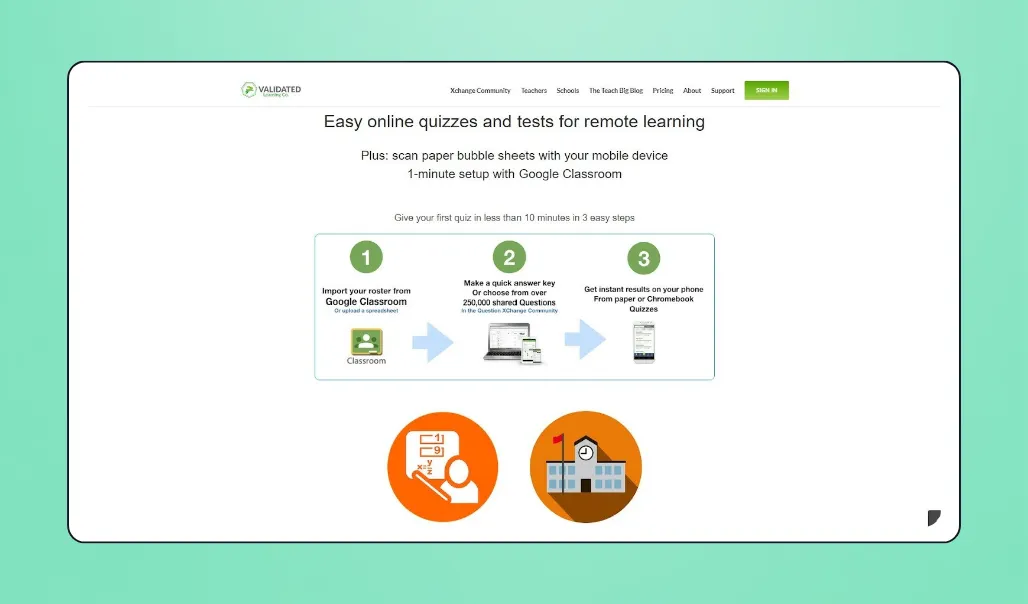
💰 Price: Free with Teacher plan; $2.50 per month for Pro Teacher plan
📣 Standout features:
- Works on both Apple and Android devices
- Grade quizzes from paper, Google Forms, or laptops
- Import rosters from Google Classroom
- Integrates with Google Classroom, Canvas, and Schoology
✅ Best for: Remote lessons, multiple-choice quiz grading, and teachers already using Google Classroom
🔥 Our take: Quick Key is affordable and easy to use, making it a practical choice for teachers on a tight budget looking for a low learning curve. While it's more lightweight than platforms like GradeScope, it covers the essentials efficiently.
What users like about Quick Key
“Makes analysis of multiple choice quizzes easy to do, enabling quick identification of misconceptions. Really great software.” — Susie N., Quick Key user
Classroom management apps for teachers
Classroom and behavior management apps for teachers help streamline administration, communication, and attendance tracking. These tools support smoother school operations and stronger relationships with students and families.
8. Class Dojo: For elementary behavior tracking & family communication
ClassDojo connects teachers, students, and families in one simple platform. It focuses on behavior tracking and communication and integrates seamlessly with the broader Dojo suite of tools.
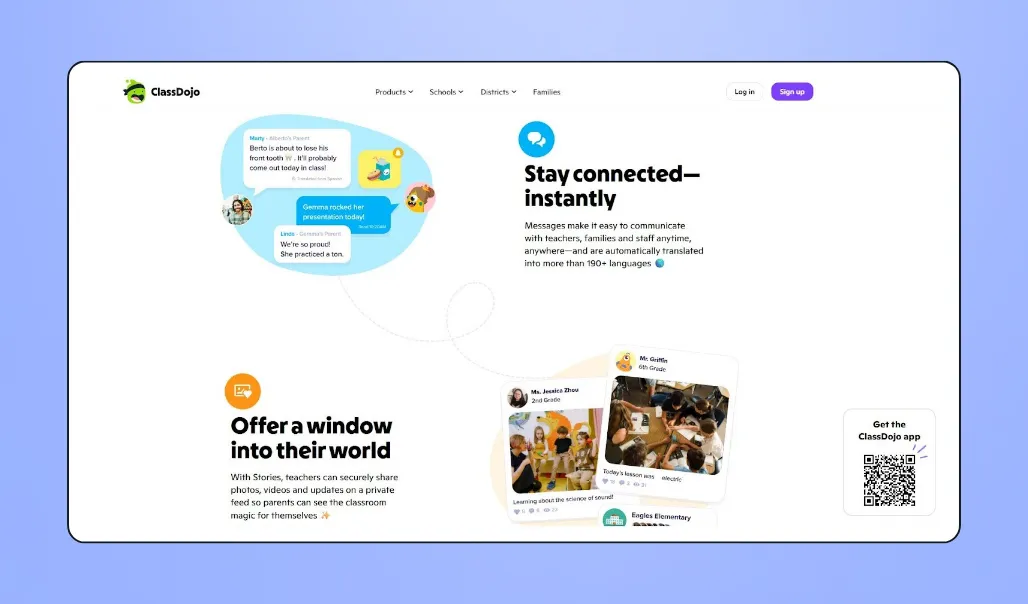
💰 Price: Free plan available; ClassDojo Plus pricing not publicly available
📣 Standout features:
- Attendance sheets
- Messaging features that automatically translate to 190+ languages
- Point-based reward system to encourage positive behavior
- Integrates with Google Classroom
✅ Best for: Elementary teachers prioritizing community building and family communication
🔥 Our take: ClassDojo stands out with a bright, user-friendly interface and a focus on classroom culture. It’s excellent for encouraging positive behavior and keeping families informed. However, it’s not designed for creating assignments or monitoring learning, so teachers looking for a comprehensive management app may need additional tools.
What users like about ClassDojo
“ClassDojo is a very powerful classroom management platform that allows teachers, students and parents to communicate, share information, and track progress in a very easy and attractive interface. It's very easy to integrate with Google Classroom.” — Verified ClassDojo user
9. SchoolStatus: For family communication & student data tools
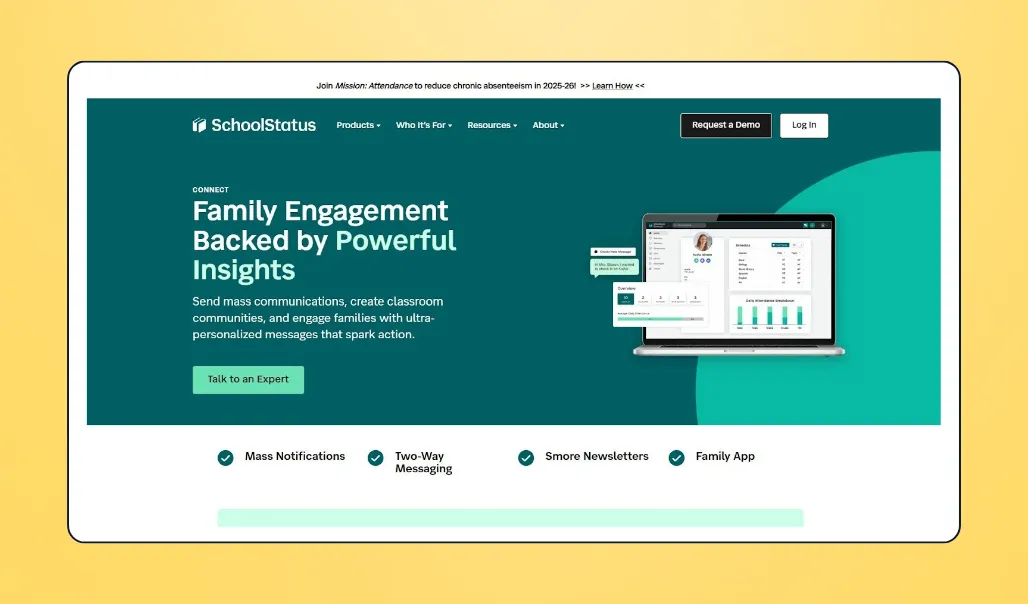
SchoolStatus is a communication-focused platform that centralizes attendance, family engagement, student observations, and class payments in one system.
💰 Price: Custom pricing (annual contracts)
🎓 Grade levels: K–12
📣 Standout features:
- Data-driven attendance insights
- Secure parent communication
- Mass notifications and messaging
- Integrates with Google Classroom and more
✅ Best for: Schools prioritizing centralized parent communication and student performance tracking
🔥 Our take: SchoolStatus is a great app for teachers who want structured data and communication tools. Its automated record-keeping and security features make it a reliable, safe option for managing sensitive information. However, it doesn’t support assignment creation or grading, so it works best alongside an LMS.
What users like about SchoolStatus
“I think the most helpful part about SchoolStatus is how easy it is to use and having ALL the student information you need in one place.” — Stacey G., Dyslexia Specialist & SchoolStatus user
10. Seesaw: For elementary portfolios & family connection
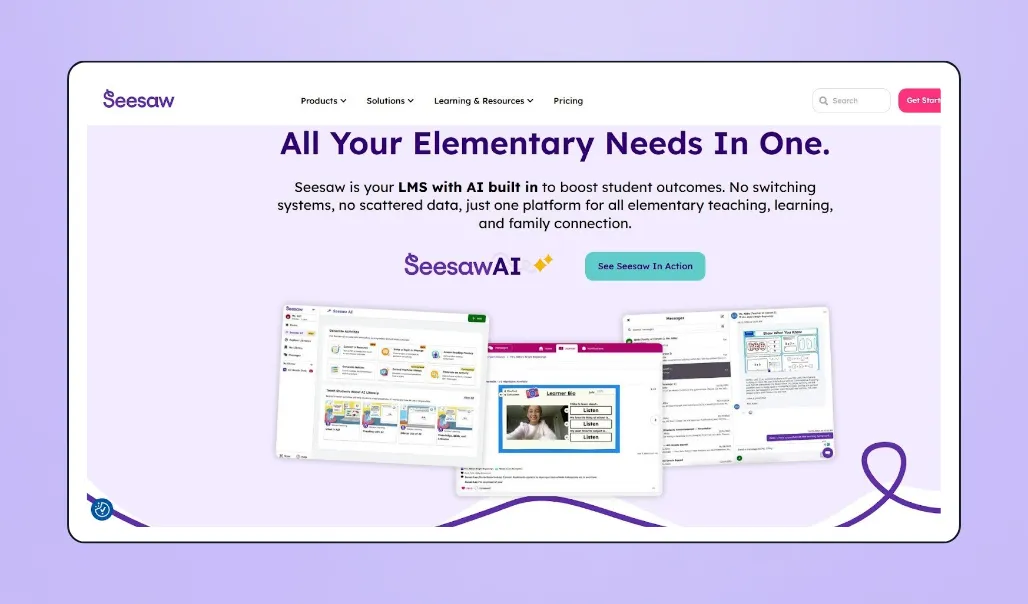
Seesaw makes it easy to manage every aspect of your classroom from one platform, including communication, building lessons, recording milestones, and managing assignments.
💰 Price: Custom pricing (contact for a quote)
🎓 Grade levels: Elementary school
📣 Standout features:
- Student portfolios for progress tracking
- Family communication tools with multi-member access
- Integrates with Google Classroom, Schoology, and Canvas
✅ Best for: Elementary teachers looking for a centralized classroom management and communication tool
🔥 Our take: Seesaw offers a wider range of functionality, bringing together portfolio tracking, communication, and learning tools. Plus, it easily integrates with other platforms, making it a true all-in-one solution.
What users like about SeeSaw
“Seesaw is incredibly user-friendly for even our youngest students. We have our preschoolers using the platform with relative ease. I'm amazed that they've created a tool that students who are not yet reading can navigate effectively to document their learning.” — Keri G., Technology Coordinator & SeeSaw user
Communication apps for teachers
With communication apps, teachers have a fast, reliable way to connect with parents without sharing personal contact information or adding more administrative tasks to their to-do lists.
11. Remind: For secure messaging with families
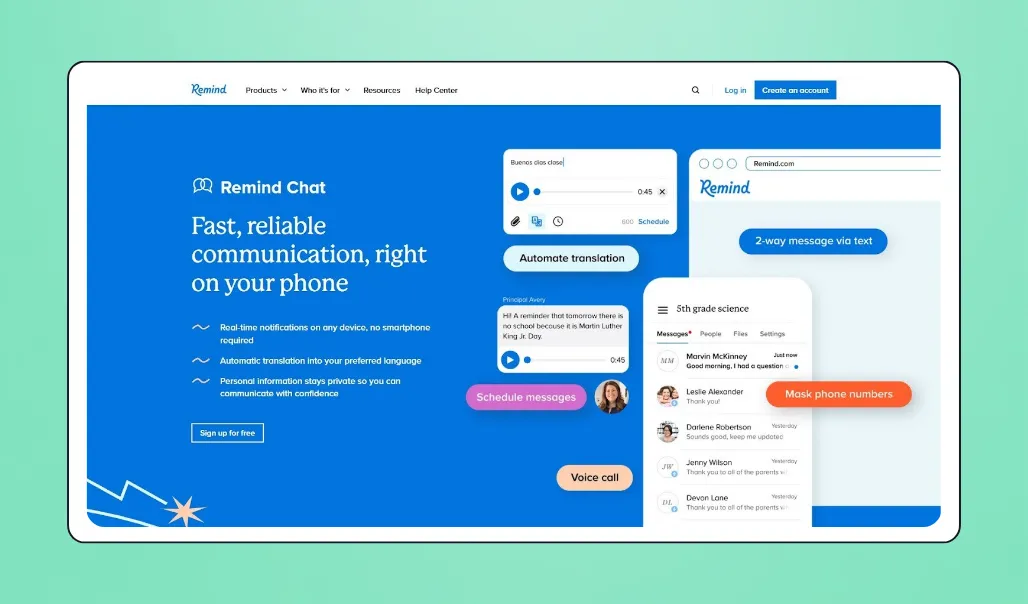
Remind Chat is a free app for teachers to securely message with parents and students directly from their phone. Remind Hub offers more advanced communication tools, including phone calls, video messages, and automatic translation in 90+ languages.
💰 Price: Remind Chat is free; Remind Hub requires a custom quote
📣 Standout features:
- Direct text communication with families
- Scheduled office hours
- Downloadable message history
- Integrates with Google Classroom and more
✅ Best for: Sharing reminders and updates with families and students
🔥 Our take: Remind Chat is a solid option for teachers who need simple, reliable messaging. While it offers a streamlined communication experience, those looking for advanced classroom management might find it limiting.
What users like about Remind
“I love how easy it is to communicate with both individuals and groups. It is easy to implement as well because it takes hardly any time at all to set up! We used it almost daily in the after-school program where I work to communicate with parents if we were inside a building or out on the playground.” — Becky H., School Librarian & Remind user
Educational apps for teachers (student engagement & review)
From gamified lessons to tools for creating study guides and tracking learning outcomes, educational apps increase student engagement. These platforms support in-class learning, teacher insights, and independent study.
12. Kahoot!: For gamified classroom quizzes
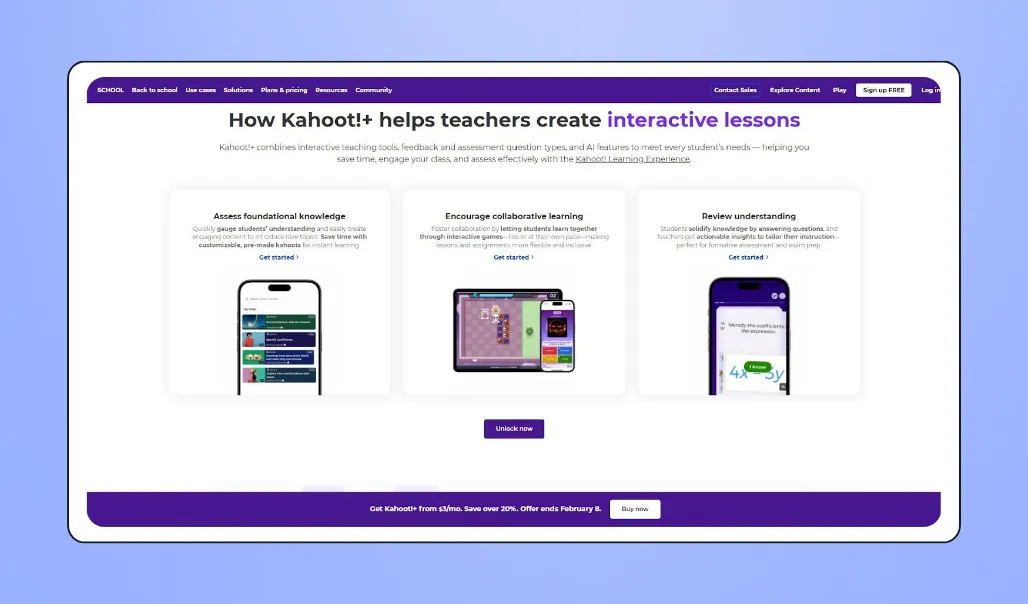
Kahoot offers a simple and fun way to bring gamified learning to the classroom. Teachers can create their own quizzes or choose from a library of pre-made options covering a range of different topics.
💰 Price: Free plan available; professional plans range from $19 to $79 per month
📣 Standout features:
- Lecture mode for group teaching
- Built-in curriculum-aligned content
- Collaborative, interactive games
- Integrates with Google Classroom, Canvas, Schoology, and more
✅ Best for: Fun, competitive classroom review and independent practice
🔥 Our take: Kahoot’s game-based learning format keeps students engaged and energized, with flexible functionality for both in-class activities and at-home practice. While it excels at engagement, it prioritizes gamification over in-depth analytics, making it best suited for teachers looking to liven up their lessons.
What users like about Kahoot!
“Kahoot! has lots of different content already made. It’s interesting to students and does encourage students to engage.” — Melissa D., Online Teacher & Kahoot! user
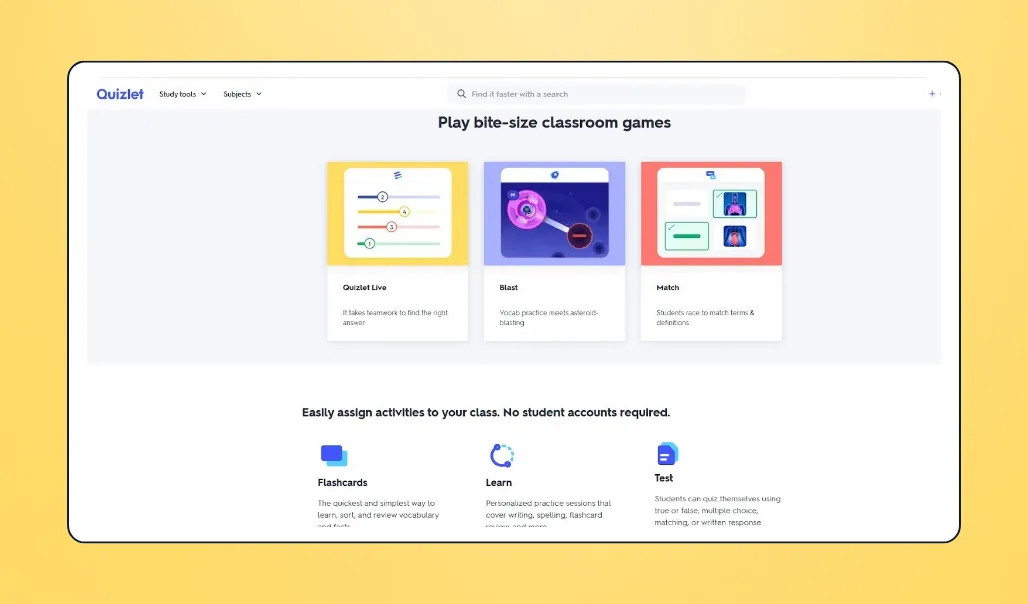
13. Quizlet: For creating study guides & gamified learning
Quizlet allows teachers to create study guides, flashcards, practice tests, and games to reinforce learning. Students can complete activities independently or together using shared study sets.
💰 Price: Plans start at $35.99 per year
📣 Standout features:
- Prebuilt resources across multiple subjects
- Customizable study guides and practice quizzes
- Live group games for class review
- Integrates with Schoology and more
✅ Best for: Teachers creating structured review materials and activities
🔥 Our take: Quizlet is a great choice for teachers looking to create study resources and learning games without toggling between tools. The platform strikes a strong balance between independent study and classroom engagement. However, it lacks tracking capabilities, so teachers may need additional tools for deeper learning insights.
What users like about Quizlet
“Quizlet is a fun-to-use and handy website and service suite… The sheer amount of content on the site makes it a fabulous bargain!” — Adam P., Site Manager & Quizlet user
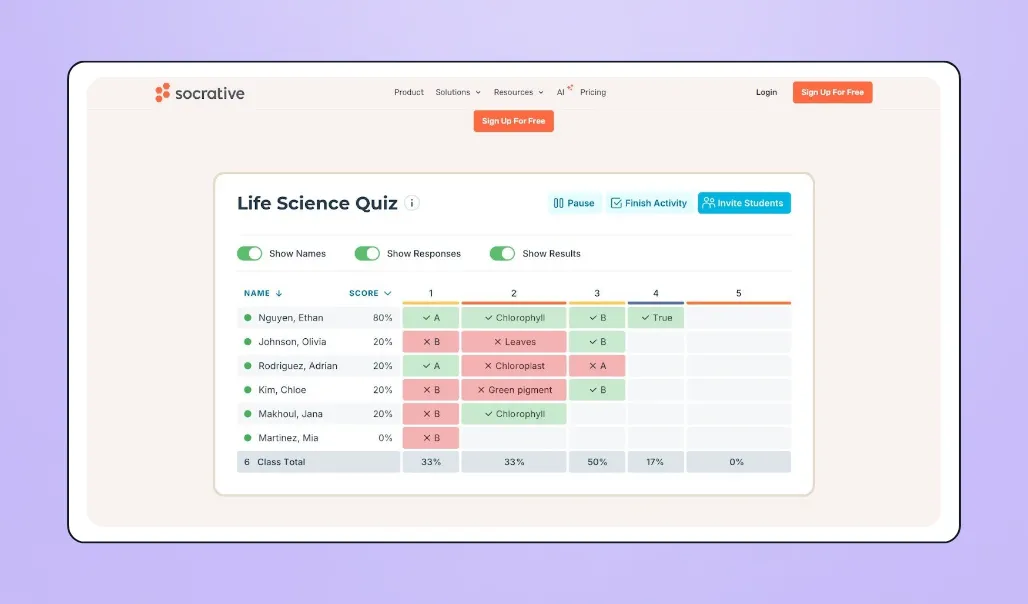
14. Socrative: For quick grading & feedback
Socrative enables teachers to create assessments, grade work, and provide immediate feedback. It also includes built-in analytics to track student understanding and progress.
💰 Price: Free plan available; Pro Teams plan starts at $15 per month
📣 Standout features:
- AI-assisted quiz creation
- Customizable assessments and question types
- Real-time response tracking and reporting
- Integrates with Showbie, Google Classroom, and more
✅ Best for: Teachers who want efficient progress tracking with engaging assignments
🔥 Our take: Socrative balances engagement with strong progress tracking. It provides more robust analytical tools than Kahoot! or Quizlet, making it a good fit for teachers who want both interaction and data-driven insight.
What users like about Socrative
“I love how quickly and effectively I can assess students formally or informally! I can gain a lot of useful information using Socrative to assess what students need extra help with.” — Verified Socrative user
Lesson planning apps for teachers
Gone are the days of countless binders, stacks of paper, and confusing computer filing systems. Lesson planning apps offer valuable time-saving organization tools for planning out your lessons and semesters, and make collaborating with other staff members easier than ever.
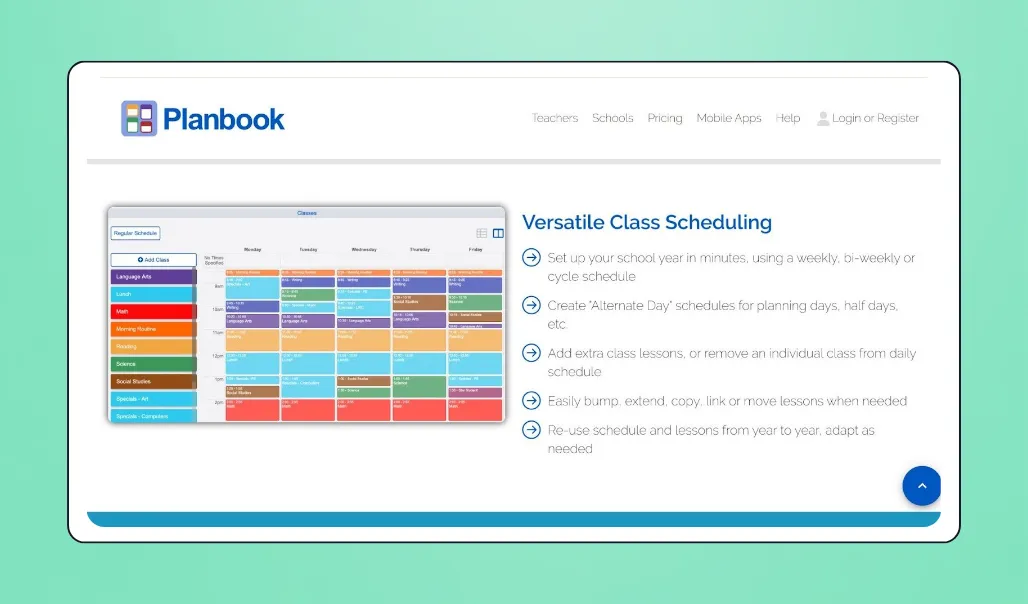
15. Planbook: For lesson planning & collaboration
With Planbook, teachers can map out every aspect of lesson planning, from adding custom content to collaborating with other staff members and organizing units and schedules.
💰 Price: Plans range from $14 to $20 per year
📣 Standout features:
- Custom lesson plan templates
- Track student progress with teacher-defined scales
- Custom views for students and staff
- Integrates with Google Classroom
✅ Best for: Comprehensive lesson planning, collaboration, and timetabling for students
🔥 Our take: Unlike many planning apps that lock core features behind a paywall, Planbook includes the same features across every plan. But if you’re looking for tools that offer engagement, grading, or communication, you might need to pair it with another platform.
What users like about Planbook
“I use this app like my calendar. I would be totally lost without it. Lesson tweaks are easy to do, and bumping and swapping lessons is a game-changer. My science department uses it to order equipment from the lab tech, who checks it every day. I love that I can quickly access it on my phone as it syncs effortlessly.” — Tine W., Planbook user
16. Trello: For organizing lessons, units, & semester plans
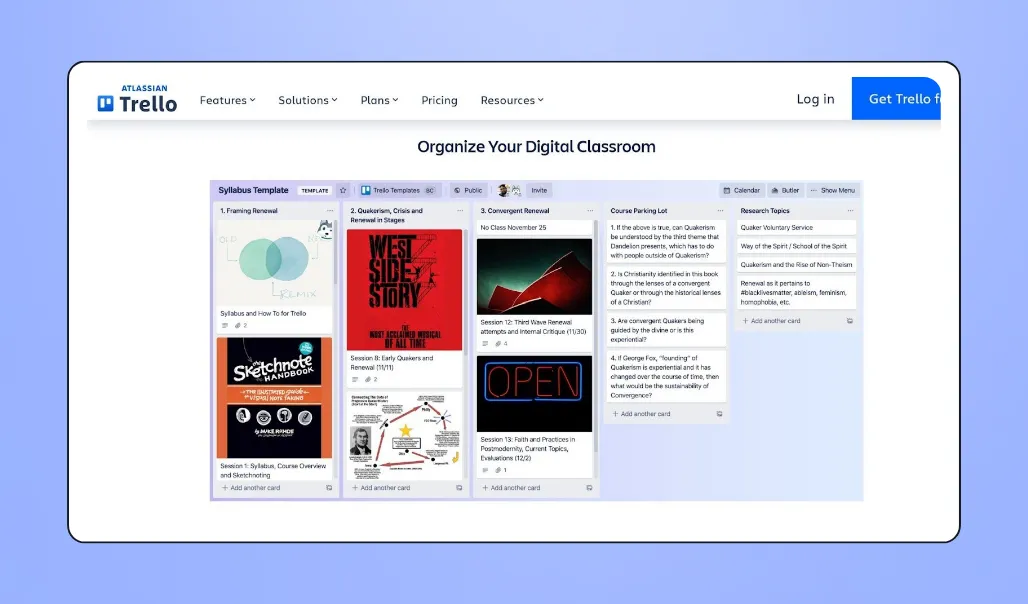
Trello is a flexible project management tool that teachers can adapt for lesson planning and classroom organization. Its familiar board view makes it easy to track tasks, collaborate with faculty members, and even plan an entire semester.
💰 Price: Free plan available for up to ten users; Pro plan starts at $10 per month; Enterprise pricing available with a custom quote
📣 Standout features:
- Prebuilt organization templates
- Real-time collaboration and updates
- Visual board-based planning
- Integrates with Google Classroom
✅ Best for: Powerful planning and collaboration tools; teachers who have experience using Trello for other projects or personal use
🔥 Our take: Trello’s visual, board-based approach to task management translates well to the classroom, helping teachers stay on top of planning, deadlines, and collaboration. Because it’s a general-purpose productivity tool, it may require some initial setup to tailor it for classroom use. Still, it’s intuitive enough for teachers to get started quickly, even without advanced tech experience.
What users like about Trello
“I've been a project manager, business owner, and teacher for years. Trello keeps people focused on what is important. It allows you to organize information in a helpful way and share it. With the plugins available, it is a very powerful tool.” — Darin H., Trello user
Attendance apps for teachers
Attendance apps create an accurate record of attendance history, saving time for teaching and learning, and helping identify any potential areas for concern. Often, they’re more secure and accurate than manual attendance sheets or basic digital forms.
17. OneTap: For streamlined attendance monitoring & visitor check-in
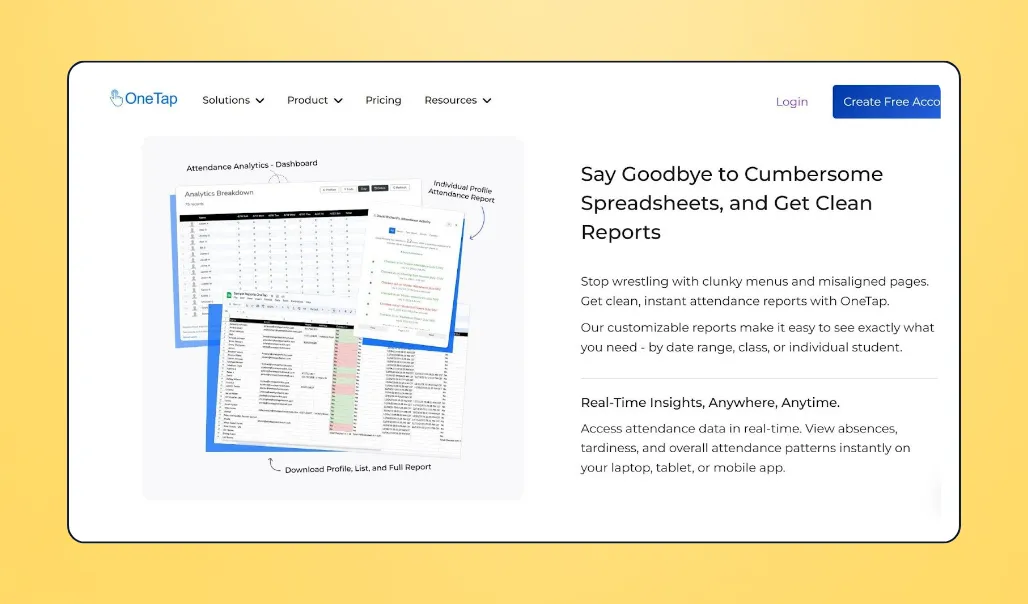
With OneTap, students can check in using photos, QR codes, check-in codes, or location. The platform automatically tracks attendance data and generates reports for easy monitoring.
💰 Price: Pricing ranges from free (up to 20 profiles) to $840 per year (1000 profiles)
📣 Standout features:
- Tracks class and after-school program attendance
- Visitor profiles
- QR code check-in
- Integrates with Google Sheets
✅ Best for: Large classes and schools looking for scalable, automated attendance
🔥 Our take: With OneTap’s automated reporting, schools can quickly identify and address potential areas of attendance concern. It also makes it easy to monitor who is on the premises in real time, adding an extra layer of safety and security.
What users like about OneTap
“Easy to use platform. Saves time and eliminates the need for keeping and tracking attendance on paper. Usable across multiple devices and for various functions.” — Synetra H., Associate Director & OneTap user
Fundraising apps for teachers
Teachers often find themselves funding classroom supplies out of pocket. These fundraising platforms for schools make it easier, more efficient, and even enjoyable to raise money for your classroom.
18. Givebutter: For fundraising events, peer-to-peer campaigns, & donation tracking
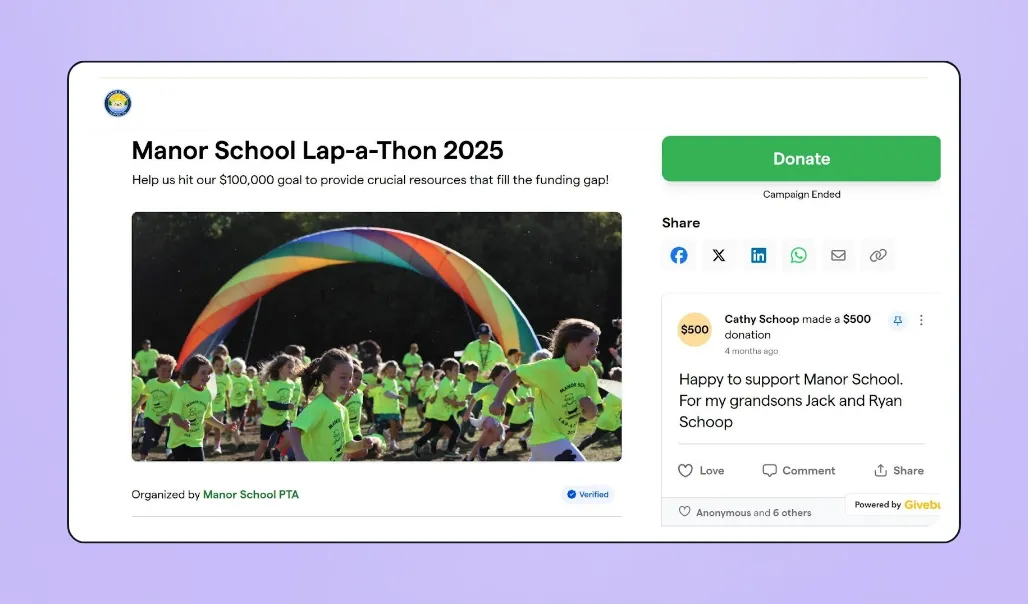
Givebutter makes it easy for teachers and school communities to raise money online, whether you're running a classroom campaign, a school-wide fundraiser, or a ticketed event.
💰 Price: Free with optional donor tips enabled (zero platform fees, zero processing fees). Prefer no tips? A flat 3% platform fee applies, plus standard payment processing
📣 Standout features:
- Customizable fundraising pages and donation forms
- Peer-to-peer fundraising with live leaderboards
- Ticketed events and silent auctions
- Text-to-donate and scan-to-donate
- Built-in email marketing and nonprofit CRM
✅ Best for: Schools and teachers who want flexible fundraising tools without platform fees
🔥 Our take: Givebutter brings fundraising pages, events, auctions, and donor management together in one free platform. Named the #1 nonprofit software of 2026 by G2, it's consistently rated as one of the easiest fundraising tools to use, making it a natural fit for teachers and PTOs who want to raise more without a steep learning curve or surprise fees.
What users like about Givebutter
“We love that Givebutter is streamlined, easy to use, and accessible from multiple points. The beautiful layouts are easy to edit and share, and the staff are always responsive and helpful when needed.” — Mackenna B., Development Manager in Primary & Secondary Education & Givebutter user

Raise more with free peer-to-peer fundraising
19. DonorsChoose: For raising money for classroom supplies
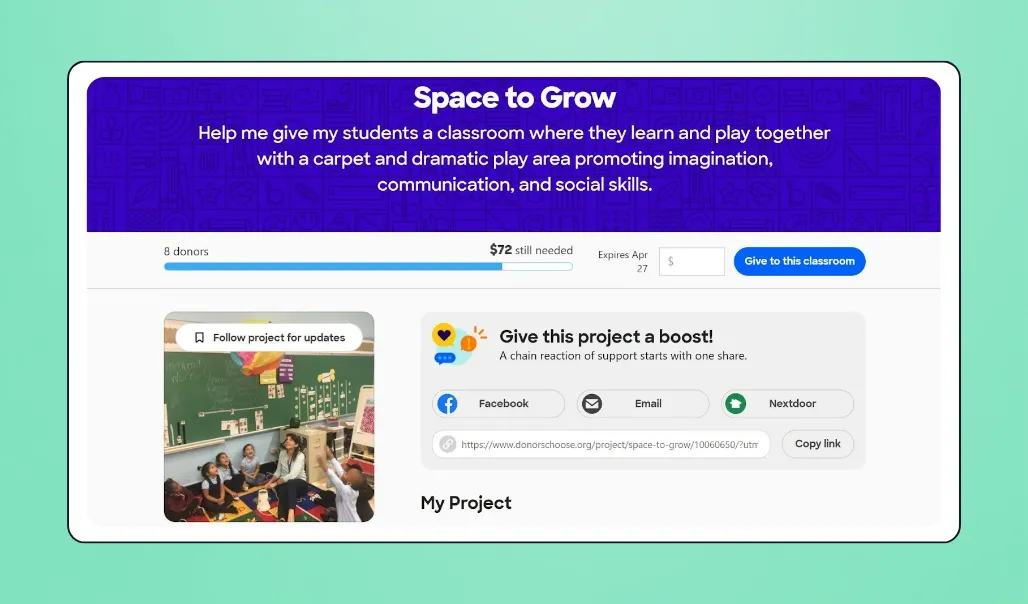
DonorsChoose is a nonprofit platform that helps public school teachers raise money for classroom materials through project-based campaigns. Once fully funded, DonorsChoose purchases and ships the items directly to the school.
💰 Price: $30 per project plus 1.5% processing fee
📣 Standout features:
- Pre-curated classroom supply catalog
- Simple project-based fundraising
- Monthly funding cycles
✅ Best for: Public school teachers raising money for project-specific classroom supplies
🔥 Our take: DonorsChoose offers a unique nonprofit fundraising model that connects teachers with donors who care about their specific classroom needs. While its structured approach simplifies campaigns, funds can only be used for items in its approved catalog, not for events, trips, or broader school initiatives.

20. Schoolfundr: For simple school fundraising & one-time campaigns
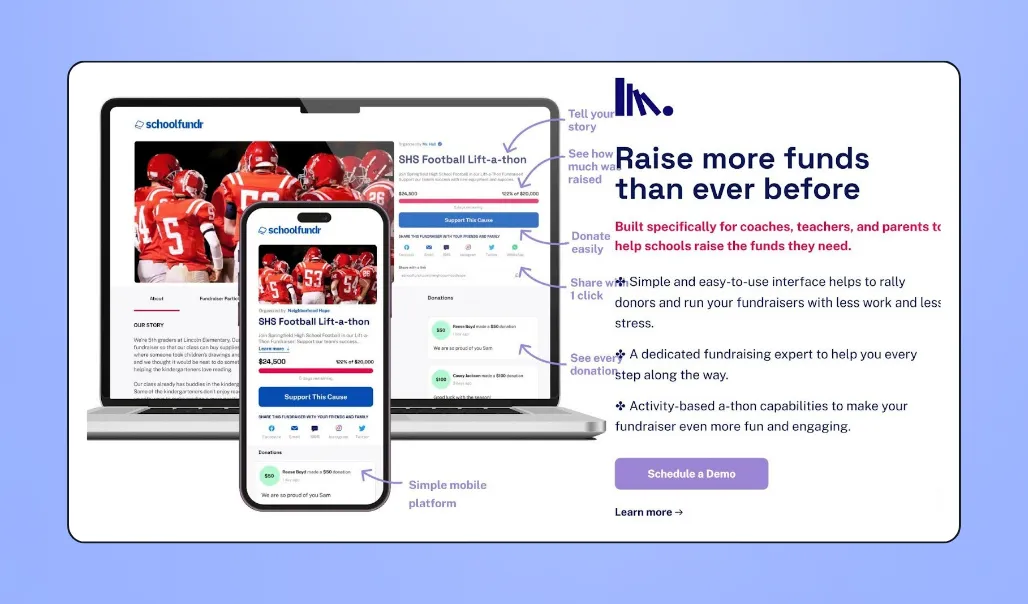
Schoolfundr allows schools and teachers to quickly launch online fundraisers with shareable fundraising pages and a straightforward setup.
💰 Price: Free with optional donor tips enabled; 2.9% + $0.30 Stripe processing fee per transaction
📣 Standout features:
- Personalized fundraising pages
- Easily shareable on social media
- Built-in guidance and support resources
✅ Best for: Teachers looking to quickly launch a one-time classroom fundraiser
🔥 Our take: Schoolfundr is a straightforward and budget-friendly choice for one-off campaigns. While its simplicity can be helpful, it lacks some of the features found in more comprehensive platforms, such as recurring giving and event management tools.
AI apps for teachers
AI tools can’t replace strong instruction, but they can reduce planning time, speed up grading, and generate ideas when you’re stuck staring at a blank screen.
The key is using AI for drafting, then refining outputs to align with student interests and classroom learning goals. Below, we’ve broken down the best AI tools for teachers, and when you should use them.
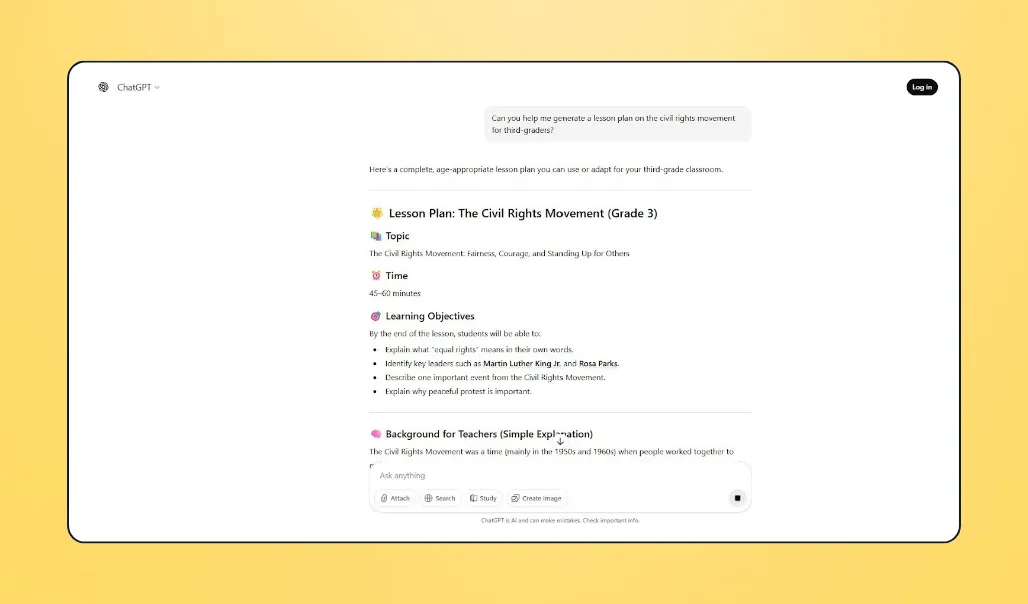
21. ChatGPT: For drafting lesson plans
General-purpose AI assistants like ChatGPT and Google Gemini are widely used in classrooms to help generate lesson ideas, outlines, and materials quickly.
💰 Price: Free plan offering basic generation features; Pro plans start at $20 per month
📣 Standout features:
- Draft lesson plans and unit outlines
- Generate quizzes and rubrics
- Write parent emails and report comments
✅ Best for: Brainstorming classroom ideas, reducing planning time, drafting communications
🔥 Our take: ChatGPT is a flexible tool for lifting some of the creative or administrative load. While it can be a helpful starting point, it’s not built specifically for classroom use. Teachers should review, fact-check, and adapt content to align with their curriculum and student needs.
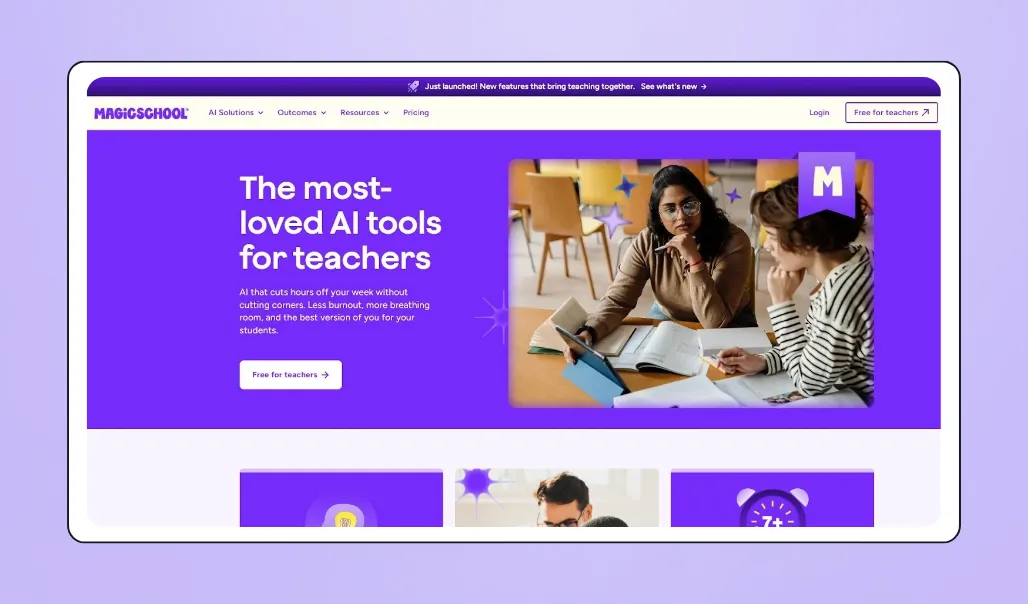
22. MagicSchool: For lesson planning & classroom communication
MagicSchool is a teacher-focused AI platform with built-in tools for common classroom tasks, including lesson planning, communication, and student-specific support.
💰 Price: Free plan with 80+ teacher tools; Plus plan starts at $8.33 per month; Enterprise plan requires custom quote
📣 Standout features:
- Education-specific AI tools for lesson creation
- Guides and lessons to help students interact with AI
- Built-in moderation aligned with district expectations
- Integrates with Classroom, Google Docs, Canvas, and more
✅ Best for: Teachers who want structured AI tools designed specifically for classroom use
🔥 Our take: MagicSchool is purpose-built for educators, which reduces the need for complex prompting. While it still requires some customization, it offers a more classroom-focused starting point than broader AI platforms.
What users like about MagicSchool AI
“MagicSchool saves me countless hours as a middle school teacher! The tools are always very user-friendly for both the teacher and student!” — John O., MagicSchool AI user
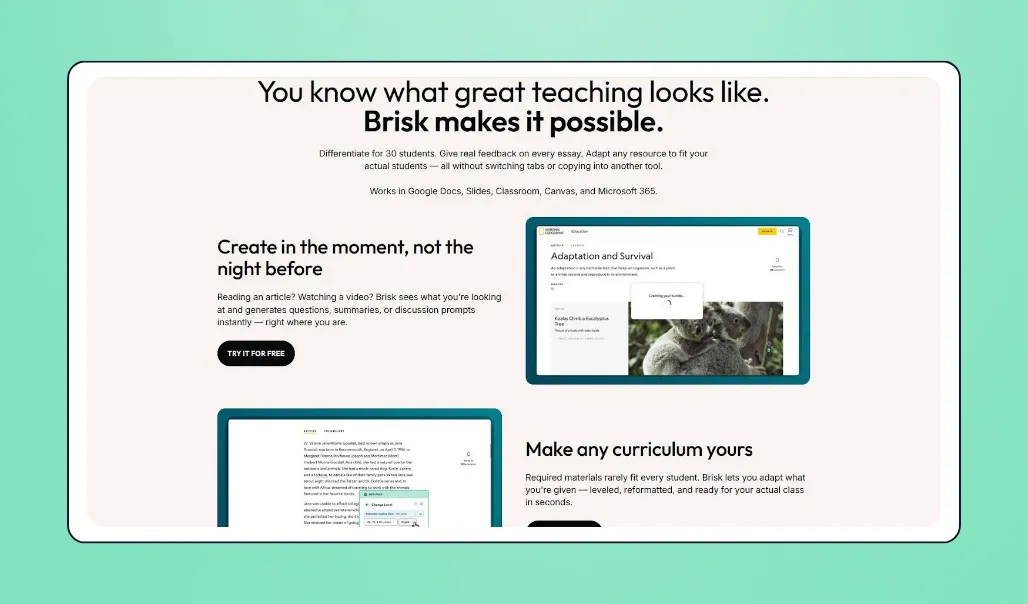
23. Brisk Teaching: For AI-powered feedback & lesson creation
Brisk Teaching is a Chrome extension designed to streamline teaching tasks with a range of AI tools built directly into your browser.
💰 Price: Free plan available; custom pricing for Schools & District plans
📣 Standout features:
- Turns articles or videos into worksheets and quizzes
- Video-style replay of student writing for developmental insights
- View learning patterns and get suggestions on what to teach next
- Integrates with Google Classroom
✅ Best for: Teachers already using Google Chrome tools who want AI integrated into their workflow
🔥 Our take: Brisk can enhance your existing classroom tools and provide deeper insights into student learning. But if you’re looking for a more built-out AI platform, it might not be the best fit.
What users like about Brisk
“The two main goals in our district are to use Brisk for teacher productivity and to teach students how to use AI responsibly. I've looked at a lot of student engagement AI platforms, and I feel Brisk is the best one. Students also love using it.” — Kari H., Brisk user
Start fundraising for your classroom with Givebutter
You don't need all 23 apps on this list. You need the right ones for how you actually teach. Start with one tool per category, keep what saves you time, and build from there.
When it comes to funding your classroom or school community, Givebutter gives teachers and PTOs everything they need in one place: fundraising pages, events, peer-to-peer campaigns, and donor management, all for free. It's the best fundraising platform for teachers who want to raise more without adding more to their plate.
Sign up for Givebutter and start raising money for your classroom today.
FAQs about apps for teachers
What app do teachers use to check for AI?
Teachers use tools like GPTZero, Copyleaks, Winston AI, and Turnitin to check student work for AI-generated content.
What apps are free for teachers?
Several popular apps offer free plans for teachers, including Google Classroom, Canva for Education, Gradescope, Quick Key, ClassDojo, and Remind. Givebutter also offers free access to core fundraising features when donor tips are enabled, making it one of the best free apps for teachers who need to raise money for classroom projects or supplies.
What apps should every teacher have?
Every teacher's toolkit looks a little different, but a few categories are worth covering: a classroom management tool like Google Classroom or Canvas LMS, a grading app like Quick Key or Gradescope, and an engagement tool like Kahoot! or Quizlet. If you need to fund classroom projects or supplies, Givebutter is a free fundraising app worth adding to the mix.
Is the Calm app for teachers free?
Calm no longer offers a free premium subscription for educators. However, it provides free PDF resources that teachers can use without a subscription.
Which teacher apps integrate with Google Classroom?
Google Classroom integrates with many popular teacher apps, including:
- Kahoot!
- Newsela
- Shoolytics
- Studyo
- BrainPOP
- Classcraft
- Formative
- Quizlet
Share this article







.svg)
.svg)