

.svg)
.svg)
.svg)
.svg)
.svg)
.svg)
.svg)
.svg)
.svg)


.svg)
.svg)
.svg)
.svg)
.svg)
.svg)
.svg)
.svg)

.svg)
.svg)
.svg)

.svg)

.svg)
.svg)
.svg)
.svg)
.svg)


.svg)
.svg)
.svg)
.svg)
.svg)
.svg)
.svg)





2 hr
Get your Giving Tuesday campaign launch-ready
Replace last-minute scrambling with one focused session that gets you organized, confident, and ready to raise this Giving Tuesday.
What you'll create
- A clear campaign goal tied to tangible impact
- A Giving Tuesday campaign, published or ready to publish
- A three-part email sequence, ready to send or schedule
Features you’ll use
- Campaign creator
- Email editor
- CRM
- Optional: Fundraising blocks (Givebutter Plus)
- Optional: Workflows (Givebutter Plus)
- Optional: AI connectors
Before you begin
- Confirm that you have Admin or Campaign Editor access.
- Gather one specific impact story, photos, and any confirmed matching gift details.
Start here
Get a quick walkthrough of what you’re about to create, then follow the steps below to bring it to life in Givebutter


Visit our help center or contact us.
Set your Giving Tuesday goal
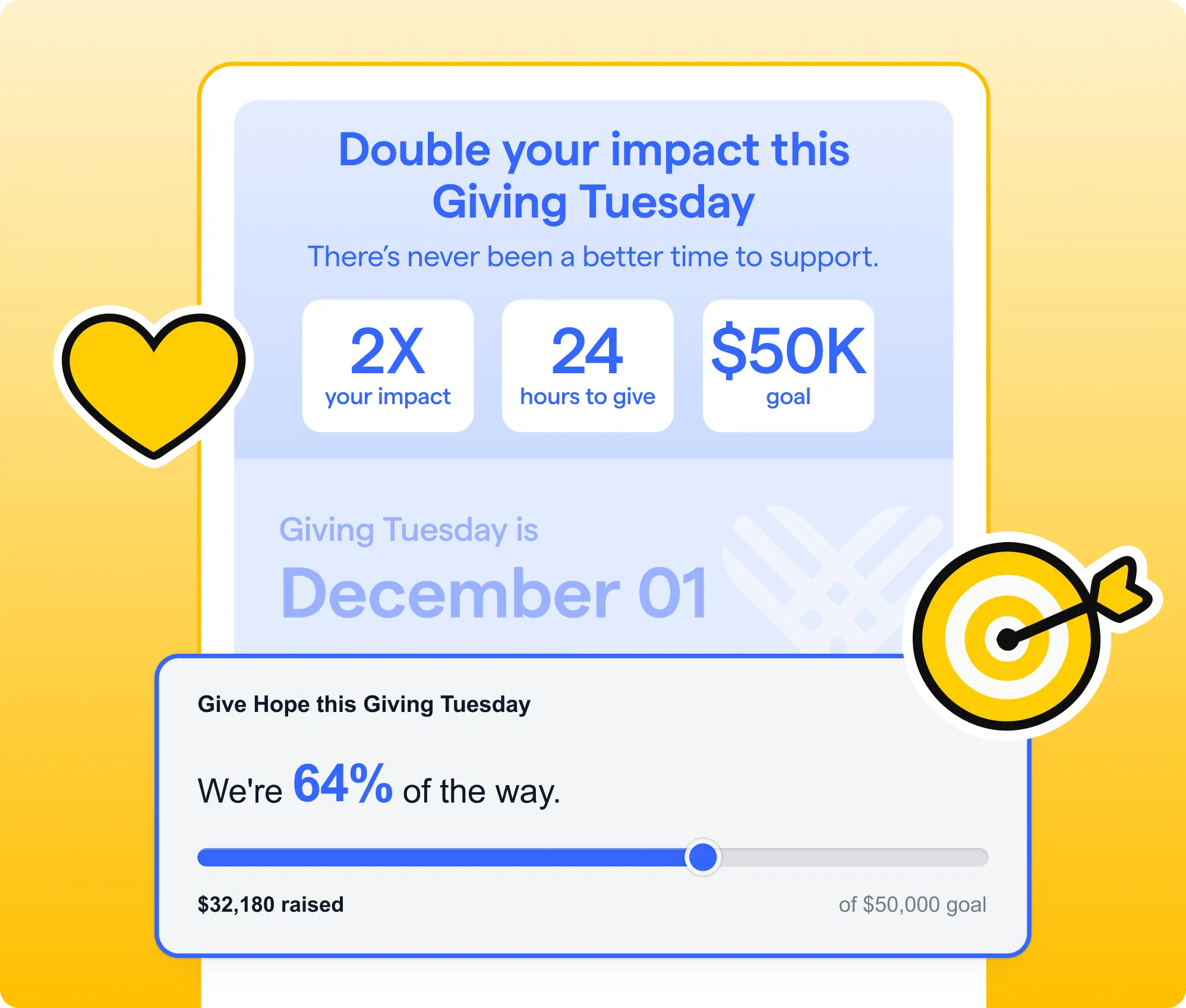
Start with the recommended goal in campaign setup. Use it as a starting point, then consider:
- What specific need or outcome will this amount fund?
- Is it ambitious enough to inspire action without feeling out of reach?
- Will a matching gift or committed early gifts help you go further?
Connect the amount to a clear result that supporters can rally around. For example, if $5K can fund 1,000 meals, explain that impact wherever you share your goal.
Once you’ve landed on the right number, set it as your campaign goal.
Build your Giving Tuesday page
A dedicated fundraising page gives your campaign its own story, goal, visuals, and urgency.
If this is your first Givebutter campaign, use the campaign creator’s draft as your starting point. Otherwise, draw inspiration from a strong past campaign.
Review these essentials:
- Title: Name the cause or outcome—not just “Giving Tuesday.”
- Story: Center one person, program, or point of impact.
- Goal: Explain what reaching the amount will make possible.
- Urgency: Give supporters a reason to act today.
- Match: If you have a confirmed matching gift, make the amount and deadline easy to spot.
- Visuals: Choose an authentic photo or video connected to the work.
Your page doesn’t need to explain everything about your organization. It needs to make the need, impact, and next step clear.
Build your email sequence
Create three emails that help supporters anticipate Giving Tuesday, take action, and feel appreciated:
- Warmup (1–2 weeks before): Introduce your goal and explain what support will make possible.
- Giving Tuesday ask (the morning of): Lead with the need and include one clear donation button.
- Thank you (the next day): Celebrate your community and share what their support will accomplish.
Start with a template in the email editor, or customize these free Giving Tuesday email templates for your campaign and community.
Create one version of each email for your general audience. Keep paragraphs short, use one primary CTA, carry over your campaign’s story and visuals, and add a recognizable signature.
Before moving on, confirm that each email has a clear subject line, a working campaign link, and one obvious next step.
Review & schedule
Review your campaign and messages as one connected experience. Each piece should reinforce the same goal, impact, and reason to act.
Before you finish, confirm that you have:
- A dedicated Giving Tuesday campaign
- A warmup, Giving Tuesday ask, and thank-you email
- Correct send dates, times, and audiences
- Desktop and mobile previews
- Test emails with working campaign links
Schedule your emails as far in advance as possible so you can focus on responding to donors, sharing progress, and celebrating your community on Giving Tuesday. If you’re not ready to schedule everything, save your work as drafts.
Want to make day-of follow-up easier? Set up Givebutter Plus workflows to automatically thank donors, apply campaign-specific tags, or create tasks when gifts come in.
Take it further
Personalize one email for a priority audience, such as past Giving Tuesday donors, lapsed donors, or new supporters.
Use CRM filters and segments to find the right group. Segments refresh automatically before your email sends, keeping your audience up to date.
Duplicate the relevant email, then tailor it using merge tags and details about the group’s relationship with your organization. With AI connectors, you can use ChatGPT or Claude with your Givebutter data to learn more about the audience and personalize your message.
Once connected, try prompts like:
- What do the supporters in [segment name] have in common, and what should I consider when messaging them?
- Draft a Giving Tuesday email for [segment name] that acknowledges their relationship with our organization and connects them to [campaign goal].
Start with one audience and one message—you don’t need to customize all three.
New to AI connectors? Get step-by-step guidance in Wildcard: Bring your nonprofit’s idea to life →
.webp)


.svg)
.svg)


