

.svg)
.svg)
.svg)
.svg)
.svg)
.svg)
.svg)
.svg)
.svg)


.svg)
.svg)
.svg)
.svg)
.svg)
.svg)
.svg)
.svg)

.svg)
.svg)
.svg)

.svg)

.svg)
.svg)
.svg)
.svg)
.svg)


.svg)
.svg)
.svg)
.svg)
.svg)
.svg)
.svg)





1.5 hr
Set up a strong recurring giving program
Set a recurring giving goal, create a dedicated donation form, and invite your strongest prospects to deepen their support.
.webp)
What you'll create
- A goal for your recurring giving program
- A recurring donation form ready to share
- Two or three saved prospect segments
- A personalized recurring giving invitation
Features you’ll use
- Reporting (Givebutter Plus)
- Recurring donations
- CRM
- Email editor
- Optional: Video messages (Givebutter Plus)
- Optional: AI connectors
Before you begin
- Confirm that you have Admin access to your Givebutter account.
- This playbook uses Givebutter Plus features. If you don’t already have Givebutter Plus, start your free trial before you begin.
- Make sure you have donor and transaction activity in Givebutter to review. If you’re new to Givebutter, import your existing contacts and transaction history before starting.
- Choose one program, service, or ongoing need to feature in your recurring giving campaign.
- Estimate what monthly gifts at a few different amounts could help fund.
- Optional: Connect Givebutter to ChatGPT or Claude before starting for help analyzing your recurring giving data and creating your campaign. You can find more guidance in Wildcard: Bring your nonprofit’s idea to life →
Start here
Get a quick walkthrough of what you’re about to create, then follow the steps below to bring it to life in Givebutter


Visit our help center or contact us.
Set your recurring goal
Before looking for potential recurring donors, understand where your program stands today and what you want it to achieve.
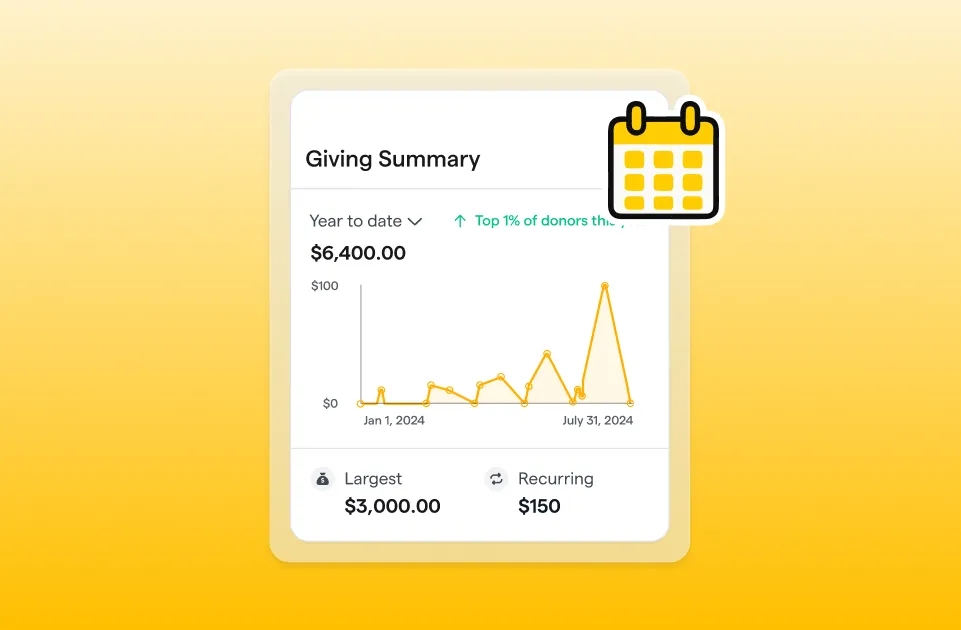
Open the ready-made “Recurring Giving” report in your Givebutter dashboard to review your current recurring revenue, active recurring donor count, and how both are changing over time. Use that baseline to define what sustainable recurring support could look like for your organization.
Choose a monthly revenue target, then work backward:
- How many recurring donors would you need?
- What average monthly gift could help you reach that amount?
- How large might your prospect pool need to be?
Your answers don’t need to form a perfect forecast. The goal is to replace “grow recurring giving” with a specific target that can guide how many prospects you identify and which giving amounts you suggest.
Build your recurring giving form
Create a dedicated donation form for your recurring giving program.
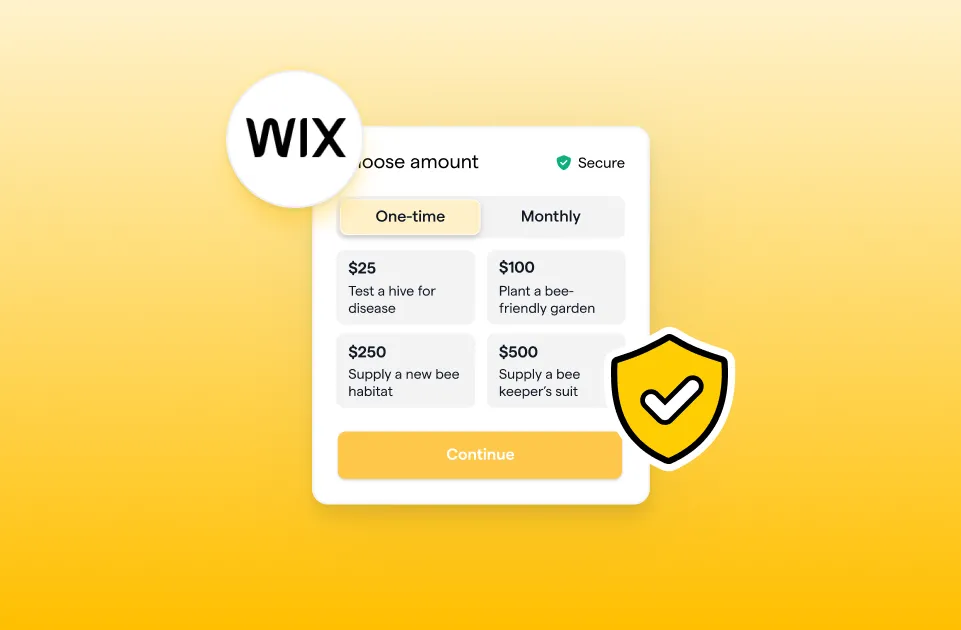
Explain what dependable support makes possible, and connect each suggested amount to a specific, believable outcome. Then, enable recurring plans and the one-time-to-recurring donation offer.
We recommend making monthly giving the default frequency. It provides your organization with the most predictable revenue and follows the kind of recurring payment schedule donors already use in their daily lives. You can also offer quarterly or annual options when they fit your audience.
Provide three or four suggested amounts at different price points, plus a custom amount option. If your program has defined giving levels with specific benefits, you may choose to offer only those amounts.
Preview the donation form on desktop and mobile. Once everything looks right, publish the form and copy its share link (you’ll use it in Step 4 below!).
Find your best prospects
Use smart filters in your CRM to find two or three groups whose giving history suggests they may be ready to give regularly.
Enter one request at a time, using exact campaign names, dates, donation counts, or amounts. Try prompts like:
- Show donors who made at least three successful donations between [start date] and [end date].
- Show donors who gave at least [$ amount] between [start date] and [end date].
Review the filters before applying them to confirm that the dates and transaction details match your request. Exclude supporters who already have active recurring plans, then refine the prompt or adjust the filters manually if needed.
Save each filtered group as a segment. These segments will help you tailor your message and invite supporters with a clear reason to consider recurring giving.
Write a personal invitation
Use these outreach templates or the “Monthly Giving” template in the email editor as a starting point, then tailor an invitation to each segment.
A longtime supporter and a recent first-time donor need different reasons to consider recurring giving. Adjust the subject line, preview text, and message to reflect each group’s existing relationship with your organization.
A strong invitation should:
- Recognize the supporter’s connection to your mission.
- Explain why dependable support matters now.
- Suggest a specific recurring amount.
- Show what that amount could accomplish.
- Link directly to your recurring donation form.
When your message is ready, create an outbound email, select the saved segment you want to reach, and send or schedule your invitation.
Take it further
For a small group of priority prospects, you can use Givebutter Plus to send a video message directly from each supporter’s contact profile.
Record and send a separate message to each person. Thank them for their past support, reference something specific about their relationship with your organization, and personally invite them to consider a recurring monthly gift.
To expand your reach, give your program a dedicated page on your website and embed your Givebutter form. Share the page on social media and include it in newsletters or other supporter communications to keep recurring giving visible year-round.
With AI connectors, you can also explore your recurring giving strategy using prompts like:
- Which non-recurring donors behave most like our recurring donors?
- What recurring giving messages should we test with [segment name]?
Want even more guidance as you grow your program? Monthly Giving Builder connects with Givebutter and offers a guided way to keep building. Use code BUTTER50 for 50% off an annual license.


.svg)
.svg)


