

.svg)
.svg)
.svg)
.svg)
.svg)
.svg)
.svg)
.svg)
.svg)


.svg)
.svg)
.svg)
.svg)
.svg)
.svg)
.svg)
.svg)

.svg)
.svg)
.svg)

.svg)

.svg)
.svg)
.svg)
.svg)
.svg)


.svg)
.svg)
.svg)
.svg)
.svg)
.svg)
.svg)





.svg)





It’s the night before your monthly board check-in, and you’re scrambling to put together a spreadsheet that gives a rundown of your nonprofit’s performance. To make matters more stressful, you know one or two of your fundraising campaigns are short of their goals.
A nonprofit fundraising report card can turn that scramble into a clear snapshot of campaign performance, with a grade and next steps to help your team decide what to focus on.
This guide lays out a step-by-step approach to building your nonprofit fundraising report card, key metrics to include, and a free, downloadable template that works for any nonprofit.
Key takeaways
- It’s a snapshot summary 📷 A fundraising report card gives a concise overview of your nonprofit’s performance, with a grade and next steps.
- Include six key elements 🗝️ Structure your report card around total vs. goal revenue, retention, campaign performance, cost efficiency, donor engagement, and year-over-year trends.
- Add benchmarks 🎯 Add performance benchmarks based on nonprofit data and industry averages.
- Create a grading system 👨🏫 Use a traffic light system or grades A to D to highlight where your nonprofit is succeeding and where you need to improve.
- Craft a plan of action 🎬 Map out steps for improvement if your nonprofit has fallen short of your benchmarks.
- The right tools make it seamless 🧈 With Givebutter Plus reports, you’ll have all the data you need to build your fundraising report card at your fingertips.
What is a fundraising report card?
A fundraising report card is a graded summary of your fundraising performance that gives your board and team members a clear overview at a glance. Nonprofits create and present them monthly, quarterly, or annually.
It covers key fundraising metrics, like revenue trends, campaign efficiency, and donor retention, and it grades your performance against set benchmarks.
What to include in a fundraising report card (6 essential elements)
Structure your fundraising report card around these six key elements. When viewed together, they paint a vivid picture of your nonprofit’s current health and future performance.
We’ll break each one down in the table below, including what each measures and why it matters.
Download your free fundraising report card template
Download your free customizable fundraising report template. It includes the six key elements listed above, plus built-in benchmarks.
Fill in your nonprofit’s data, and you’ll have a board-ready nonprofit report card, along with actionable next steps to improve your fundraising strategy.
.png)
How to build your fundraising report card step by step
The best fundraising report cards strike a balance between providing enough detail to be valuable and simplifying your data so it’s easy to understand.
Here’s how to build a fundraising report card in five steps.
Step 1: Pull your data 📈
Start by exporting your data from your CRM, including total donations, recurring donors, individual campaign performance, and results from any fundraising event report forms.
Givebutter brings donations, campaigns, and event activity together in one place, so you can review fundraising results in your dashboard without piecing together exports. Add those results to your report card alongside the other metrics that matter to your team.
Step 2: Set benchmarks 🎯
Next, set a standard for each metric. The template includes starter benchmarks for retention, cost efficiency, and email engagement.
Compare your actual data with each standard to see whether you’re on track, outperforming expectations, or in need of adjustment.
💡 Pro tip: If you’ve been tracking your nonprofit’s metrics over time, look at month-over-month and year-over-year trends and averages to determine the standards your nonprofit should aim for.
Step 3: Assign a grading system 🚦
Once you’ve compared your existing data to your nonprofit benchmarks, choose a rating system, either traffic lights or grades A to D. Each rating corresponds to an outcome, whether it’s a certain percentage of donors retained, number of $1K+ donations, or total donation amounts by campaign.
A clear grading system, paired with your benchmarks, shows which areas of your fundraising strategy are working and which need attention.
🎬 See it in action: A nonprofit’s average donor retention rate is 40%. They create a traffic light grading system: 39–43% is yellow, 38% or less is red, and 44% or higher is green.
💡 Pro tip: With each rating, note which factors drove the result. This makes it easier to repeat your successes and learn from areas that need improvement.

Step 4: Create a plan of action 🌟
Flag any underperforming metrics and create a plan of action to improve your grade for the next reporting period.
This shifts your fundraising report card from a record of your current state to an actionable plan you can present to your board. It also takes the pressure off any areas where you haven’t quite hit your goals.
🎬 See it in action: A nonprofit team creates a plan for a “Red” donor retention rating: a three-email re-engagement sequence and an appreciation sequence for existing donors. They automate their donor communications workflow with Givebutter Plus to help with the heavy lifting.
Step 5: Present to your board 🎤
This is where your fundraising report card comes together. It’s designed specifically for easy presentation. After all, you’ve already done most of the legwork, measuring your nonprofit’s results against a benchmark and laying out a plan of action in areas where you’re falling short.
Bring a one-page summary of your report card to your next check-in. Update it quarterly to present to your board, or monthly during your peak campaign seasons.
Create your fundraising report card with Givebutter
A report card grades your fundraising performance and turns the results into a plan for improvement. With the right metrics, you’ll have a detailed overview of your nonprofit’s overall health that your board can understand at a glance. The question is no longer, “How did we do?” It’s, “Where do we go next?”
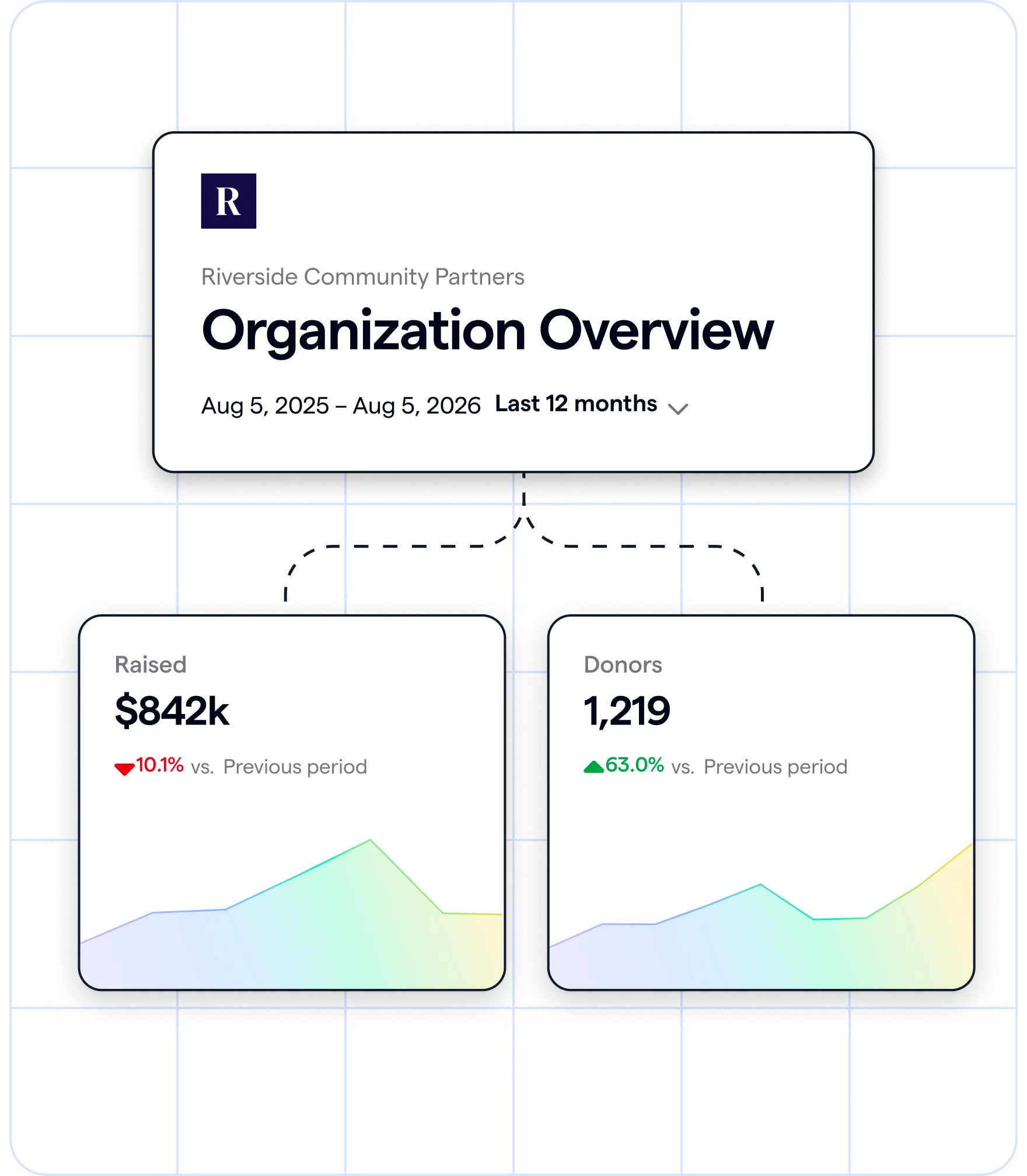
With Givebutter, you won’t have to spend hours searching for the right data for your report card. You can access donor and campaign data in just a few clicks using Givebutter Plus ready-made reports. And because Givebutter is an all-in-one fundraising, event management, and CRM platform, you can keep your data in one place.
Build your report card with Givebutter Plus
Sign up for your free Givebutter account today and start building your fundraising report card.
FAQs about fundraising report cards
How is a fundraising report card different from a KPI dashboard?
A KPI dashboard is a live view that tracks nonprofit metrics like top donors, average donation size, and donor retention rate in real time. With Givebutter, your KPI dashboard runs in the background.
A fundraising report card is a snapshot showing how a nonprofit is performing in key fundraising areas. It also includes a grade and a plan for improving results in underperforming areas. Fundraising report cards don’t run in real time. Instead, you create them monthly or quarterly, depending on your fundraising calendar.
How often should nonprofits produce a fundraising report card?
Produce a fundraising report card quarterly. This gives enough time for meaningful trends to emerge, and you’ll also have enough time to address any downward trends before they become issues.
If you’re running a lot of new fundraising campaigns, create a monthly fundraising report card to monitor which are worth repeating and which need adapting.
Share this article



.jpg)





.svg)
.svg)


